


Core value: One-click generate realistic physics experiment videos—dynamic demos, precise models—making teaching more intuitive and efficient.
📖Prompt Template
🎯Customizable Parameters (3)
Experiment Environment Description:
e.g., lab environment with high-tech equipment on the experiment table.
e.g., lab environment with high-tech equipment on the experiment table.
Experiment Object Description:
e.g., two charged small balls.
e.g., two charged small balls.
Experiment Action Description:
e.g., collision and observation of charge transfer process.
e.g., collision and observation of charge transfer process.
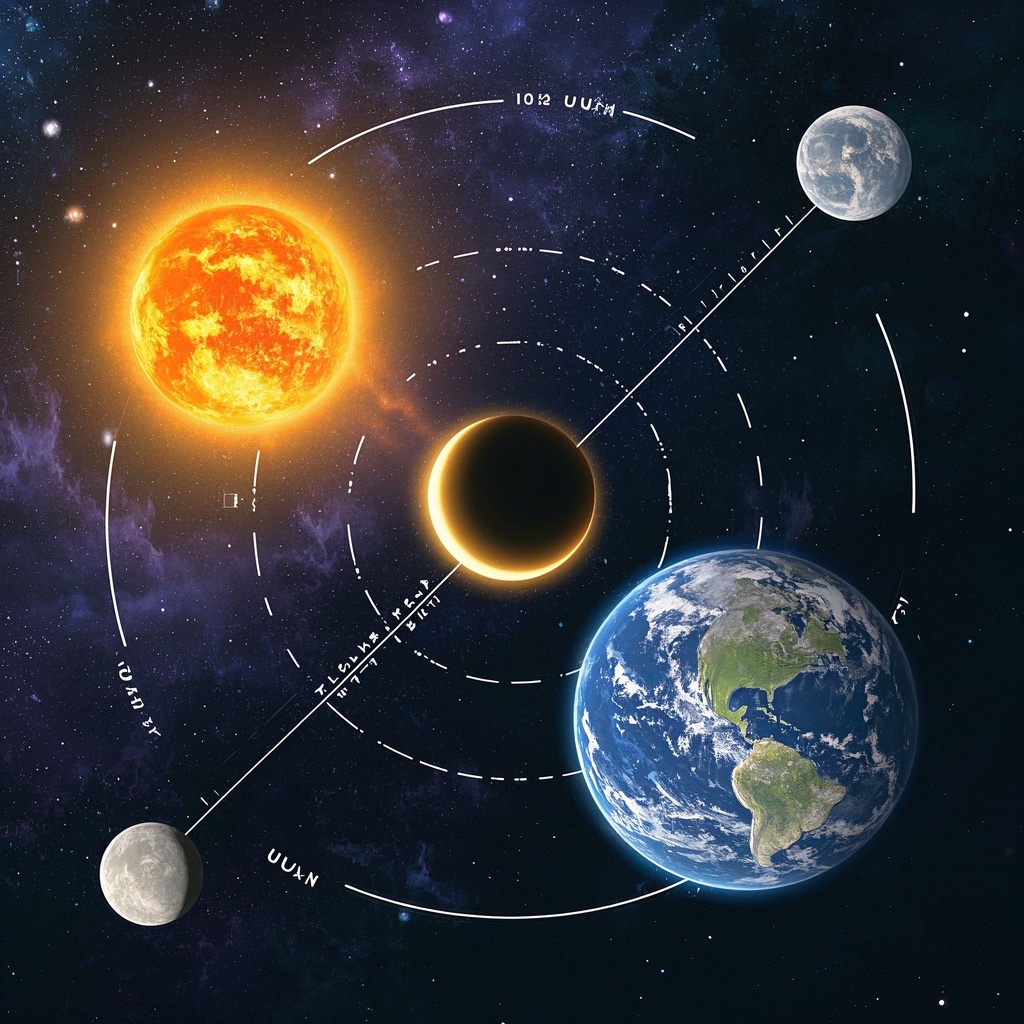
🎨Example Effect
✅Feature Summary
- One-click generate classroom-ready physics experiment videos, with clear dynamics, quickly present hard-to-setup phenomena.
- Customize environment and equipment parameters to accurately reproduce condition changes and enable repeated comparisons.
- Auto-switch multi-angle and slow-motion to highlight key moments and details, boosting comprehension and retention.
- Sync visuals and narration pacing, support step-by-step display and annotations, helping teachers explain principles systematically.
- High-precision lighting and physics rendering realistically reproduce motion trajectories and force changes, enhancing immersion.
- Template-based input of environment, objects, actions to generate different versions, quickly adapting to grade levels and chapters.
- Support batch generation with unified style to build a series of teaching resources, saving prep time.
- Serve as safe alternatives for dangerous, costly, or time-consuming experiments, enabling quality demos in regular classrooms.
- Cover in-class, online, and review materials, consistently conveying core concepts and typical processes.
🎯Problems Solved
Create a reusable prompt set for physics experiment demo videos for teachers,教研 teams, and educational content creators. With three inputs (environment, object, action), quickly generate realistic, dynamic, projectable experiment demos—supporting multi-angle views and key phenomenon emphasis to help students grasp principles faster. Significantly cut equipment and safety costs, shorten prep time, build a standardized material library, improve lesson quality and interaction, and drive trial-to-paid upgrades.

This content is Paid Resources. Please pay to view
$1.8 Today Only
$60
$60
VIPFreeSVIPFree
Buy now
You are not logged in currently!
Paid Resources
© Copyright Notice
THE END










No comments yet