


📖Prompt Template
💡 Core Value: Generate realistic product scene renderings with a single click. Clear composition and fine rendering make your PPT presentations more professional and eye-catching!🎯 Customizable Parameters (2)
Product Description:
To describe the product’s appearance, functionality, or features, for example: A modern smart coffee machine with a touch screen and automatic cleaning function.
Scene Description:
To describe the product’s application environment, for example: A bright home kitchen with wooden cabinets and marble countertops as the background.
🎨 Example Effect
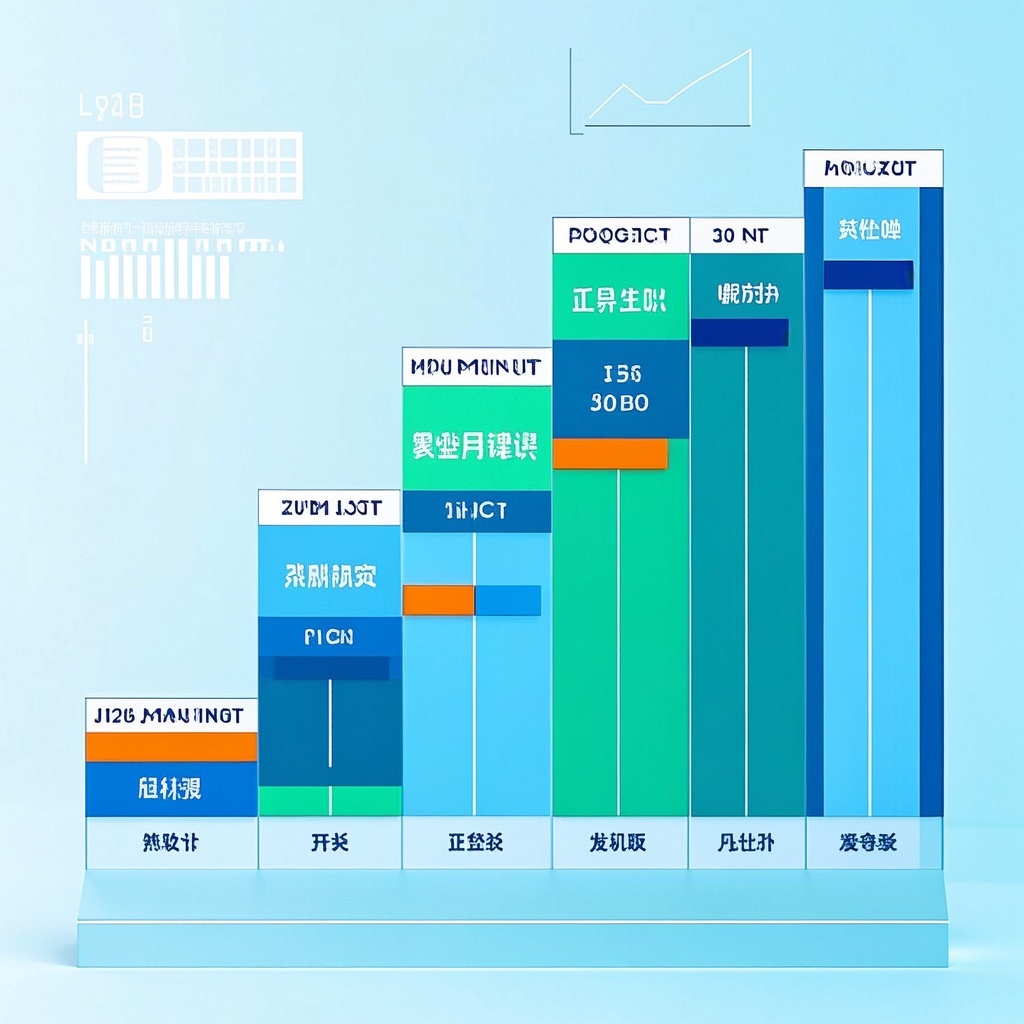
![Image [1]-Product Use Case Diagram-VyPrompt](https://apihub-public.oss-cn-beijing.aliyuncs.com/uploads/421ab63a-31cd-442a-a907-a249e881d2e6.png)
![Image [2]-Product Use Case Diagram-VyPrompt](https://apihub-public.oss-cn-beijing.aliyuncs.com/uploads/2bcde1d8-c9b8-4701-ac70-721554088f7e.png)
![Image [3]-Product Use Case Diagram-VyPrompt](https://apihub-public.oss-cn-beijing.aliyuncs.com/uploads/f099588a-7423-485d-b9b4-1e093b88782c.png)
✅ Feature Summary
- Generate realistic product application scenarios with a single click to visually present product selling points and significantly enhance the persuasiveness of PPTs and presentations.
- Automatically optimizes composition and lighting effects for more natural details, allowing non-art professionals to produce professional-grade visuals.
- Flexibly input product and scene descriptions to quickly adapt to different industries and channels, reducing communication costs.
- Generate high-resolution outputs with clear details that can be enlarged for use in posters, websites, bids, and presentations without loss of quality.
- Compatible with major text-to-image engines, enabling shared templates across teams for stable content production.
- Support brand color and style descriptions to maintain visual consistency and ensure brand uniformity in external displays.
- Quickly generate different scene versions (e.g., stores, construction sites, classrooms, medical facilities) for A/B testing and optimization.
- Combine narrative copy with visual elements to create unified stories and images, enhancing audience understanding and memory retention.
🎯 Problems Solved
Enables non-design professionals such as product managers, marketers, sales representatives, and entrepreneurs to quickly generate realistic product scene renderings. With minimal input, produce high-quality visuals ready for use in PPTs, presentations, websites, and proposals. Accurately showcase the product’s usage and value in specific environments, maintain brand visual consistency, reduce production time, lower design costs, enhance customer understanding and trust, and streamline the transition from trial to purchase.
This content is Paid Reading. Please pay to view
$1.8Today Only
$68
$68
VIPFreeSVIPFree
Buy now
You are not logged in currently!
Paid Reading
© Copyright Notice
THE END














No comments yet