


Core value: One-click generate professional timeline charts, clear progress milestones, more efficient PPT visuals and easier collaboration.
📖Prompt Template
🎯Customizable Parameters (3)
Timeline Style:
Layout style, e.g., horizontal, vertical, circular.
Layout style, e.g., horizontal, vertical, circular.
Key Milestones:
Description of key nodes, e.g., project initiation, planning, execution, delivery.
Description of key nodes, e.g., project initiation, planning, execution, delivery.
Color Scheme:
Overall palette, e.g., blue-white gradient, grayscale, brand colors.
Overall palette, e.g., blue-white gradient, grayscale, brand colors.
🎨Example Effect
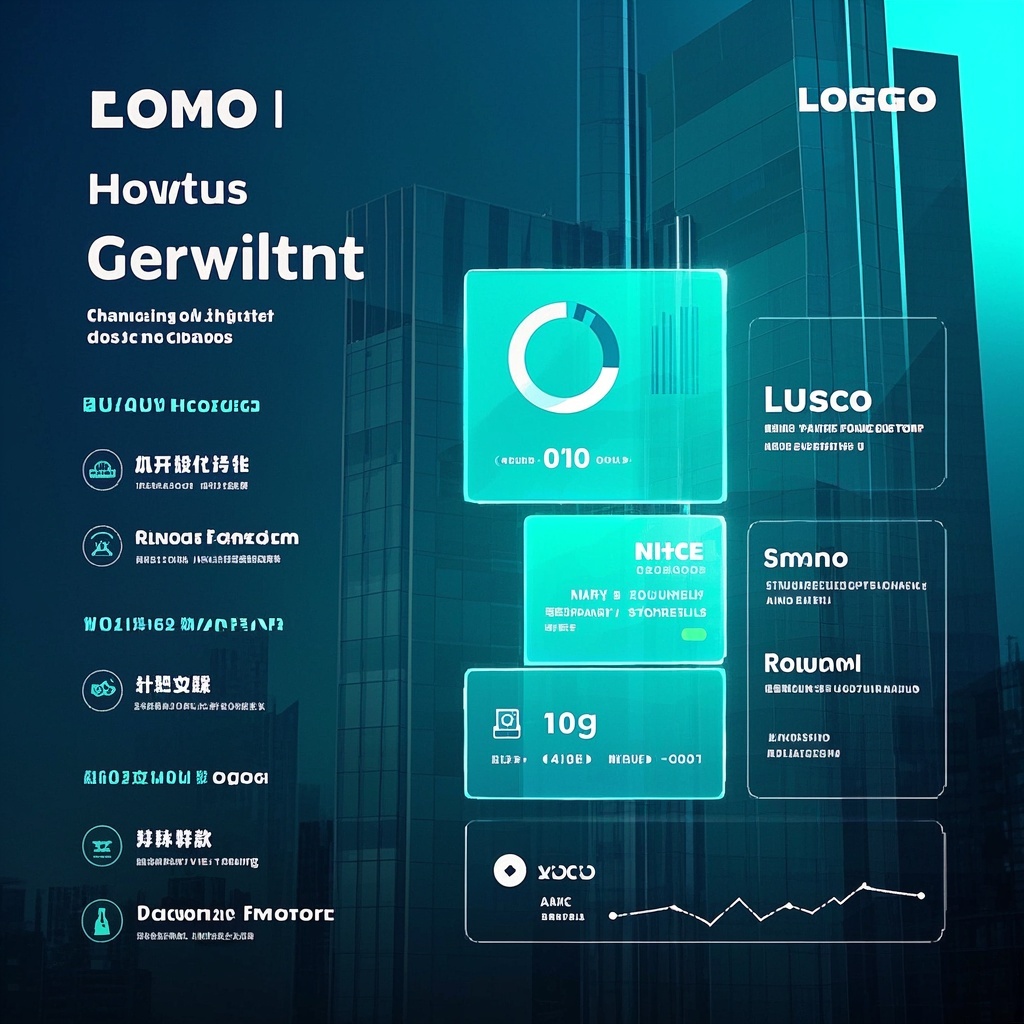
![Image [1]-Schematic Diagram Of Project Phase Timeline-VyPrompt](https://apihub-public.oss-cn-beijing.aliyuncs.com/uploads/1ab12bee-a26e-46a1-b019-9dc748714bda.png)
![Image [2]-Schematic Diagram Of Project Phase Timeline-VyPrompt](https://apihub-public.oss-cn-beijing.aliyuncs.com/uploads/102629ce-2289-4733-ad38-b1c5bd6c29d6.png)
✅Feature Summary
- One-click generate project timeline PPT visuals, clearly showing milestones and aligning understanding quickly in meetings.
- Customize style and colors to match brand, unifying all presentation materials.
- Auto-label milestones, phase goals, and deadlines to reduce manual work and avoid omissions.
- High-res output for screens and print, with sharp details for professional reviews and client demos.
- Optimize layout according to project pace, highlighting current stage and next steps for instant clarity.
- Preset templates for kickoffs, weekly reports, and retrospectives enable quick, consistent output.
- Generate and compare multiple versions rapidly to pick the best and save iteration time.
- Friendly for cross-team communication, visualize progress and risks for non-technical colleagues.
- Flexibly input milestone features and notes, auto-generate standardized labels for better accuracy and readability.
- Balanced composition and modern business style attract attention and enhance storytelling and memorability.
🎯Problems Solved
Enable project managers, PMO, R&D, and ops teams to generate enterprise timeline slides for PPT in minutes. Clearly show phases and milestones, auto-match brand colors and modern style, reduce rework and comms costs, boost presentation quality and meeting efficiency, and help teams quickly align and drive progress.
This content is Paid Resources. Please pay to view
$1.8 Today Only
$60
$60
VIPFreeSVIPFree
Buy now
You are not logged in currently!
Paid Resources
© Copyright Notice
THE END















No comments yet