


Core value: One-click generate corporate highlight visuals—refined composition, striking data—boosting presentation appeal and credibility.
📖Prompt Template
🎯Customizable Parameters (3)
Highlights:
Key points to emphasize in success cases, e.g., annual growth data, project results, partner logos.
Key points to emphasize in success cases, e.g., annual growth data, project results, partner logos.
Visual Style:
Visual style definition, e.g., minimalist modern, tech-driven, premium business.
Visual style definition, e.g., minimalist modern, tech-driven, premium business.
Background Elements:
Background elements description, e.g., corporate building, simple meeting room, abstract data visualization.
Background elements description, e.g., corporate building, simple meeting room, abstract data visualization.
🎨Example Effect
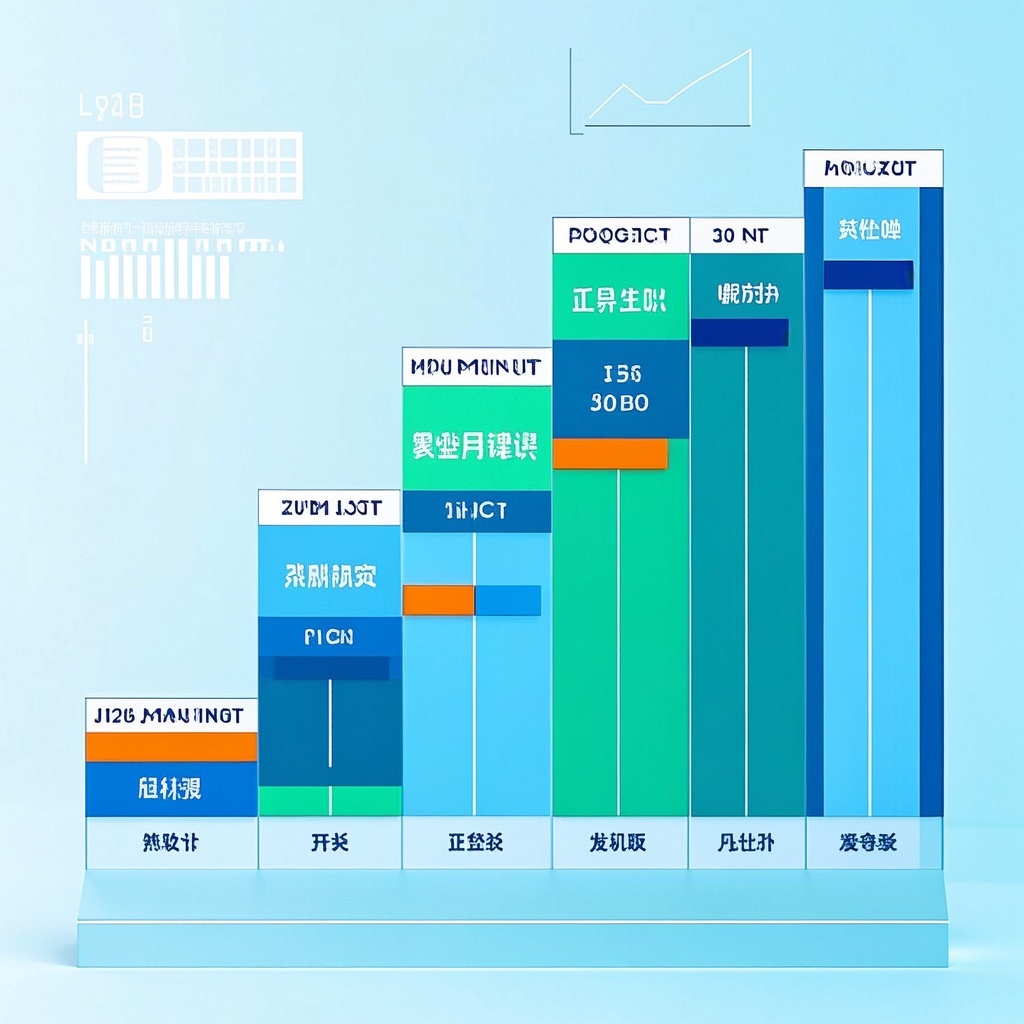
![Image [1]-Corporate Success Case Illustration-VyPrompt](https://apihub-public.oss-cn-beijing.aliyuncs.com/uploads/41cc157c-bab9-49cf-9daa-f0281cc3c1ed.png)
![Image [2]-Corporate Success Case Illustration-VyPrompt](https://apihub-public.oss-cn-beijing.aliyuncs.com/uploads/e424a0f6-91c6-4f3d-aa28-4b29761fb5e9.png)
![Image [3]-Corporate Success Case Illustration-VyPrompt](https://apihub-public.oss-cn-beijing.aliyuncs.com/uploads/7798f3b3-205d-42c8-8a32-9b4c0dd8d9e5.png)
✅Feature Summary
- One-click generate case study visuals, auto-embed data charts and results, making reports clearer and more persuasive.
- Smartly match brand colors and logo placement, unify visual language, reduce rework and communication costs.
- Quick switch between styles—corporate, tech, warm—easily adapt to industries and channels.
- Auto-optimize composition and lighting, highlight key data and outcomes, help decision-makers focus and act faster.
- Contextual background options: meeting rooms, production lines, R&D centers—enhance realism and immediacy.
- Template-based customization for highlights, style, and background; batch-generate multiple versions to cut turnaround time.
- Auto-adapt to various sizes (PPT, websites, social posters) without manual resizing.
- Built-in copy suggestions and title guides, combine text and visuals for better understanding and conversion.
- Lock sensitive info and approved wording to reduce compliance risks and maintain professional credibility.
🎯Problems Solved
Help marketing, PR, sales, and management teams quickly generate brand-consistent, credible success-case visuals for reports, bids, website case pages, and social media. By flexibly inputting case highlights, visual style, and background elements, automatically build well-composed, richly layered, color-harmonized images, integrating key data charts and company logos to emphasize outcomes, boost persuasion, and improve conversion.
This content is Paid Resources. Please pay to view
$1.8 Today Only
$60
$60
VIPFreeSVIPFree
Buy now
You are not logged in currently!
Paid Resources
© Copyright Notice
THE END

















No comments yet