


Core value: One-click generate poetic ancient-style illustrations—dreamy mood, fine details—making poetry learning more intuitive and enjoyable.
📖Prompt Template
🎯Customizable Parameters (7)
Core Poetic Imagery:
Original poem text, key lines, or detailed description of the core scene, imagery, and emotional tone.
Original poem text, key lines, or detailed description of the core scene, imagery, and emotional tone.
Key Visual Elements:
Specific description of essential elements and their relationships—e.g., natural scenery, figures, architecture, objects.
Specific description of essential elements and their relationships—e.g., natural scenery, figures, architecture, objects.
Art Style Preference:
Preferred artistic style type.
Preferred artistic style type.
Emotional Tone:
The mood or atmosphere to convey.
The mood or atmosphere to convey.
Composition Preference:
Preferred perspective or framing.
Preferred perspective or framing.
Specific Era/Cultural Elements:
Description of specific dynasty costumes, architectural styles, or cultural symbols to include.
Description of specific dynasty costumes, architectural styles, or cultural symbols to include.
Usage Scenario:
Specific application context for the generated artwork.
Specific application context for the generated artwork.
🎨Example Effect
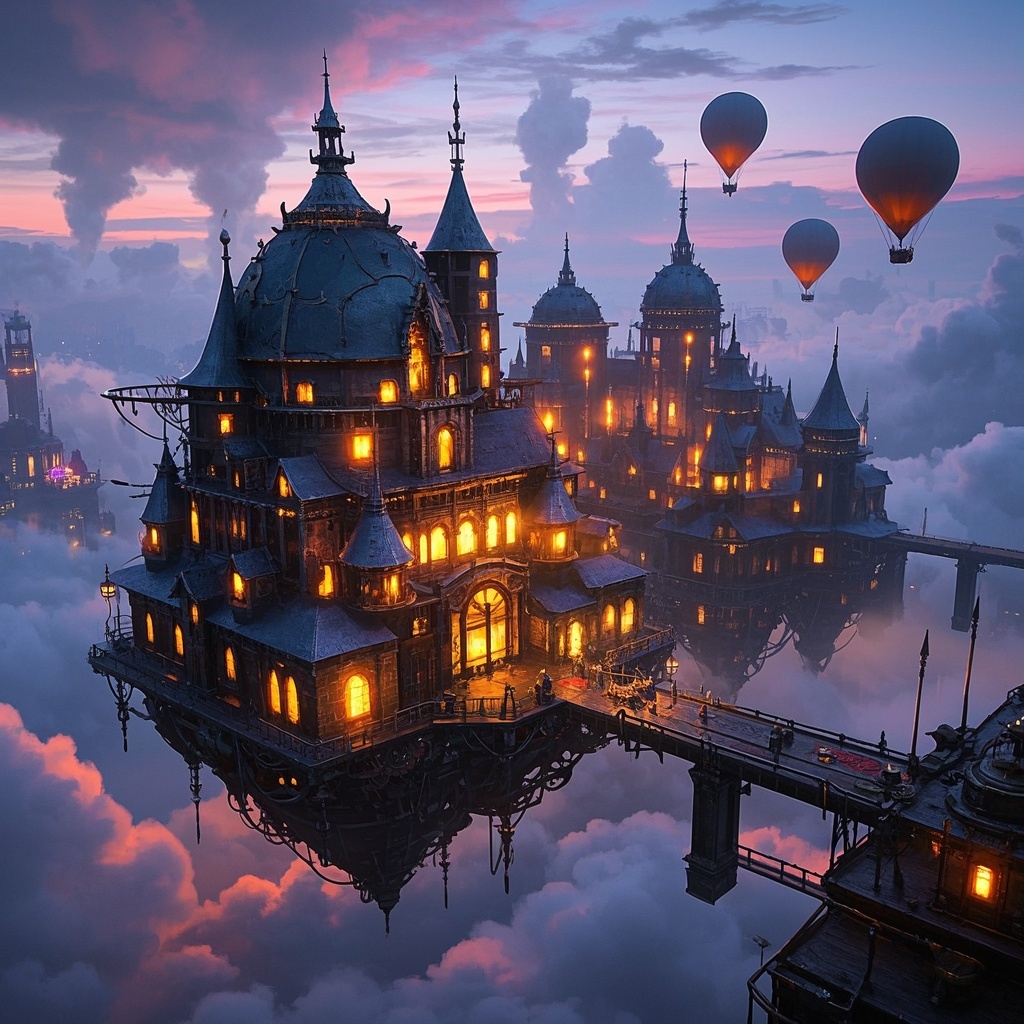
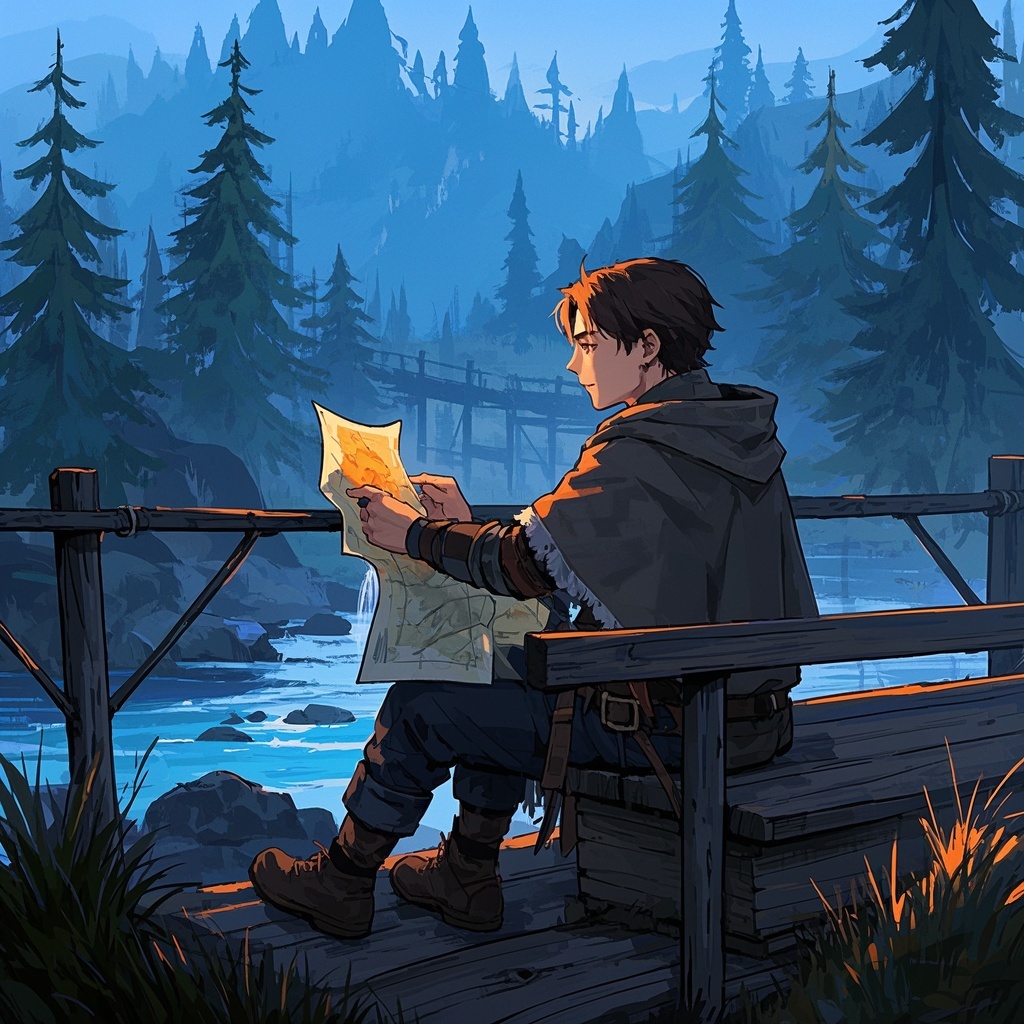
![Image [1]-Ancient poetry artistic illustration-VyPrompt](https://apihub-public.oss-cn-beijing.aliyuncs.com/uploads/7c4eea28-7af8-4076-a31a-4d94dc16cfda.png)
![Image [2]-Ancient poetry artistic illustration-VyPrompt](https://apihub-public.oss-cn-beijing.aliyuncs.com/uploads/b1a5cedb-0e6f-4d5d-bbee-fbd5a4512b5f.png)
![Image [3]-Ancient poetry artistic illustration-VyPrompt](https://apihub-public.oss-cn-beijing.aliyuncs.com/uploads/42072755-b20a-4c89-b581-a3d06c16e522.png)
✅Feature Summary
- One-click turn poetic imagery into visuals—soft colors, rich layers—help classrooms grasp meaning quickly.
- Auto-extract scenes and key elements from verses, generate detailed illustrations that directly convey emotion and atmosphere.
- Flexibly describe scenes and elements, customize composition and lighting per need, fit diverse teaching materials.
- Built-in education-friendly art style, harmonious figures and nature, suitable for lesson plans, test explanations, projection.
- Provide multiple visual approaches, one-click fine-tune tones and lighting, quickly pick the best poetic match.
- Stable generation, speed controllable, switch landscape/portrait, ready for PPT, handouts, WeChat images.
- Smartly optimize composition, balance subject and background, avoid clutter, improve viewing comfort.
- Support thematic batch creation, coherently present whole poems or collections, build series materials and branded columns.
- Clarity for screen and print, consistent colors, enhance student viewing and retention.
🎯Problems Solved
With “visualized poetry” as the core value, help teachers, supplement authors, cultural organizations, and content creators quickly generate art illustrations aligned with ancient poem scenes. Simple input yields high-quality, consistent visuals—enhancing classroom engagement and comprehension, cutting selection and revision time, supporting lesson plans, posters, reading events, social media, etc., and ultimately driving course conversion and knowledge product monetization.
This content is Paid Resources. Please pay to view
$1.8 Today Only
$60
$60
VIPFreeSVIPFree
Buy now
You are not logged in currently!
Paid Resources
© Copyright Notice
THE END











No comments yet