


Core value: Animated teaching makes complex concepts easy with dynamic demos and clear highlights, doubling classroom effectiveness.
📖Prompt Template
🎯Customizable Parameters (3)
Course Topic:
Description of the course knowledge point, e.g., graphs and properties of quadratic functions.
Description of the course knowledge point, e.g., graphs and properties of quadratic functions.
Character Description:
Description of the character in the scene, e.g., a young teacher in a white shirt, holding a pointer and explaining.
Description of the character in the scene, e.g., a young teacher in a white shirt, holding a pointer and explaining.
Background Style:
Description of the background, e.g., a clean classroom background with formulas and charts on the blackboard.
Description of the background, e.g., a clean classroom background with formulas and charts on the blackboard.
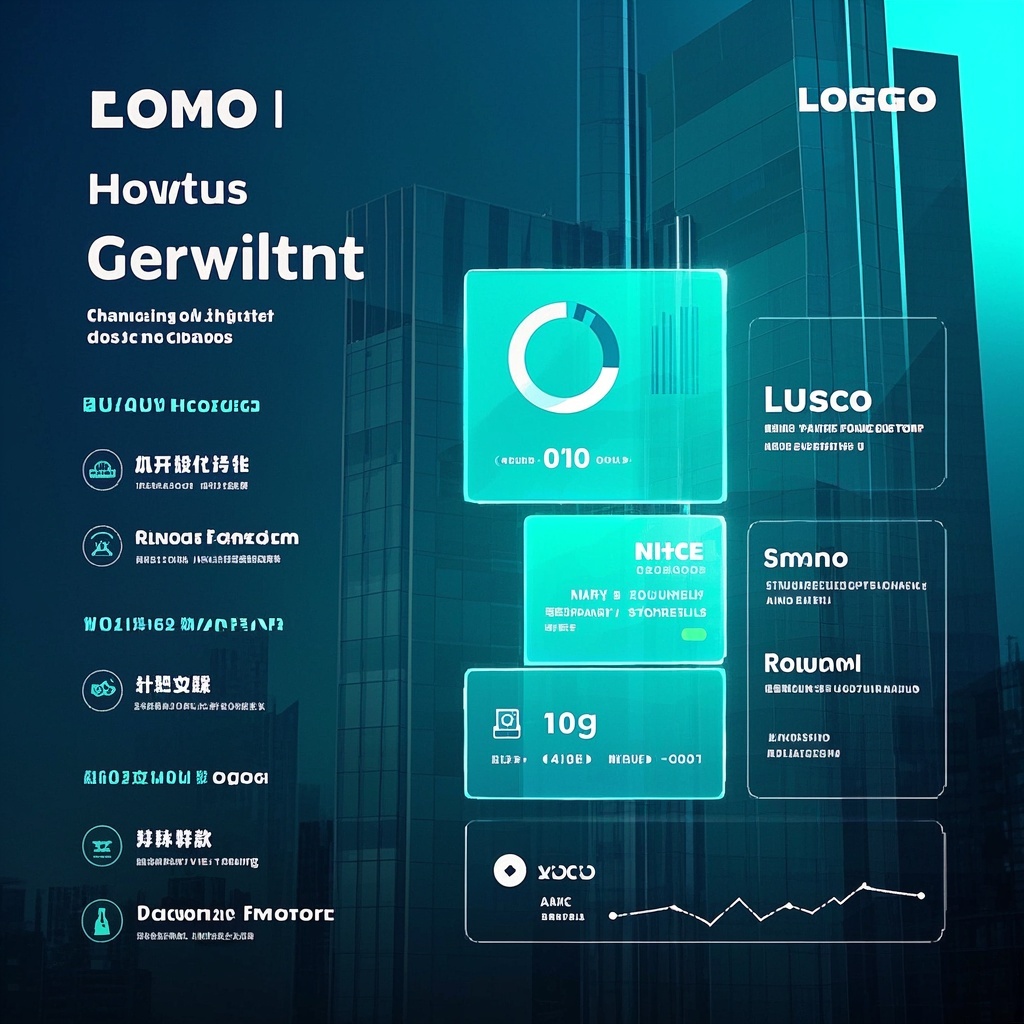
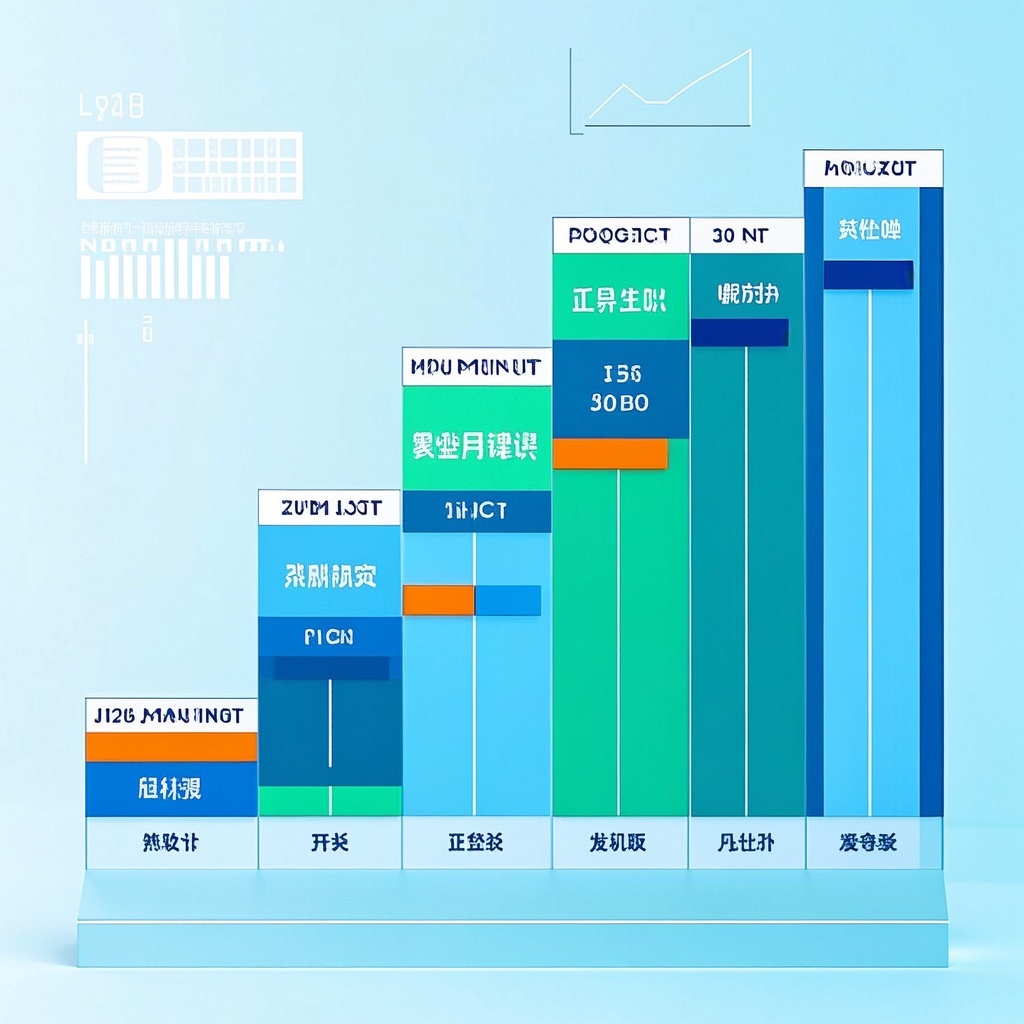
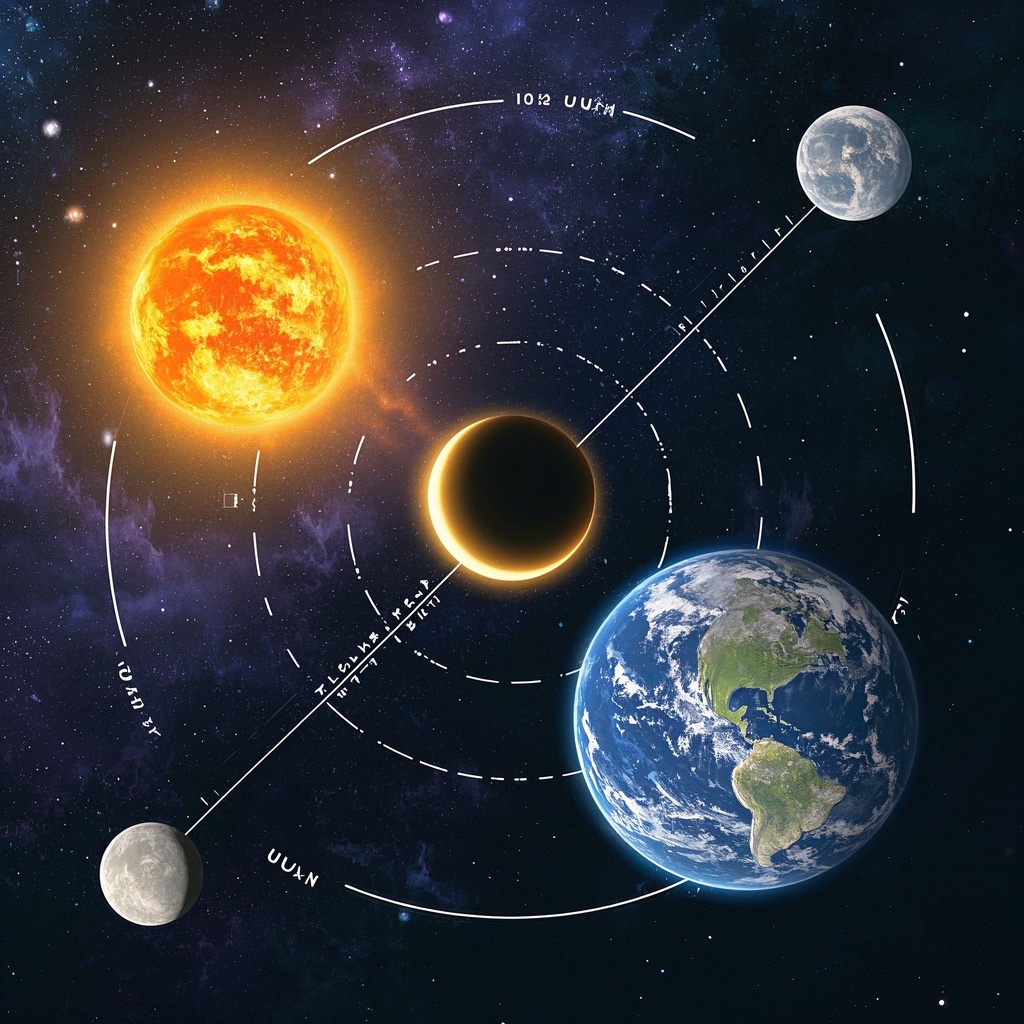
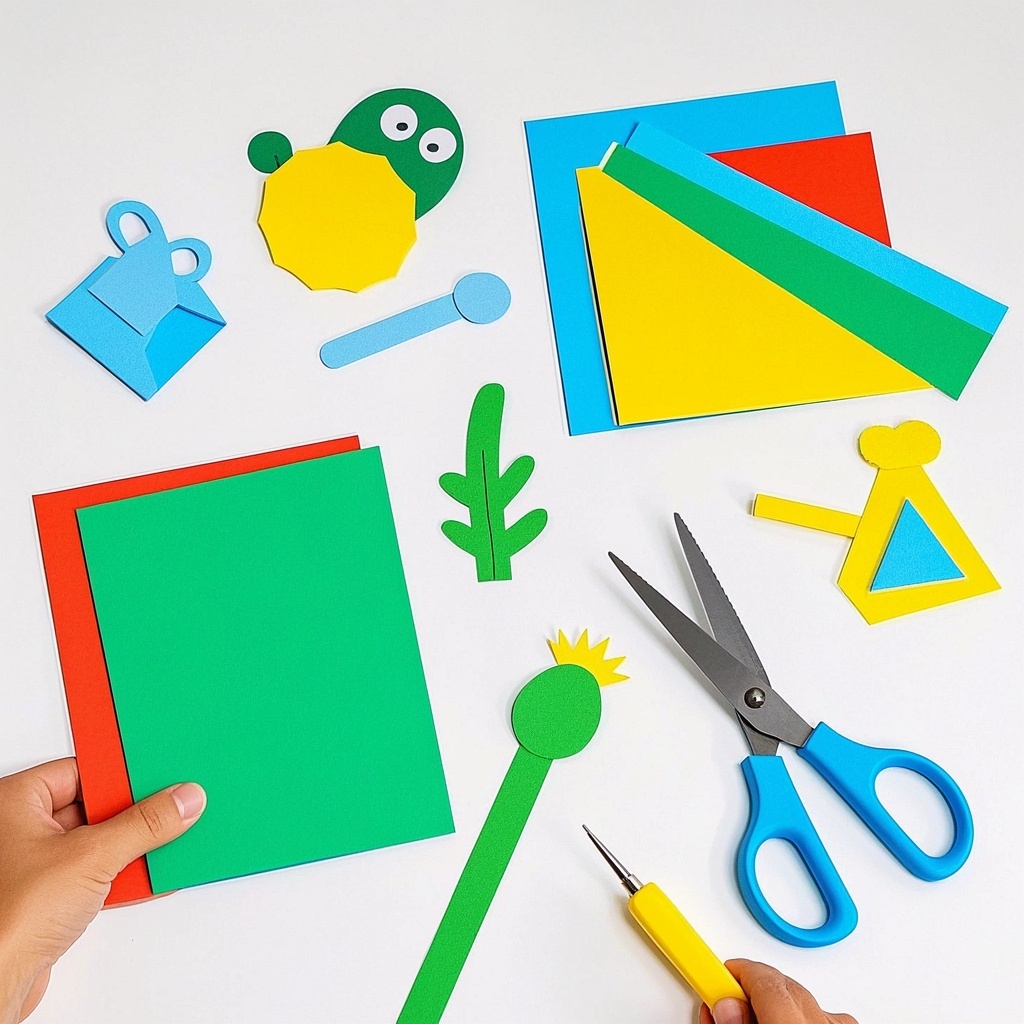
🎨Example Effect
✅Feature Summary
- One-click generate course animations—complex concepts broken down dynamically, helping students understand faster and retain more.
- Auto-emphasize key points and difficult areas, show critical steps frame by frame, keeping lectures focused and students on track.
- Template-based parameters allow flexible adjustment of characters, backgrounds, and topics to quickly fit subjects and levels.
- Easily create micro-lecture videos suitable for introductions, reviews, and online teaching—ready for multiple scenarios.
- Auto-optimize pacing and structure with appropriate information density, avoiding lengthy explanations and boosting learning efficiency.
- One-click swap teaching topics, generate multiple versions instantly for comparison, and choose the best fit for your class.
- Support unified style and output standards to build a school or institution resource library, improving teaching consistency.
- Visualize abstract concepts and formulas, making logical processes visible to enhance exam and practical performance.
- Zero threshold for animation creation—no complex editing or art skills needed, beginners can start quickly.
- Easy sharing and reuse across courseware, social media, and teaching research, amplifying content impact continuously.
🎯Problems Solved
Target teachers, researchers, training institutions, and knowledge bloggers: quickly turn abstract knowledge into clear animated micro-lessons. Use visual highlights, dynamic demos, and a unified teaching style to boost student understanding and retention while cutting prep costs. Support customization for different subjects, levels, and brand identities, and batch-produce series for class introductions, key-point breakthroughs, review, and social media—driving trial users to experience instant video creation and convert to paid.

This content is Paid Resources. Please pay to view
$1.8 Today Only
$60
$60
VIPFreeSVIPFree
Buy now
You are not logged in currently!
Paid Resources
© Copyright Notice
THE END











No comments yet