


Core value: One-click tech-themed opening video: dynamic shots, immersive vibe – boost expo buzz, attract more visitors.
📖Prompt Template
🎯Customizable Parameters (4)
Exhibition theme:
core concept, e.g., future tech, AI, green sustainability.
core concept, e.g., future tech, AI, green sustainability.
Display highlights:
key elements/activities, e.g., robot demo, light show, interactive zone.
key elements/activities, e.g., robot demo, light show, interactive zone.
Background style:
visual backdrop, e.g., futuristic blue gradient, tech-line motion graphics.
visual backdrop, e.g., futuristic blue gradient, tech-line motion graphics.
Dynamic style:
motion expression, e.g., slow push-ins and quick cuts.
motion expression, e.g., slow push-ins and quick cuts.
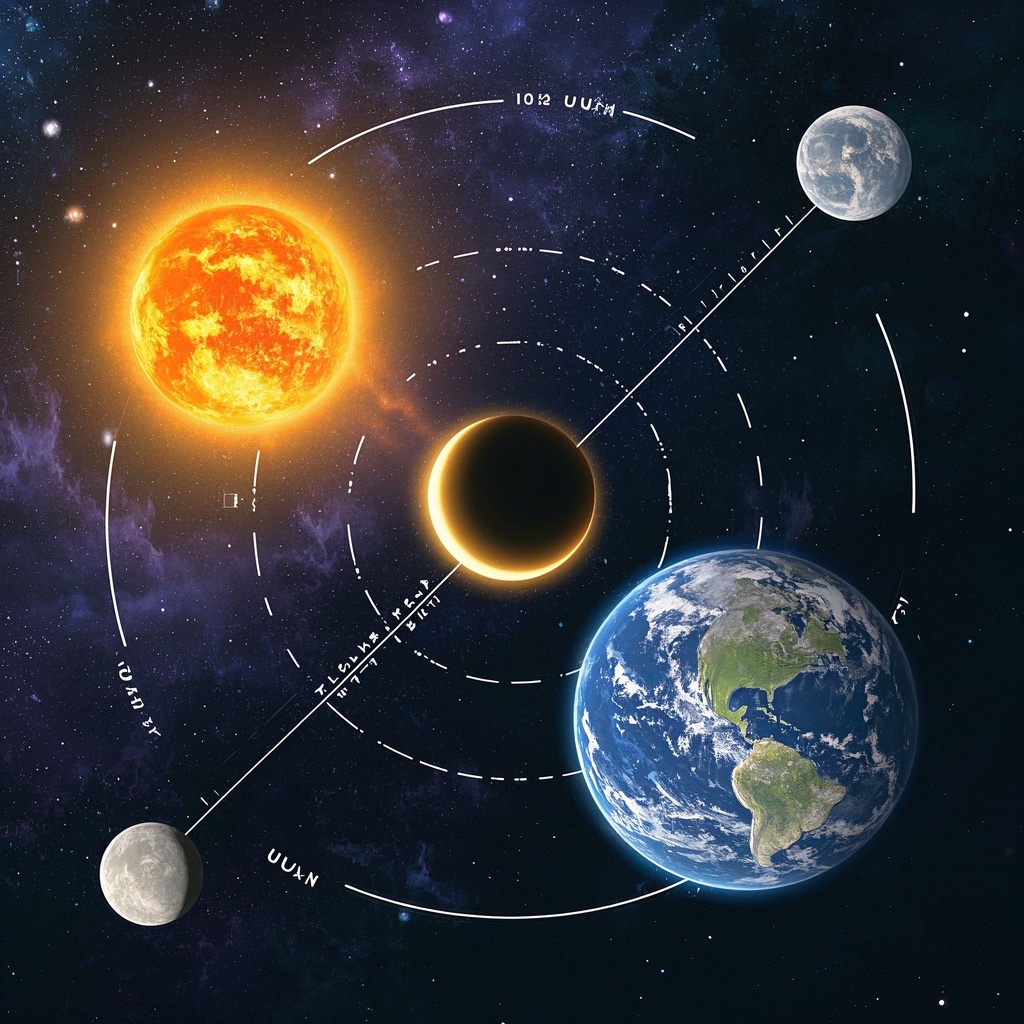
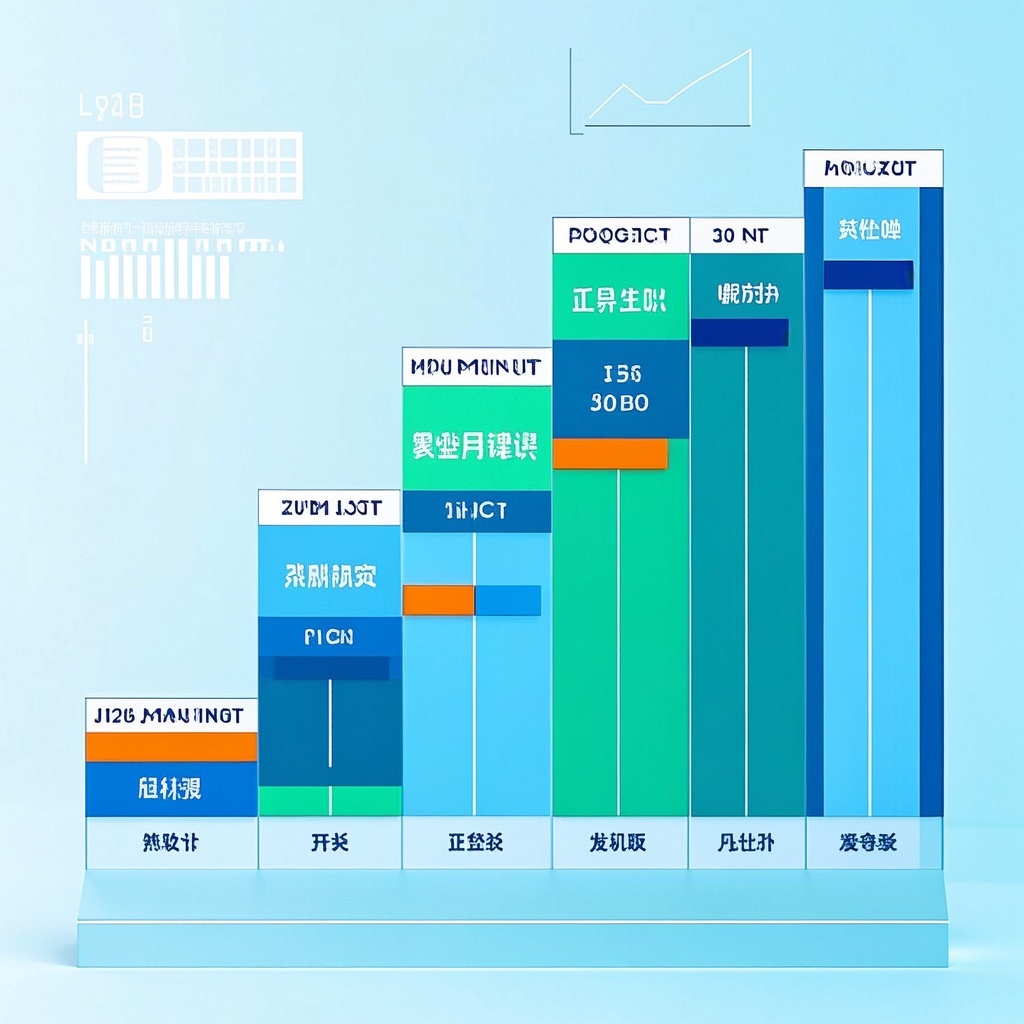
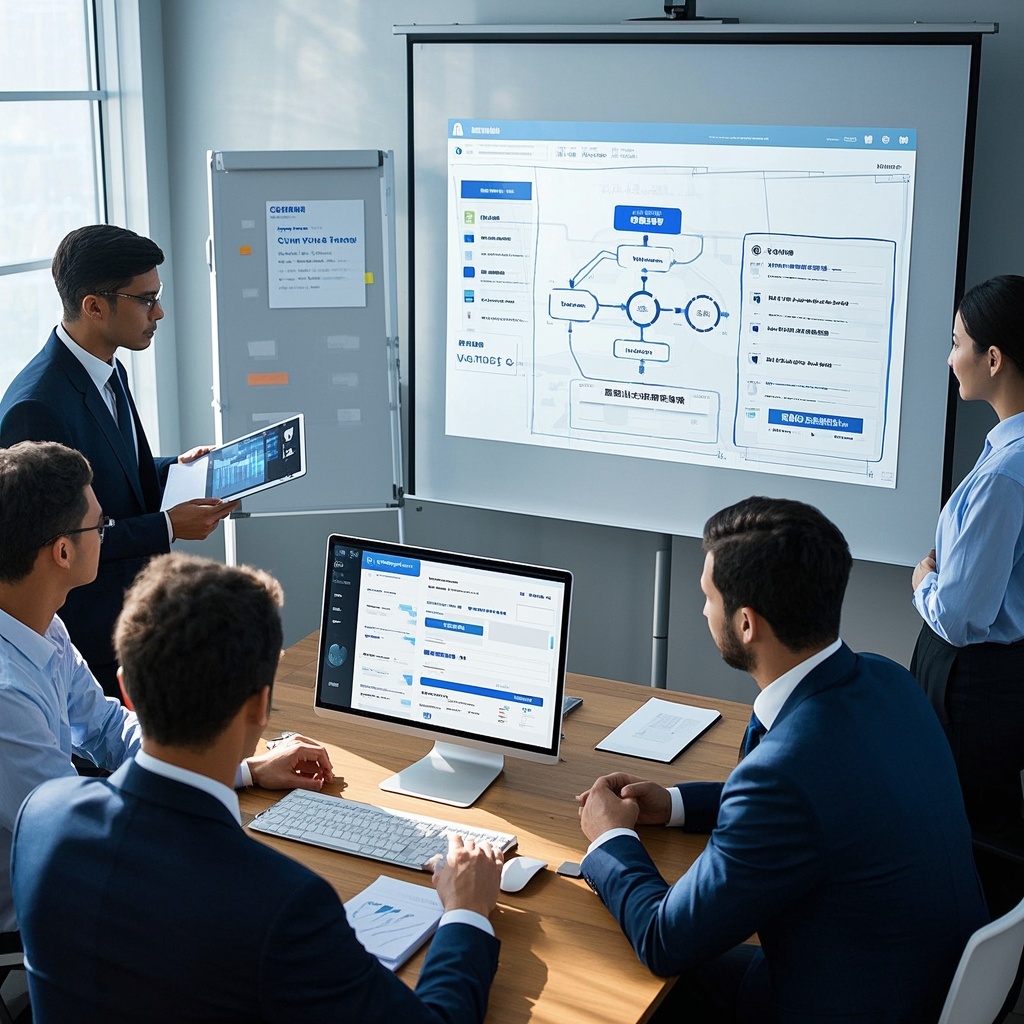
🎨Example Effect
✅Feature Summary
- One-click expo opening promo, auto-merge brand colors and theme slogan, instantly produce publishable video.
- Dynamic camera and lighting sync, highlight product details and spatial depth, attract viewers before entry.
- Preset multiple background/style templates, swap atmosphere elements as needed, adapt to tech, industrial, consumer expos.
- Freely fill theme, highlights, motion style – one config reused, unified look, lower cost.
- Auto-balance motion and pacing, avoid dizzy or abrupt cuts, ensure comfortable loop playback.
- Smartly embed brand identity (logo, slogan, colors) for consistent online/offline image.
- One-click generate multiple trailer versions with varied pacing and shots – enable A/B testing.
- Output landscape and portrait assets, ready for social shorts and on-site screens, no extra editing.
- Auto-generate copy and subtitle drafts, matching expo selling points and rhythm, reduce manual work.
- Export HD watermark-free previews, easy to share with teams and partners, gather feedback quickly.
🎯Problems Solved
Help marketing and new media teams quickly produce cinematic expo opening vibe video plans and copy, using a unified “tech × modern” visual language for social preheating, invite conversion, and on-site guidance. Auto-generate storyboards, camera moves, lighting, music pacing, and copy hooks via precise theme alignment and highlight emphasis. Support fast iteration and channel adaptation, boosting exposure, registrations, and attendance while cutting production costs and communication cycles.

This content is Paid Resources. Please pay to view
$1.8 Today Only
$60
$60
VIPFreeSVIPFree
Buy now
You are not logged in currently!
Paid Resources
© Copyright Notice
THE END













No comments yet