


Core value: One-click generate realistic English dialogue videos—vivid scenes, accurate pronunciation—easily boost students’ speaking and listening, making class more efficient.
📖Prompt Template
🎯Customizable Parameters (3)
Scene Description:
Main setting, e.g., cozy café.
Main setting, e.g., cozy café.
Character Interaction:
Interaction, e.g., ordering dialogue.
Interaction, e.g., ordering dialogue.
Vocabulary Theme:
Topic, e.g., food-related words.
Topic, e.g., food-related words.
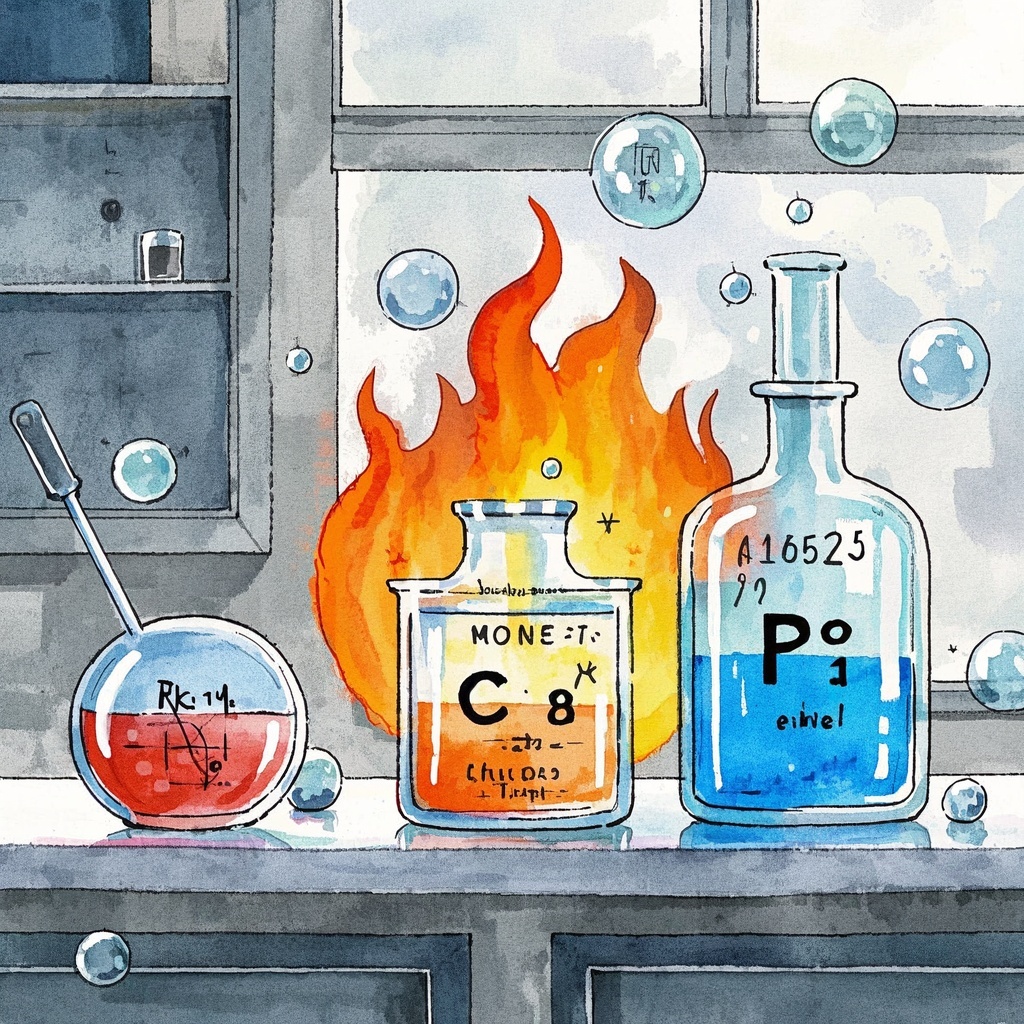
🎨Example Effect
✅Feature Summary
- One-click generate real-life English dialogue micro-lectures, with vocabulary in daily contexts, making speaking and listening immediately usable.
- Auto-match scenes and vocabulary themes, output life-like scripts, camera cues, and sound suggestions to ease lesson prep.
- Built-in interactive elements: repeat rhythm, character pauses, and question prompts for higher engagement and focused practice.
- Segment dialogues and mark keywords to reinforce listening and speaking, suiting different levels.
- Template-based parameters: customize scene, character relations, and vocabulary theme for fast adaptation to teaching goals.
- Suitable for classroom and online courses, easily imported into slides or screen recordings to shorten production cycles.
- Provide assessment suggestions: comprehension questions, speaking tasks, and review points for assignment design and learning tracking.
- Support multicultural and professional context extension, covering travel, business, campus, etc., to meet diverse teaching needs.
🎯Problems Solved
Provide ready-to-use prompts for English teachers and training institutions to create lifelike situational dialogue micro-lectures in minutes—scripts and shot suggestions included, with target vocabulary naturally embedded in real-life scenarios to boost student speaking and listening. Supports classroom warm-ups, online courses, after-class practice, and oral drills, significantly reducing prep and material organization time, enhancing engagement and learning outcomes, driving course differentiation and word-of-mouth, and smoothing trial-to-paid conversion.

This content is Paid Resources. Please pay to view
$1.8 Today Only
$60
$60
VIPFreeSVIPFree
Buy now
You are not logged in currently!
Paid Resources
© Copyright Notice
THE END













No comments yet