


Core value: Customize subject-specific teaching illustrations for teachers to enhance courseware visual appeal.
📖Prompt Template
🎯Customizable Parameters (5)
Subject Type:
e.g., math formulas, Chinese poetry, historical events
e.g., math formulas, Chinese poetry, historical events
Visual Style:
e.g., watercolor hand-drawn, cartoon/comic
e.g., watercolor hand-drawn, cartoon/comic
Scene Description:
e.g., chemistry experiment, ancient battlefield, geometric shapes
e.g., chemistry experiment, ancient battlefield, geometric shapes
Color Tone:
e.g., bright warm, fresh elegant
e.g., bright warm, fresh elegant
Rendering Effect:
e.g., soft lighting, fine texture
e.g., soft lighting, fine texture
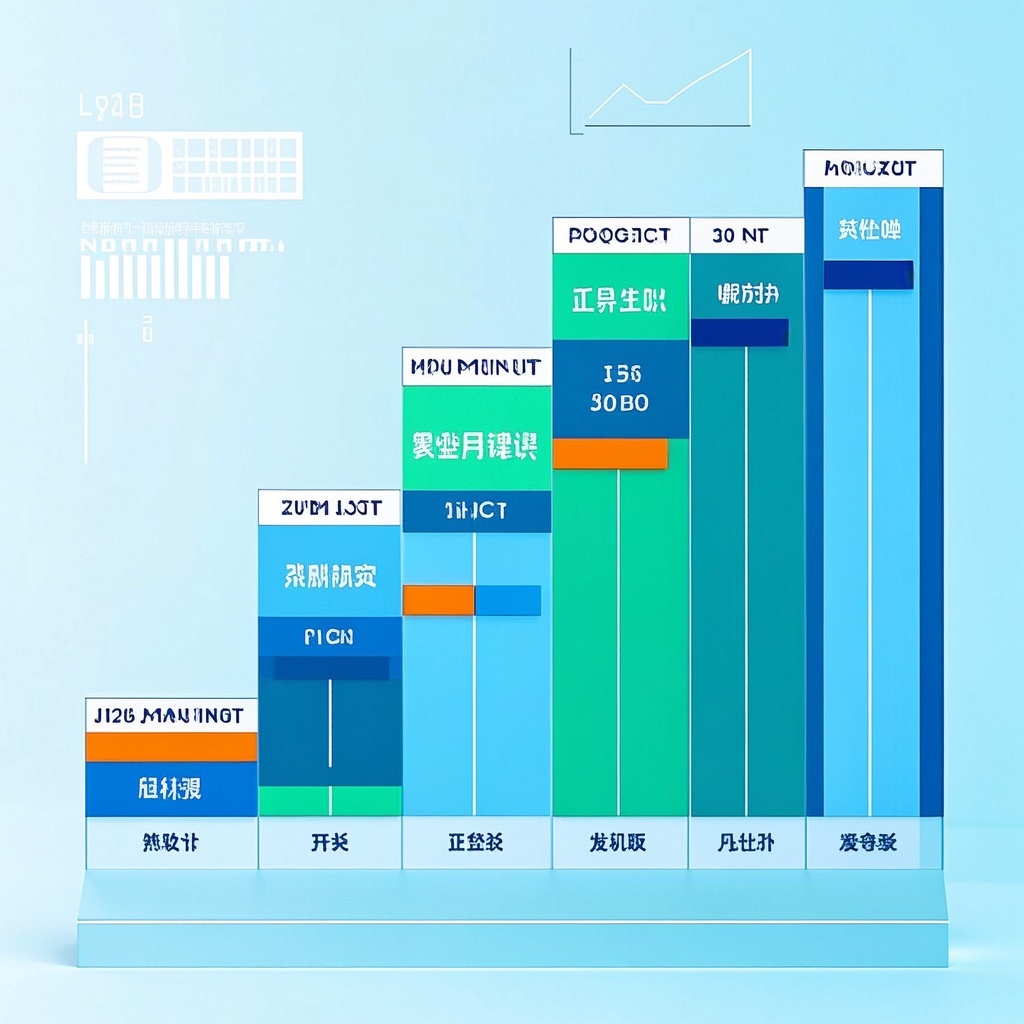
🎨Example Effect
![Image [1]-Teaching courseware illustration generation-VyPrompt](https://apihub-public.oss-cn-beijing.aliyuncs.com/uploads/73c0559d-173b-4167-a4b5-c680f84c13a3.png)
✅Feature Summary
- One-click generate high-quality teaching illustrations, meet multi-subject and multi-topic classroom needs, quickly create rich visual courseware effects.
- Support custom subject types—math, science, history, etc.—to precisely match curriculum content.
- Flexibly define visual styles—from minimal modern to classic art—to fit diverse educational scenarios.
- AI optimizes composition for clarity and focus, making illustrations more educational and visually engaging.
- Use bright but not oversaturated colors to keep students focused, enhancing comprehension and retention.
- Boost classroom interaction with visual content, making knowledge vivid and stimulating interest.
- No design expertise needed—teachers can quickly generate professional-grade illustrations, saving significant production time.
- Highly customizable for all education levels—from early childhood to higher academia.
- Provide creative inspiration for teachers, enabling innovative instructional design and memorable lessons.
- Widely compatible with digital teaching environments—seamlessly integrate with PPT, online platforms, etc., to enhance efficiency.
🎯Problems Solved
Provide teachers with customizable AI-generated illustrations for any subject, enhancing courseware visuals and teaching appeal, streamlining lesson prep, and improving student learning.
This content is Paid Resources. Please pay to view
$1.8 Today Only
$60
$60
VIPFreeSVIPFree
Buy now
You are not logged in currently!
Paid Resources
© Copyright Notice
THE END
















No comments yet