


Core value: One-click generate dynamic geography videos, clearly presenting terrain, climate, and population changes—making education and science communication more vivid and efficient.
📖Prompt Template
🎯Customizable Parameters (3)
Map Content:
e.g., world climate distribution map, regional terrain elevation map.
e.g., world climate distribution map, regional terrain elevation map.
Dynamic Effect:
e.g., gradual shift from 2D to 3D terrain, progressive display of population density changes by region.
e.g., gradual shift from 2D to 3D terrain, progressive display of population density changes by region.
Background Style:
e.g., clean white background, blue Earth-style background.
e.g., clean white background, blue Earth-style background.
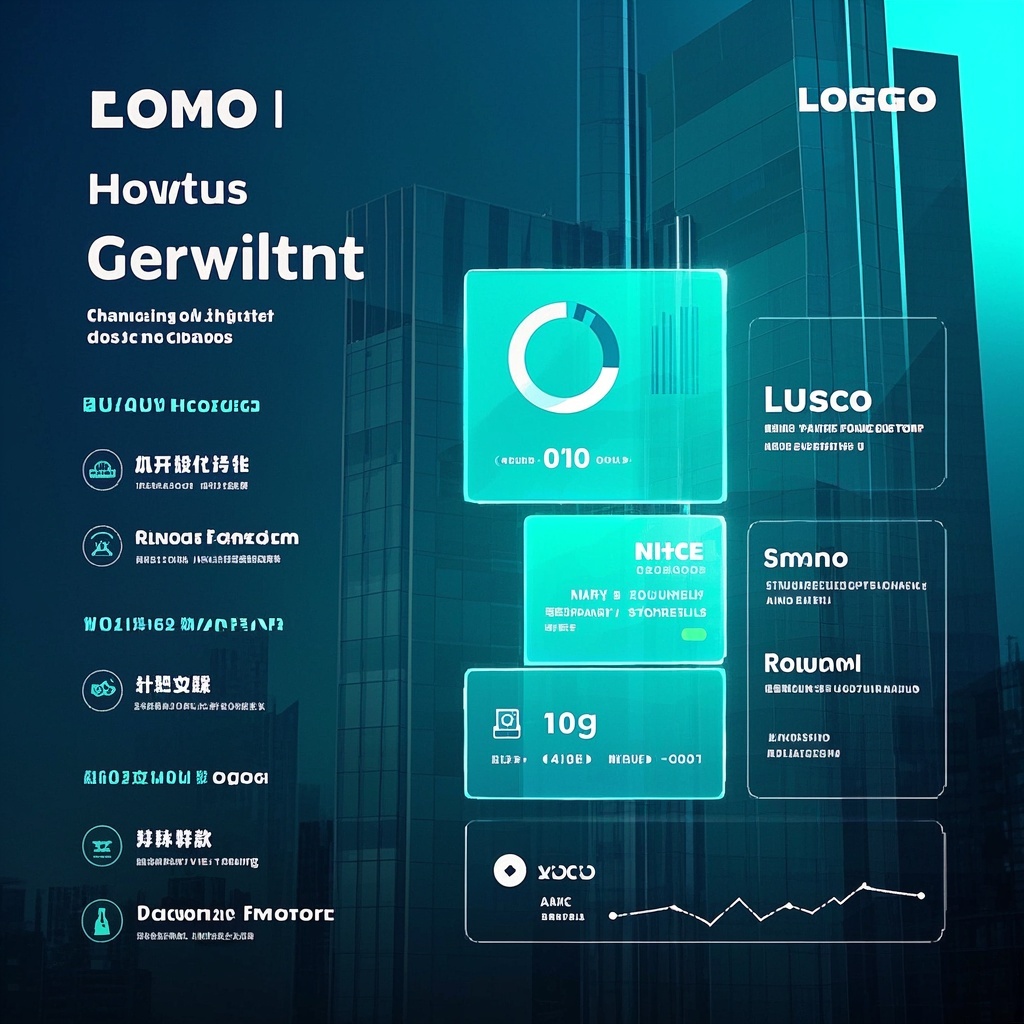
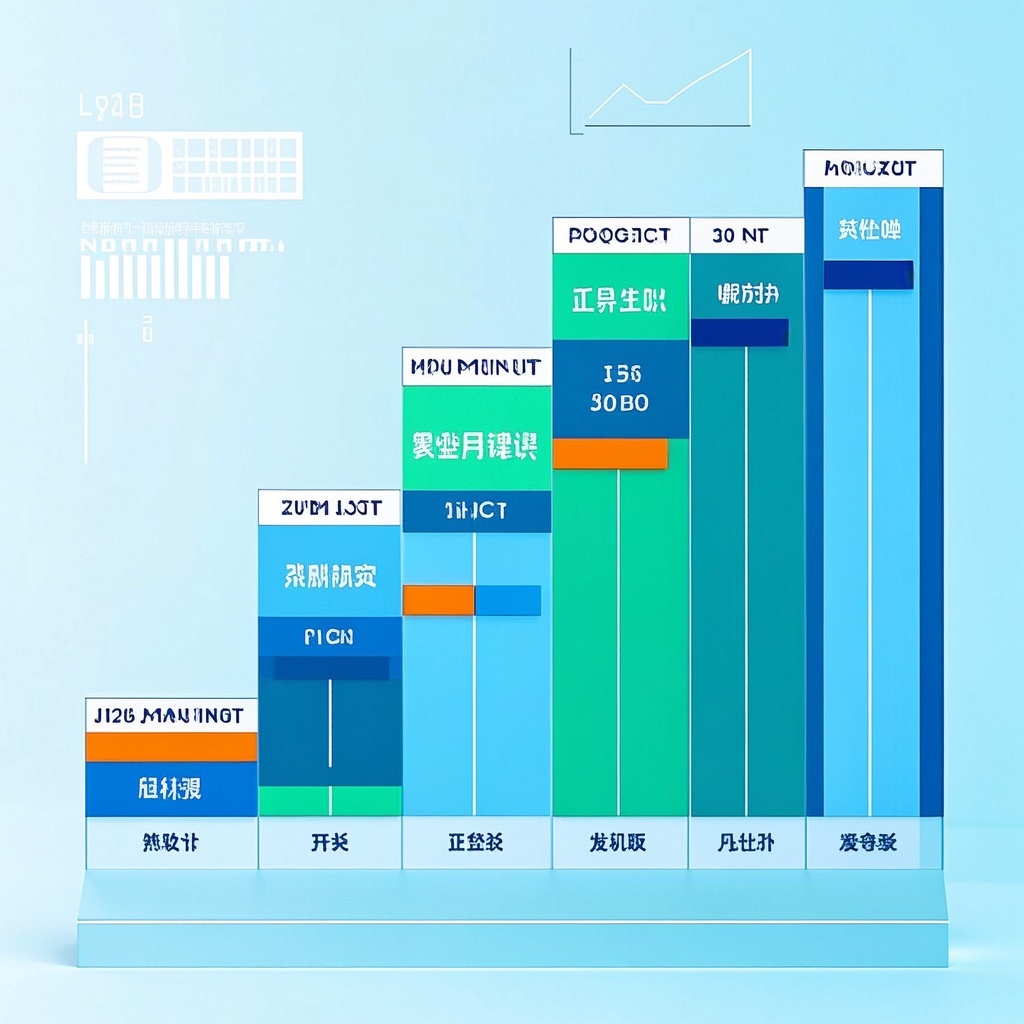
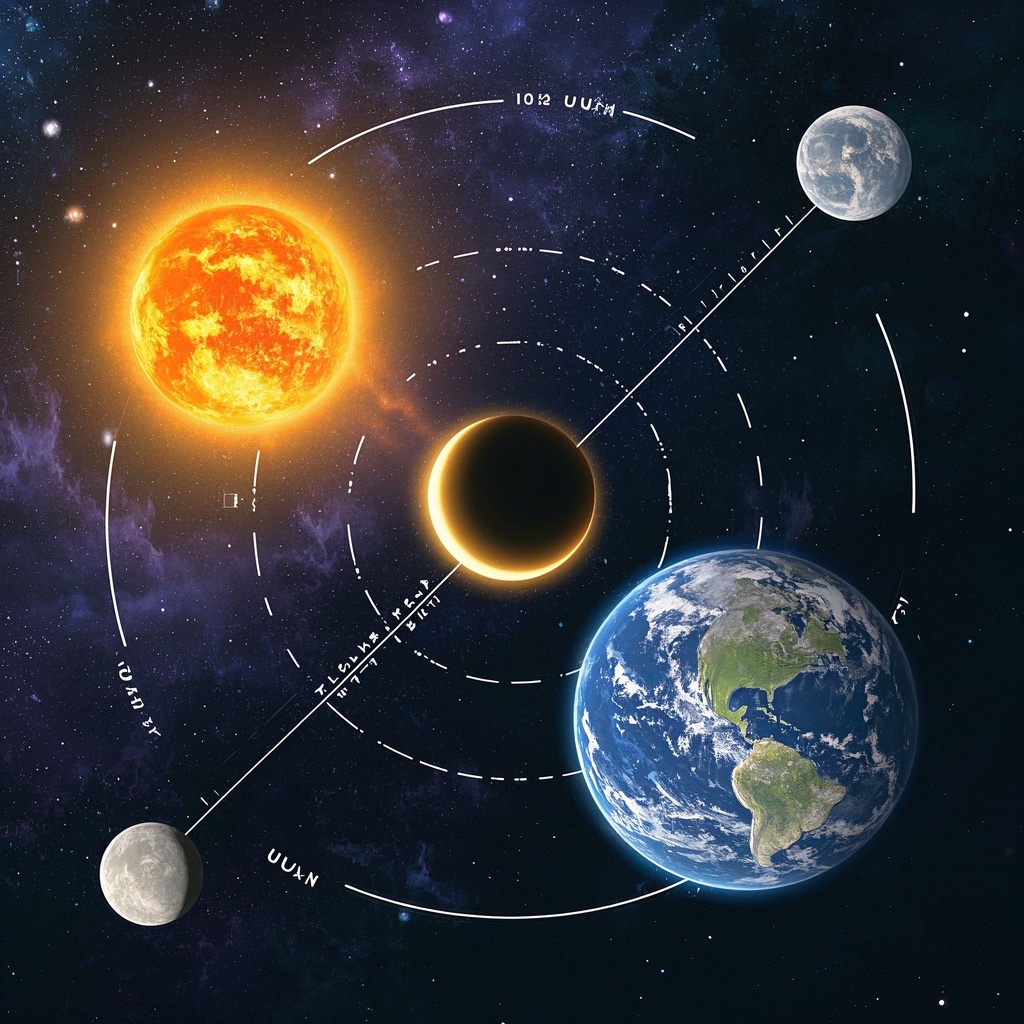
🎨Example Effect
✅Feature Summary
- One-click generate dynamic map videos, clearly presenting terrain, climate, and population changes—making complex knowledge instantly understandable.
- Support custom map content, dynamic effects, and background styles to fit different courses and brand visuals, ensuring consistent output.
- Auto-optimize visual layers and annotations for clearer info, reducing post-editing and production time.
- Easily compare multi-period or multi-region changes, quickly build before-after and migration path visuals to reinforce learning.
- HD rendering and smooth transitions ensure stable classroom projection and exhibition playback, enhancing immersion and presentation quality.
- Template-based parameters for easy access, zero-threshold use, batch-generate micro-lecture materials, improving prep efficiency.
- Built-in transition styles and color palettes auto-match themes to boost engagement and retention.
- Flexible background and map layering highlight key regions and trends, helping audiences grasp core insights instantly.
🎯Problems Solved
Minimal setup, quickly generate HD, well-layered dynamic geography map videos—clearly visualize terrain evolution, climate migration, population changes over time. With customizable map content, dynamic effects, and background styles, help teachers, science creators, training orgs, and media teams produce professional work quickly—boosting classroom engagement and completion rates, cutting production costs, and driving trial-to-subscription conversion.

This content is Paid Resources. Please pay to view
$1.8 Today Only
$60
$60
VIPFreeSVIPFree
Buy now
You are not logged in currently!
Paid Resources
© Copyright Notice
THE END













No comments yet