


Core value: One-click generate dynamic chemical reaction visuals—molecular collisions, light interplay—making teaching intuitive and learning engaging.
📖Prompt Template
🎯Customizable Parameters (3)
Reaction Type:
e.g., acid-base neutralization, precipitation, redox.
e.g., acid-base neutralization, precipitation, redox.
Background Style:
e.g., lab scene with test tubes and beakers, cosmic background with futuristic vibe.
e.g., lab scene with test tubes and beakers, cosmic background with futuristic vibe.
Lighting Effects:
e.g., soft blue glow with faint particle sparkles, strong spotlight highlighting reaction details.
e.g., soft blue glow with faint particle sparkles, strong spotlight highlighting reaction details.
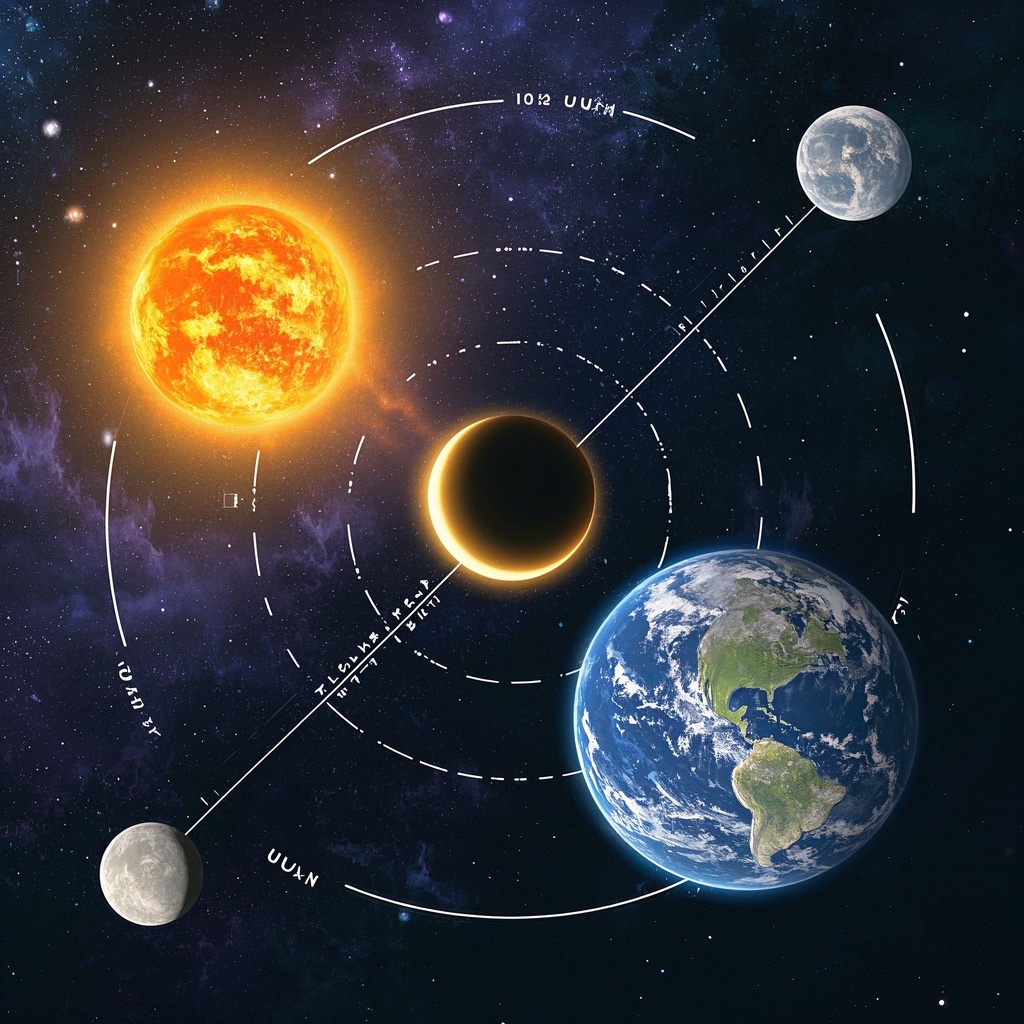
🎨Example Effect
✅Feature Summary
- One-click generate dynamic chemical reaction shorts—clearly show molecular collisions and formation, making classroom demos intuitive and easier to understand.
- Support reaction type and background style selection, aligning with textbook chapters and lesson topics for quick customization.
- Auto-optimize camera motion and composition to highlight key steps and details, giving teachers a professional look without editing.
- Combine particle motion and lighting for scientific aesthetics and immersion, boosting attention and engagement.
- Adapt to micro-lectures, courseware, and public displays, smooth across devices; generate once, reuse in multiple scenarios, significantly cutting production costs.
- Template-based parameter filling, quick access to reaction content and style, preserving professional quality while enabling beginners to produce assets easily.
- Preset camera paths and pacing naturally highlight key info, syncing well with narration to help students follow the reaction.
- Suitable for class openings, mechanism explanations, and popular science shorts, creating memorable points and enhancing course appeal and reach.
🎯Problems Solved
Help teachers and science creators quickly produce high-quality dynamic chemical reaction shorts, making abstract processes visible and clear. With customizable reaction type, background, and lighting, boost classroom engagement and comprehension. Reuse across micro-lectures, demos, lab safety alternatives, and science shows—significantly cutting prep and production costs, improving course quality, and driving paid conversion.

This content is Paid Resources. Please pay to view
$1.8 Today Only
$60
$60
VIPFreeSVIPFree
Buy now
You are not logged in currently!
Paid Resources
© Copyright Notice
THE END











No comments yet