


Core value: One‑click career growth videos – clear paths, attract talent, inspire growth.
📖Prompt Template
🎯Customizable Parameters (3)
Describes the visual setting of career progression, e.g., a career path demonstration in an office environment.
Describes key nodes along the career path, e.g., growth stages from entry-level to senior management.
Describes the backdrop style, e.g., a soft blue‑and‑white office setting.
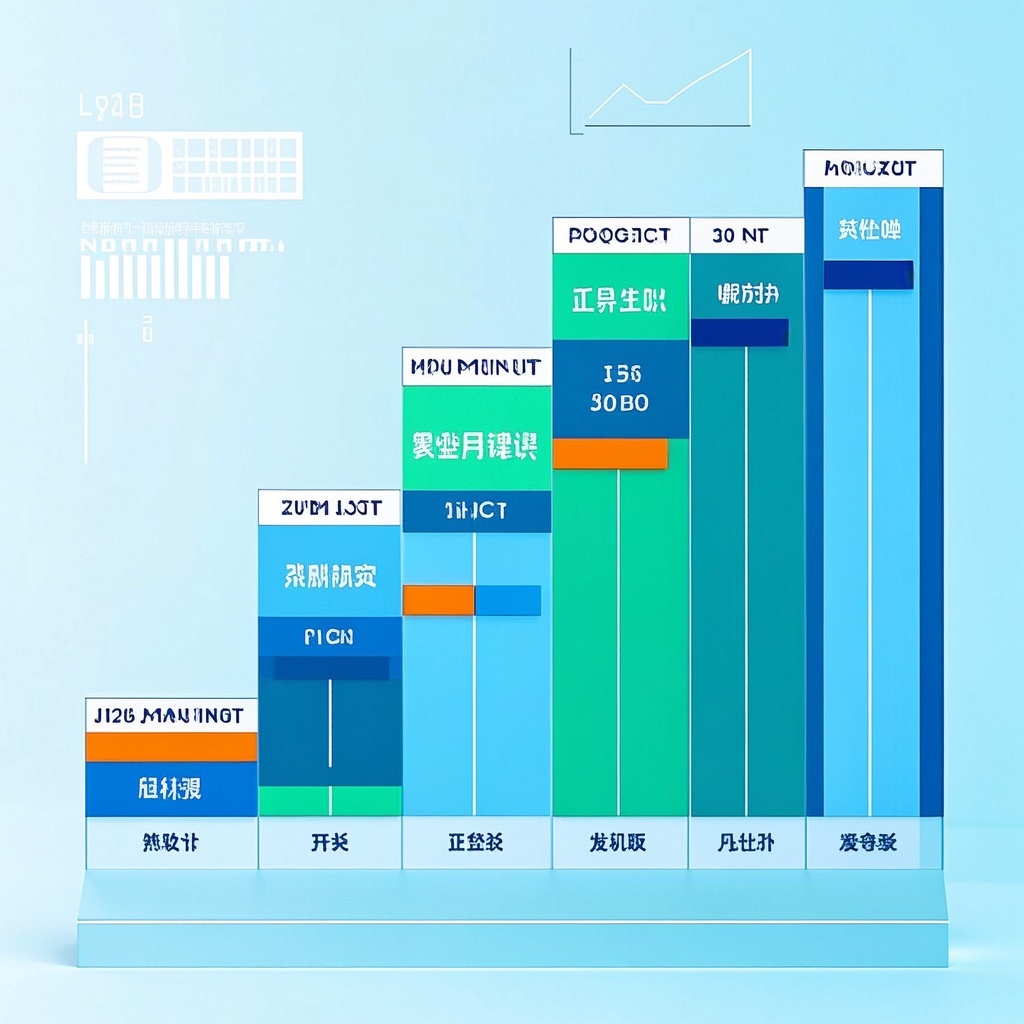
🎨Example Effect
✅Feature Summary
- One‑click generate career path videos – dynamic timeline clearly shows growth from entry‑level to management.
- Customize scenes and key milestones – auto‑annotate promotion points and skill requirements, saving manual layout.
- Built‑in modern professional style and soft tones – smooth visuals and natural camera transitions boost brand credibility.
- One‑click templates for different departments, roles, and regions – batch produce multiple versions easily.
- Smart focus on growth nodes and turning points – auto‑optimized framing and structure for better comprehension.
- Supports both recruitment and internal training – clearly communicate promotion paths to boost retention and candidate confidence.
- Insert role tasks and skill checklists – clarify learning goals and evaluation criteria, driving self‑motivated growth.
- One‑click export for websites, events, and social media – unified visuals, reducing production, communication, and outsourcing costs.
🎯Problems Solved
A well‑crafted prompt lets you quickly produce a “Career Path Visualization” short video: a dynamic timeline showcasing growth stages, key milestones, and real work scenes, so candidates clearly see the path from entry to management. It helps recruitment and employer brand teams boost appeal and conversion across websites, social media, and events. For internal training and onboarding, it unifies promotion messaging, boosting employee confidence and retention. Simply input job scenes, milestones, and background style – generate professional, modern, smooth videos instantly, reusable in multiple versions, significantly cutting production costs and communication time.

$60














No comments yet