


Core value: Dynamic team moments, refined visuals, eye‑catching corporate videos – all designed to attract talent efficiently.
📖Prompt Template
🎯Customizable Parameters (3)
Team Activities:
Describes specific team activities, e.g., participating in brainstorming sessions, collaborating on projects.
Describes specific team activities, e.g., participating in brainstorming sessions, collaborating on projects.
Employee Interactions:
Describes how employees interact, e.g., enthusiastically discussing and sharing ideas, communicating in a relaxed and pleasant manner.
Describes how employees interact, e.g., enthusiastically discussing and sharing ideas, communicating in a relaxed and pleasant manner.
Office Environment:
Describes the workspace, e.g., a modern open‑plan office, meeting rooms surrounded by greenery.
Describes the workspace, e.g., a modern open‑plan office, meeting rooms surrounded by greenery.
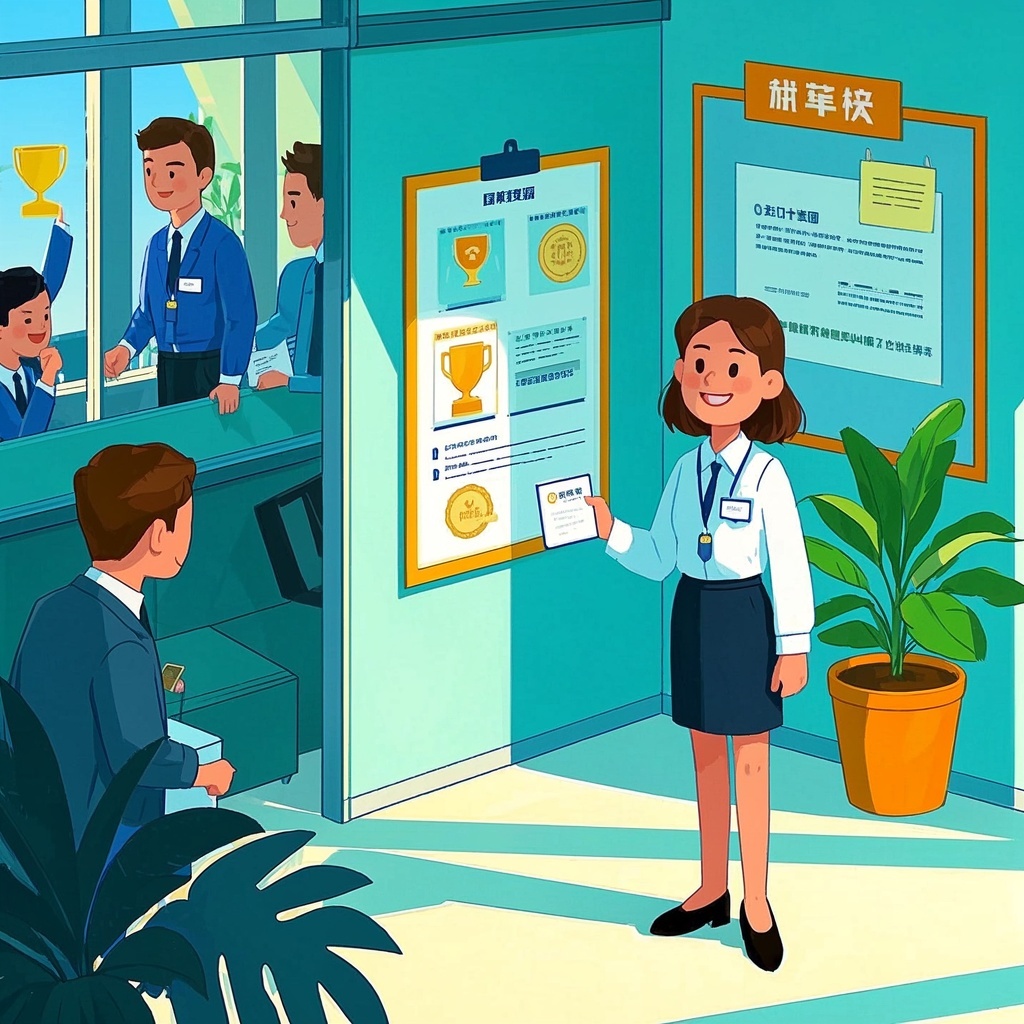
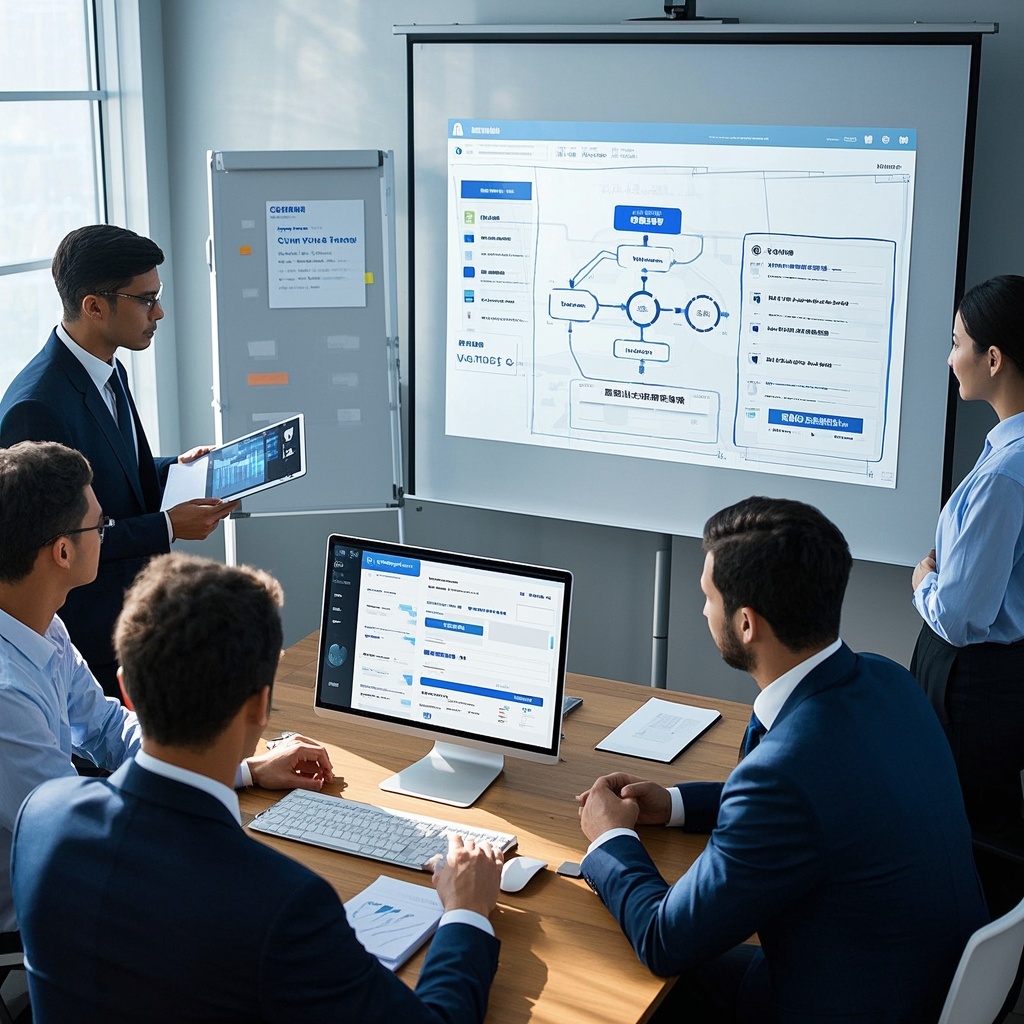
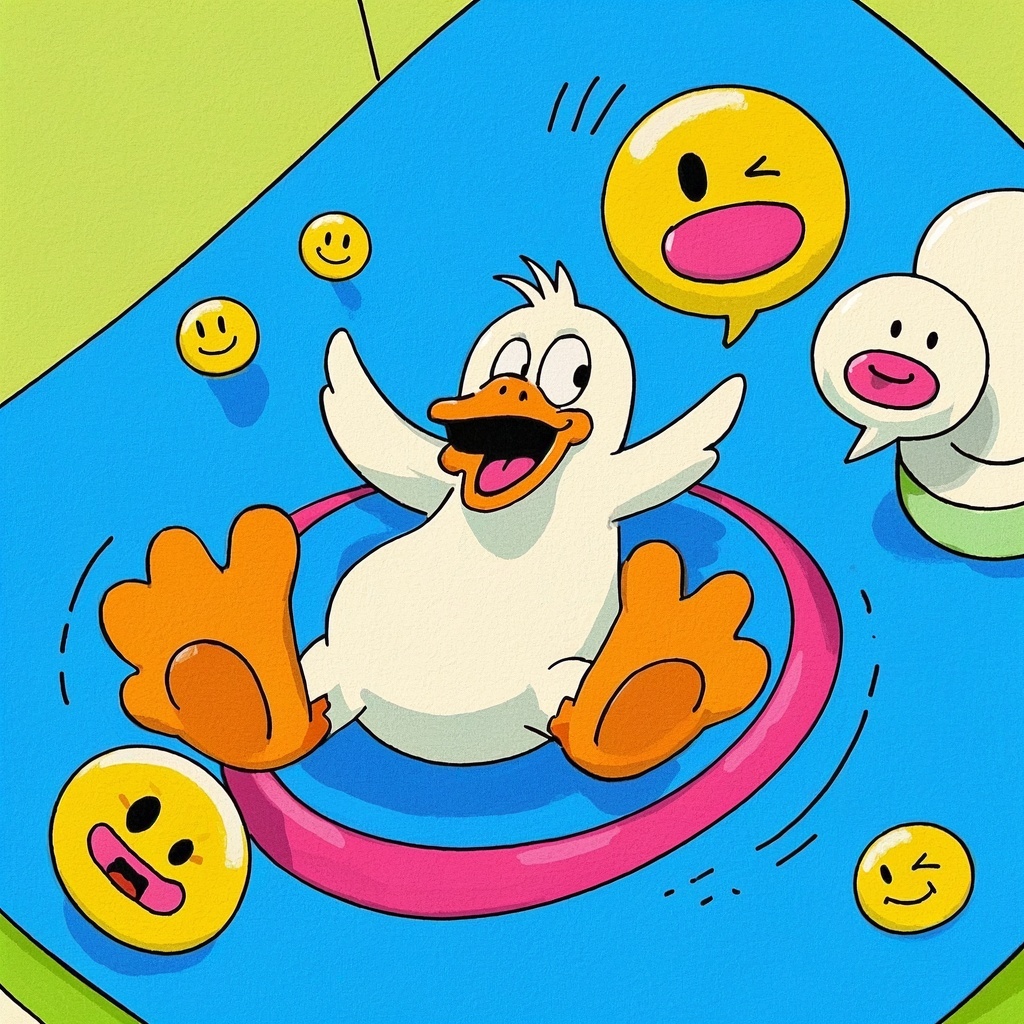
🎨Example Effect
✅Feature Summary
- One‑click generate team vibe video scripts with coherent storyboards and shot language, effortlessly showcasing collaboration and energy.
- Customize activity, interaction, and office scene parameters; quickly swap to produce multiple versions for different departments.
- Auto‑polish scene descriptions and pacing cues to ensure natural lighting, bright colors, and visual depth.
- Built‑in recruitment‑oriented scripts and shot arrangements guide highlights throughout, enhancing employer brand and application conversion.
- Provide cross‑platform publishing suggestions; one‑click adapt aspect ratios and durations for social media and websites.
- Auto‑generate B‑roll and transition recommendations to enrich visual layers, reducing rework and revision costs.
- Generate brand placement and slogan timing to unify visual style, reinforcing brand recall and tone.
- Provide shooting checklists, prop, and venue suggestions to reduce coordination costs and accelerate execution.
- Support bilingual copy and subtitle drafts in Chinese and English, covering domestic and overseas audiences for global recruitment.
- Output multiple version covers and title copy per scenario, optimizing first‑screen capture to boost CTR and completion rates.
🎯Problems Solved
Centered on “Team Vitality Showcase,” it helps recruitment, HR, and brand teams quickly produce engaging video content and shot notes that authentically show collaboration and culture. Via simple customization of activities, interactions, and office settings, it cost-effectively builds unified brand assets, boosting applications, attendance, and social conversions.

This content is Paid Resources. Please pay to view
$1.8 Today Only
$60
$60
VIPFreeSVIPFree
Buy now
You are not logged in currently!
Paid Resources
© Copyright Notice
THE END










No comments yet