


Core value: See department roles in action with dynamic videos. Clear, animated, and engaging – candidates get to know your team fast, and you recruit better.
📖Prompt Template
🎯Customizable Parameters (3)
Scene Style:
The overall scene style of the video, e.g., modern tech, minimalist business, creative cartoon, etc.
The overall scene style of the video, e.g., modern tech, minimalist business, creative cartoon, etc.
Visual Focus:
The main visual focus in the frame, e.g., department core responsibility icons, team workflow diagrams, etc.
The main visual focus in the frame, e.g., department core responsibility icons, team workflow diagrams, etc.
Auxiliary Elements:
Supporting visual elements, e.g., key responsibility keywords, department member avatars, department culture slogans, etc.
Supporting visual elements, e.g., key responsibility keywords, department member avatars, department culture slogans, etc.
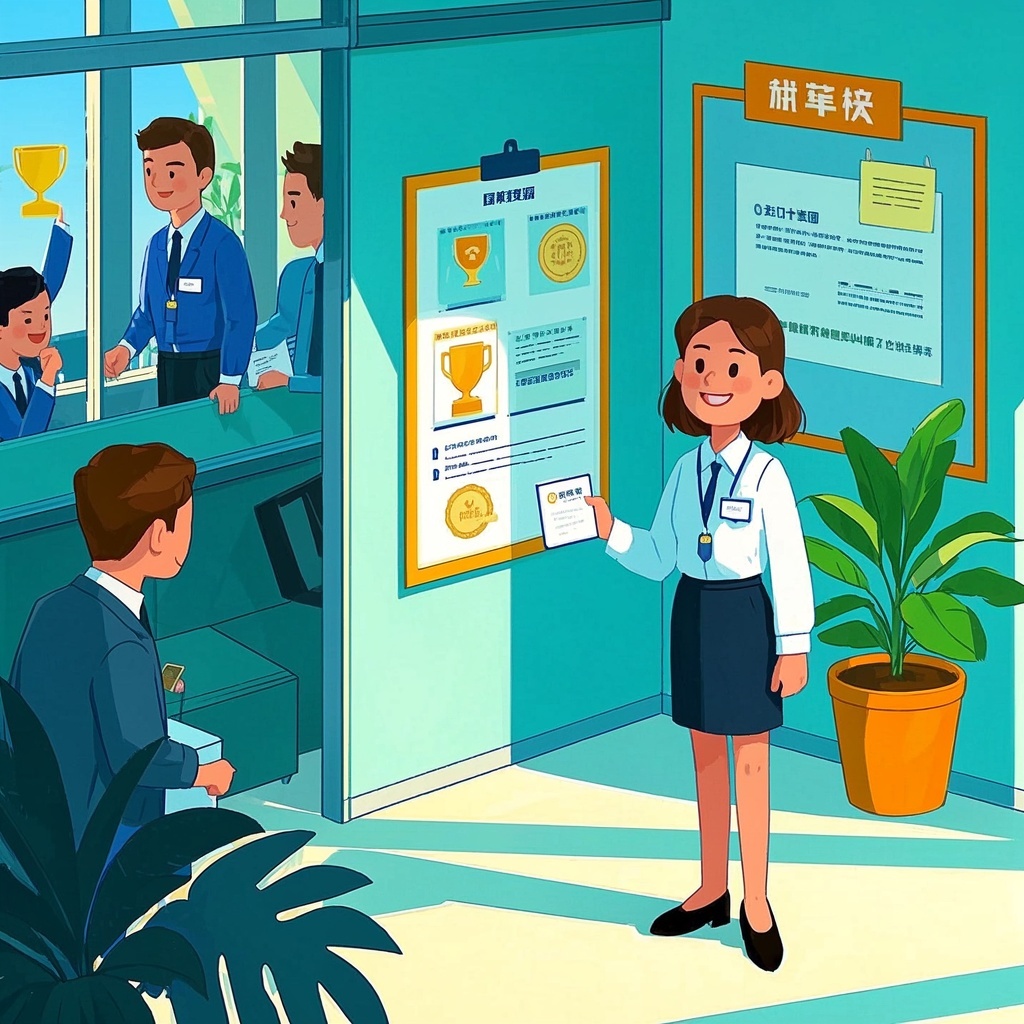
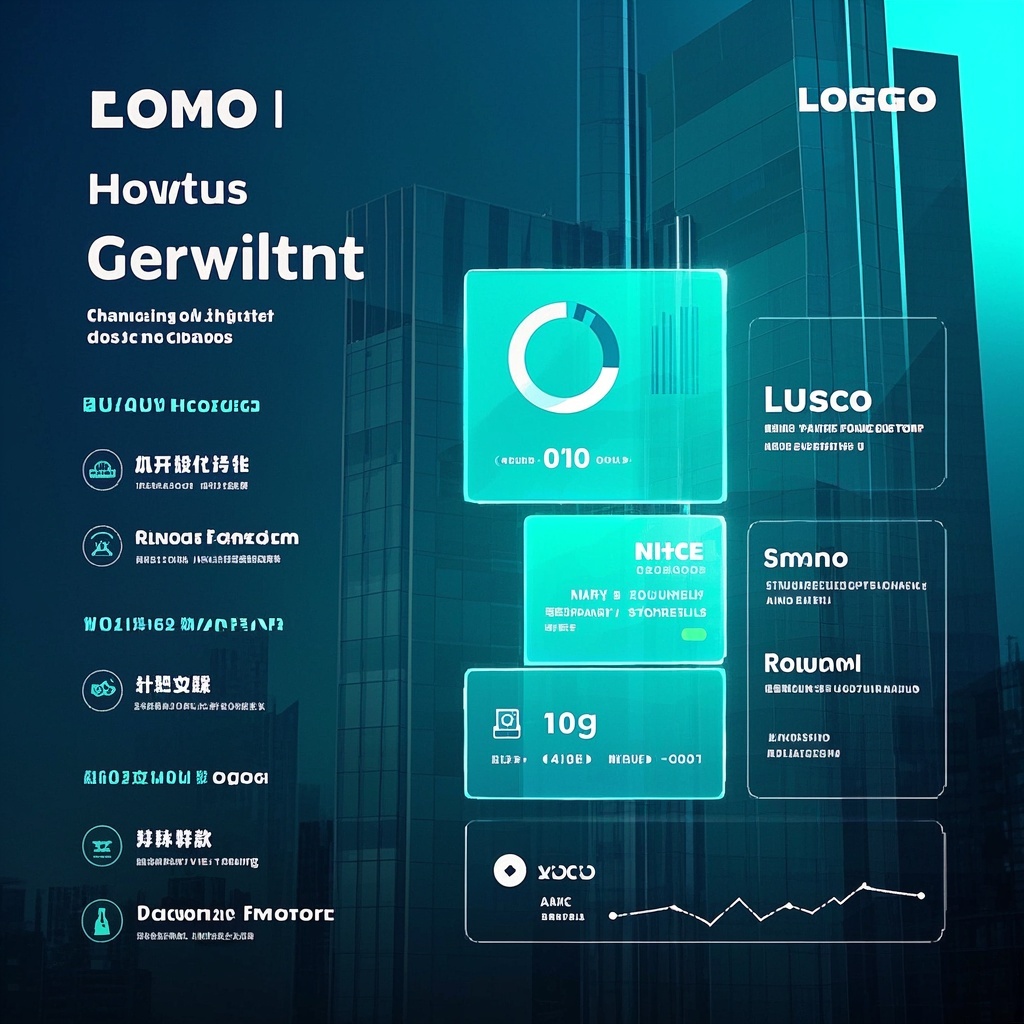
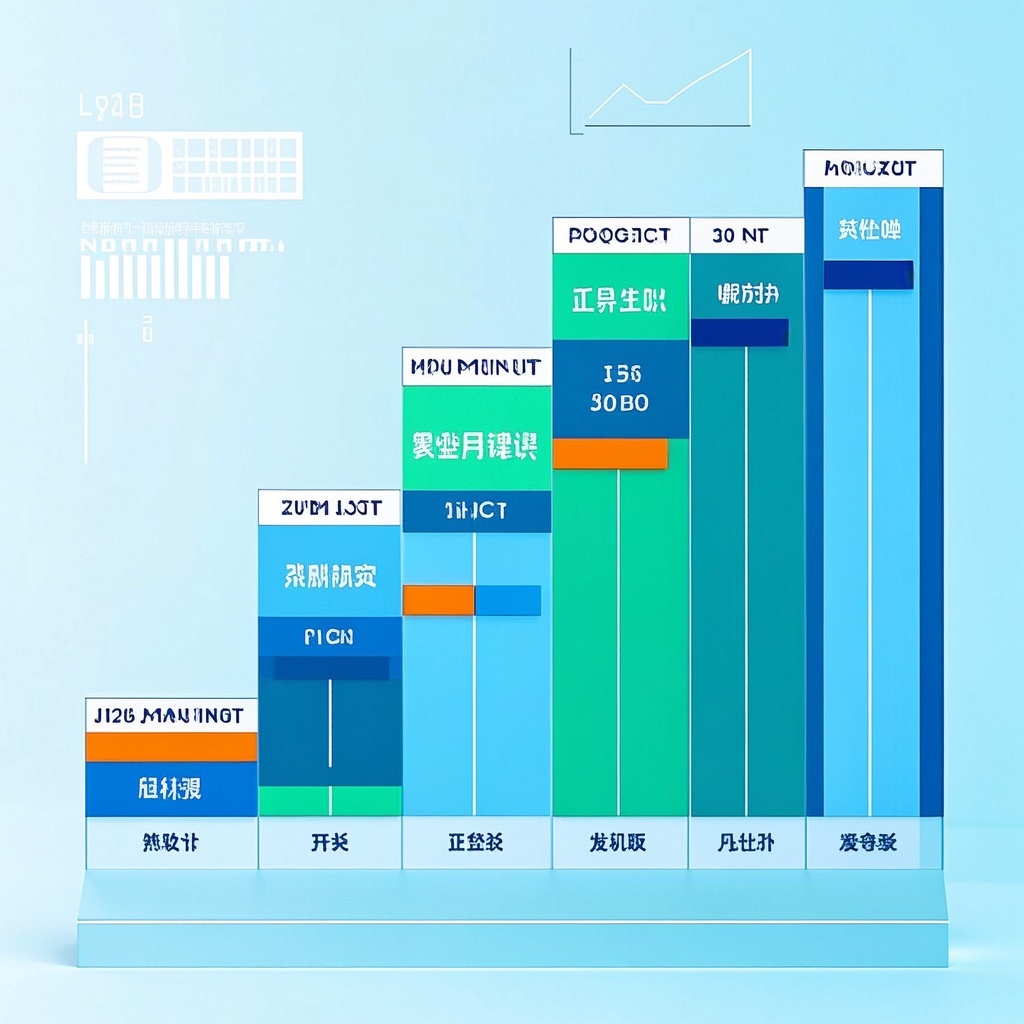
🎨Example Effect
✅Feature Summary
- One‑click generate dynamic department role videos – instant visual highlights for recruiting.
- Auto‑organize role hierarchy and division of labor – clear layout, candidates grasp it at a glance.
- Customize scene style, visual focus, and surrounding elements – flexible for any team.
- Smooth transitions and animations – info unfolds progressively, boosting retention and recall.
- Built‑in professional palettes and abstract backgrounds – maintain brand consistency and a friendly tech vibe.
- Show role comparisons and culture highlights together – more appeal, higher application intent.
- Template‑based batch generation for multiple departments – cut communication costs, save production time.
- Plug‑and‑play for events, websites, and social – expand coverage, increase exposure.
- Auto‑optimize shot order and copy rhythm – shorten cycles, reduce rework.
🎯Problems Solved
- Condense department responsibilities, collaboration boundaries, output value, and culture into a 30–60s dynamic video – instantly clear to candidates.
- One‑click generate standardized recruitment scripts: from mission to roles, processes to impact, ending with a clear call‑to‑action.
- HR, hiring managers, and brand teams get storyboards, visual focus, transitions, color schemes, and subtitle guidelines – no design skills needed, ready for designers or outsourcers.
- Boost CTR, completion rates, and application conversions, saving repeated explanations.
- Reuse and customize across departments/roles, maintain brand consistency across websites, social media, events, and internal referrals.

This content is Paid Resources. Please pay to view
$1.8 Today Only
$60
$60
VIPFreeSVIPFree
Buy now
You are not logged in currently!
Paid Resources
© Copyright Notice
THE END












No comments yet