


Core value: One-click generate viral ad visuals—striking composition, premium palettes—easily boost social media traffic.
📖Prompt Template
🎯Customizable Parameters (3)
Core Visual Elements:
Key visual elements in the ad, e.g., brand logo, product images—highlighting brand info.
Key visual elements in the ad, e.g., brand logo, product images—highlighting brand info.
Color Scheme:
Overall color palette, e.g., soft blue-green tones or bright contrasting colors.
Overall color palette, e.g., soft blue-green tones or bright contrasting colors.
Background Style:
Background style, e.g., clean solid color, gradient, or abstract patterns.
Background style, e.g., clean solid color, gradient, or abstract patterns.
🎨Example Effect
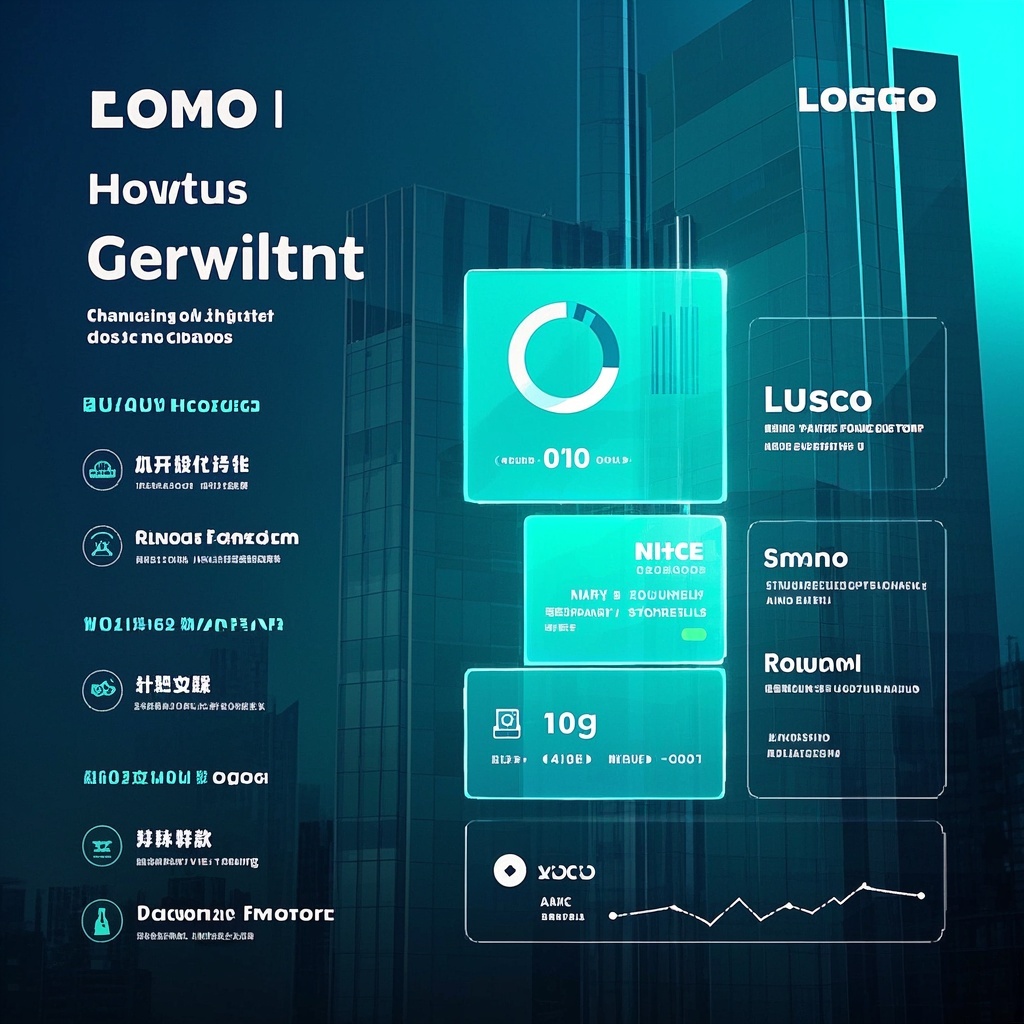
![Image [1]-Social Media Advertising Visual Design-VyPrompt](https://apihub-public.oss-cn-beijing.aliyuncs.com/uploads/06d897dd-16fd-47a1-8d57-469159ff323e.png)
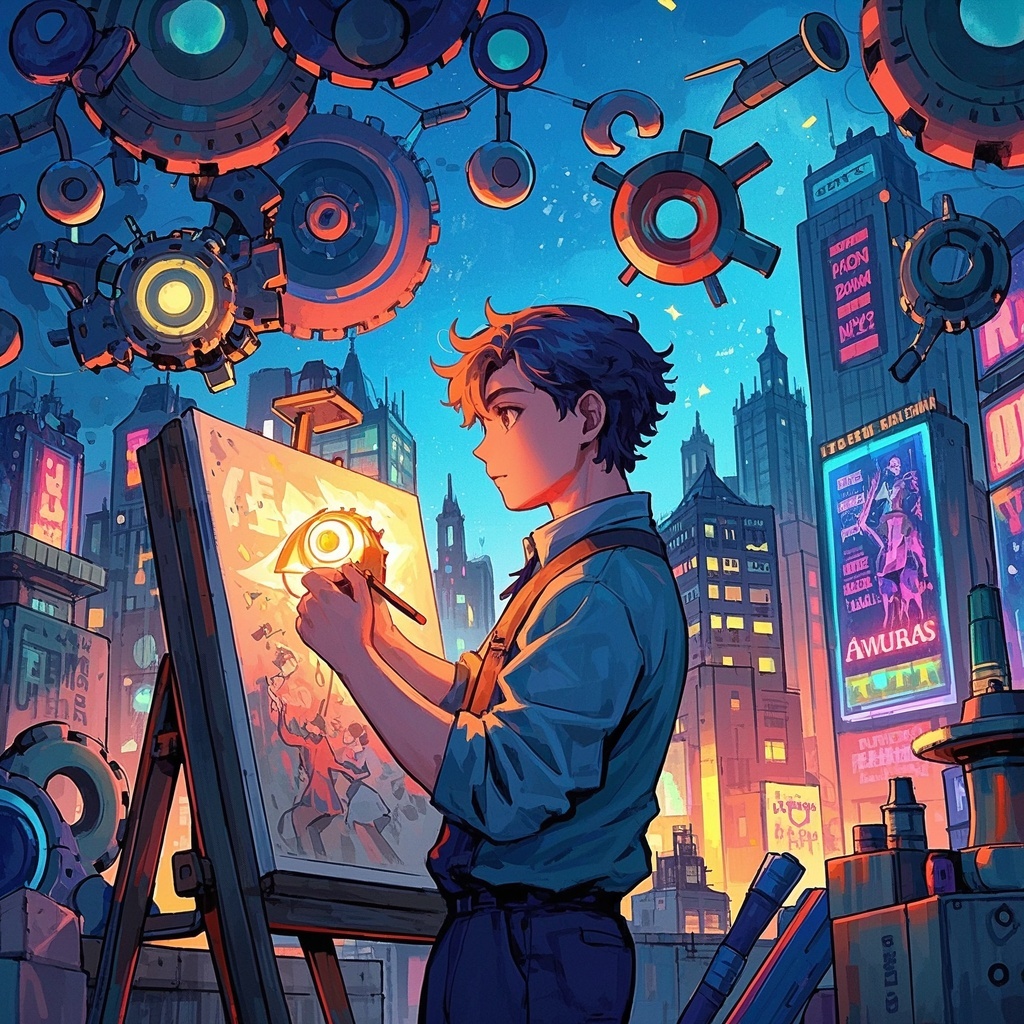
![Image [2]-Social Media Advertising Visual Design-VyPrompt](https://apihub-public.oss-cn-beijing.aliyuncs.com/uploads/6826adce-87f5-428b-9ca9-804a02cfda10.png)
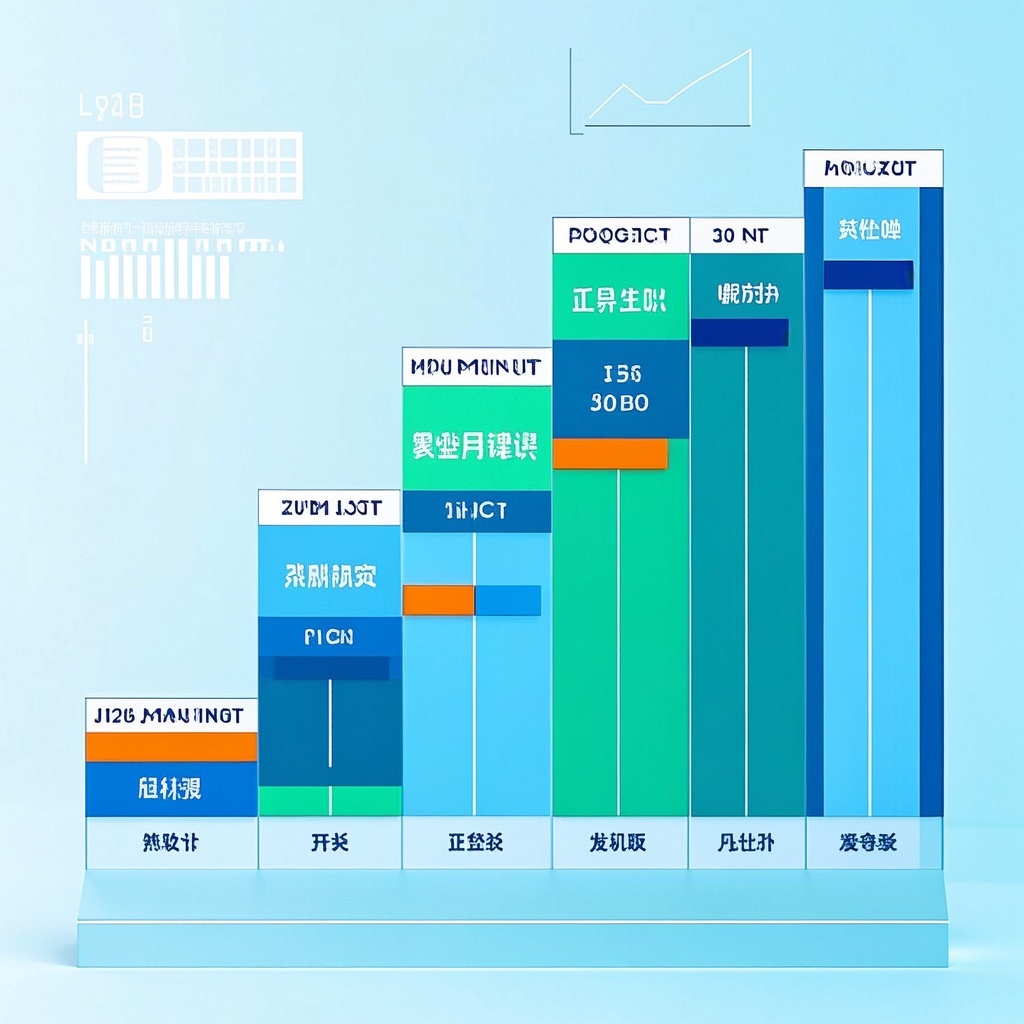
![Image [3]-Social Media Advertising Visual Design-VyPrompt](https://apihub-public.oss-cn-beijing.aliyuncs.com/uploads/d4041bcf-1d40-48ea-b1eb-062fbe4251a4.png)
✅Feature Summary
- One-click generate multi-platform ad visuals, auto-fit dimensions and layouts, preview before launch.
- Smartly optimize composition and color, highlight key selling points for 3-second brand capture.
- Support parameterized keyword input, quickly switch themes/scenes, batch-generate multiple ad versions.
- Auto-refine copy and visual hierarchy, avoid clutter, boost CTR, dwell time, and conversion.
- Built-in multi-style templates and reusable branded palettes, ensure visual consistency and recognition.
- Auto-adapt HD output with lighting details, no distortion, suitable for e-commerce and campaigns.
- One-click generate draft comparisons and A/B variants, quickly test selling points and headlines, shorten creative cycles.
- Support multilingual and cultural context switching, precisely target diverse audiences, improve cross-region performance.
- Auto-generate visual storylines based on audience pain points, strengthen brand recall and engagement.
🎯Problems Solved
Help marketing, brand, e-commerce, and growth teams produce professional social media ad visuals in minutes with minimal input, consistently amplify hero visual appeal, boost scroll-stop rate, CTR, and conversion. Based on reusable template prompts, quickly generate multiple creative versions for A/B testing, maintain brand consistency, meet major platform display habits, significantly cut design communication and rework costs, and drive continuous ad performance optimization and paid growth.
This content is Paid Resources. Please pay to view
$1.8 Today Only
$60
$60
VIPFreeSVIPFree
Buy now
You are not logged in currently!
Paid Resources
© Copyright Notice
THE END














No comments yet