


Core value: One-click generate product mockups—clear composition, fine rendering—for professional, eye-catching PPT presentations.
📖Prompt Template
🎯Customizable Parameters (2)
Product Description:
Describe product appearance, features, or characteristics, e.g., a modern smart coffee machine with touchscreen and self-cleaning.
Describe product appearance, features, or characteristics, e.g., a modern smart coffee machine with touchscreen and self-cleaning.
Scene Description:
Describe the application scenario, e.g., bright home kitchen with wooden cabinets and marble countertops.
Describe the application scenario, e.g., bright home kitchen with wooden cabinets and marble countertops.
🎨Example Effect
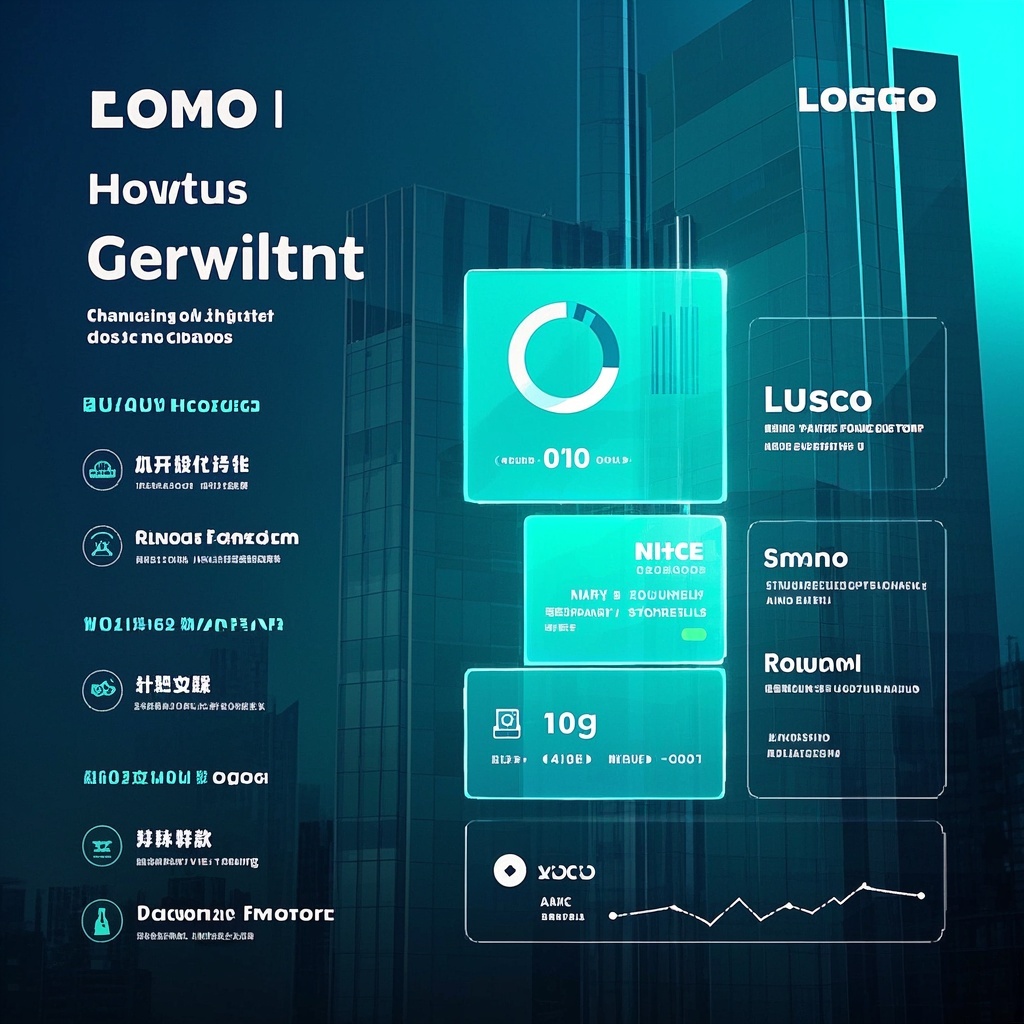
![Image [1]-Product Scenario Application Diagram-VyPrompt](https://apihub-public.oss-cn-beijing.aliyuncs.com/uploads/421ab63a-31cd-442a-a907-a249e881d2e6.png)
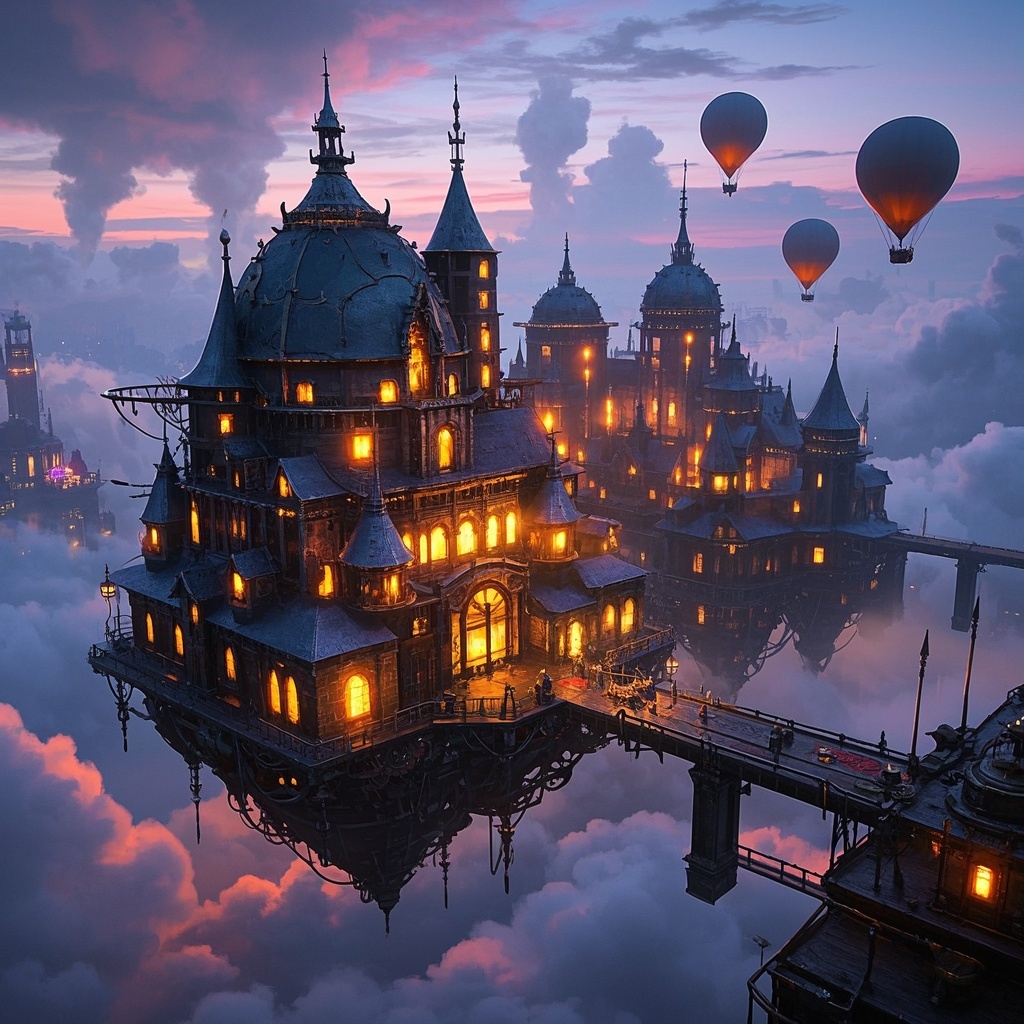
![Image [2]-Product Scenario Application Diagram-VyPrompt](https://apihub-public.oss-cn-beijing.aliyuncs.com/uploads/2bcde1d8-c9b8-4701-ac70-721554088f7e.png)
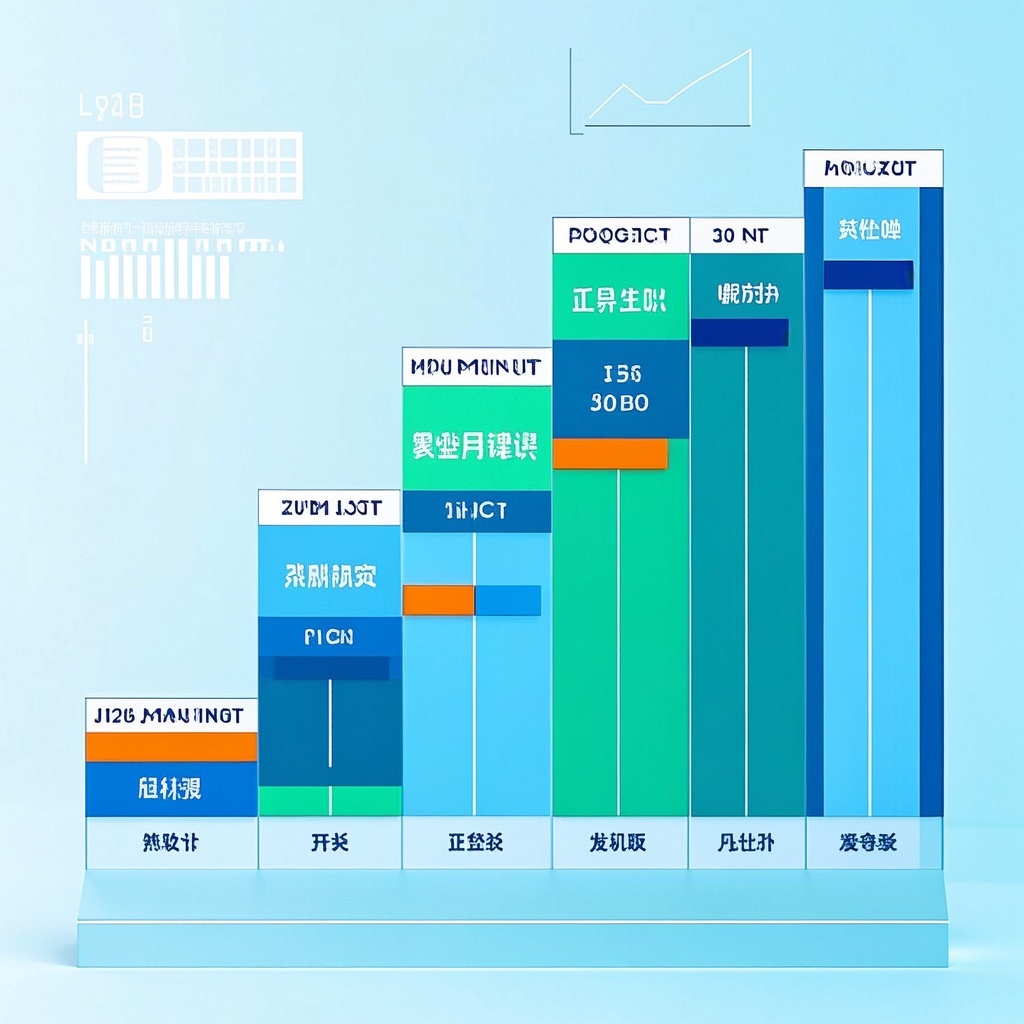
![Image [3]-Product Scenario Application Diagram-VyPrompt](https://apihub-public.oss-cn-beijing.aliyuncs.com/uploads/f099588a-7423-485d-b9b4-1e093b88782c.png)
✅Feature Summary
- One-click generate realistic application scene images, visually present product selling points, instantly boost PPT and pitch credibility.
- Auto-optimize composition and lighting for more natural details—no art skills needed to produce professional visuals.
- Flexibly fill in product and scene descriptions, quickly adapt to various industries and channels, reducing back-and-forth communication.
- High-res output with sharp details, suitable for posters, websites, bids, and presentations without distortion.
- Compatible with major text-to-image engines, one write, multiple uses, team sharing templates for stable asset production.
- Support brand color and style descriptions to maintain visual consistency and unified brand presentation.
- Quickly iterate different scene versions (e.g., stores, construction sites, classrooms, medical) for A/B testing and selection.
- Combine narrative copy to generate visual elements, aligning story and image to improve audience understanding and recall.
🎯Problems Solved
Enable non-design product, marketing, sales, and startup teams to quickly generate realistic, narrative product-scene images. Minimal input yields high-quality visuals for PPT, pitch decks, websites, proposals—showing product use and value in context, unifying brand tone, cutting cycles and costs, boosting client trust, and smoothing trial-to-purchase conversion.
This content is Paid Resources. Please pay to view
$1.8 Today Only
$60
$60
VIPFreeSVIPFree
Buy now
You are not logged in currently!
Paid Resources
© Copyright Notice
THE END











No comments yet