


Core value: One-click generate novel highlight scenes—full atmosphere, explosive detail—effortlessly creating immersive illustrations.
📖Prompt Template
🎯Customizable Parameters (3)
Scene Description:
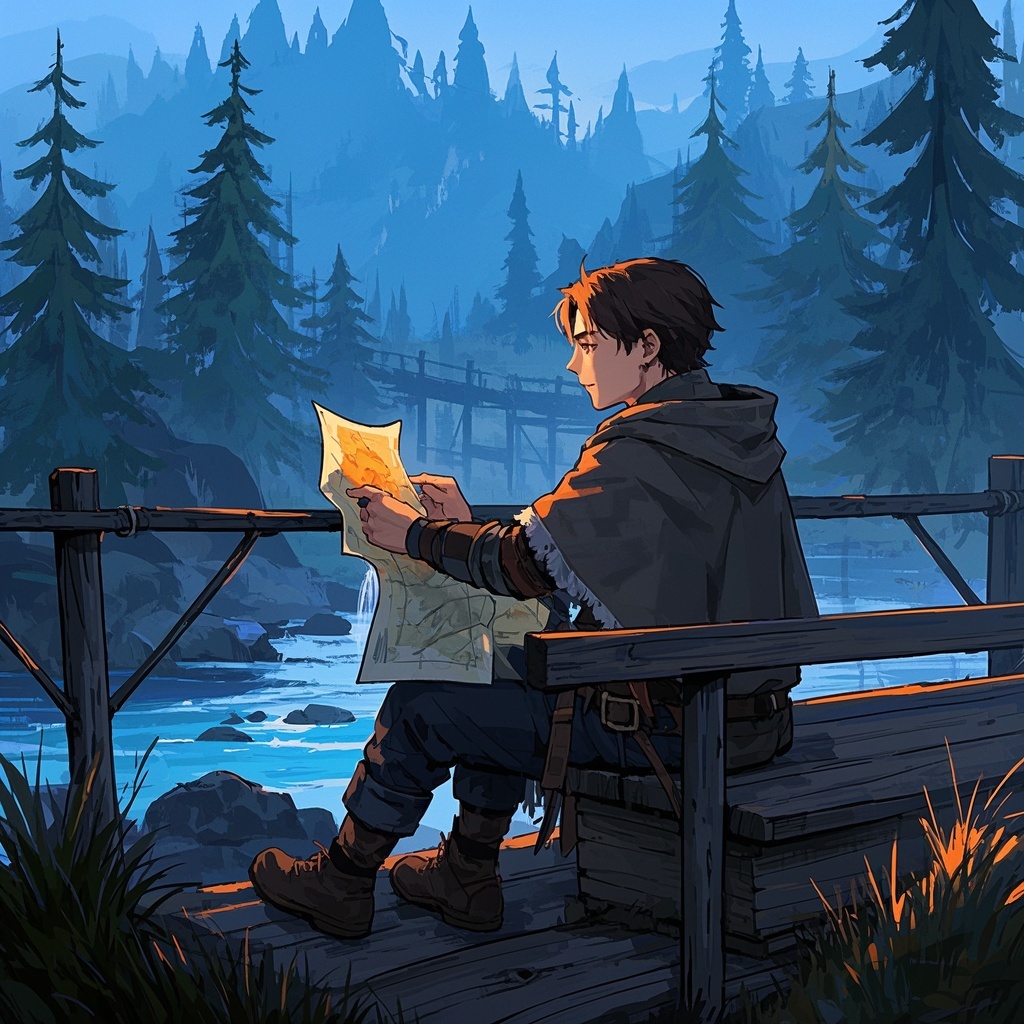
Describe overall atmosphere and details, e.g., ancient castle courtyard at dusk, shrouded in mysterious mist.
Describe overall atmosphere and details, e.g., ancient castle courtyard at dusk, shrouded in mysterious mist.
Character Features:
Describe appearance and attire, e.g., cloaked knight, glowing magic sword, resolute expression.
Describe appearance and attire, e.g., cloaked knight, glowing magic sword, resolute expression.
Background Style:
Describe background style and details, e.g., misty forest, faint light filtering through branches onto the ground.
Describe background style and details, e.g., misty forest, faint light filtering through branches onto the ground.
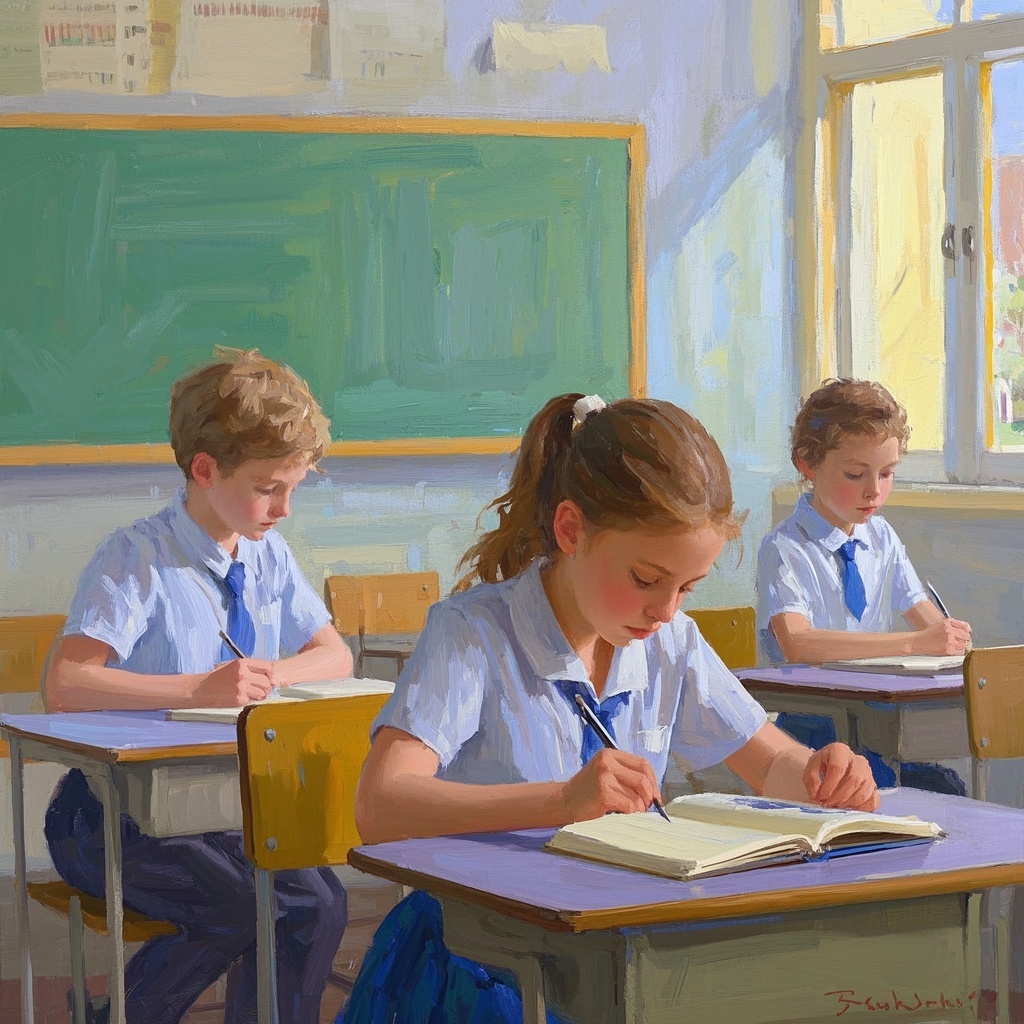
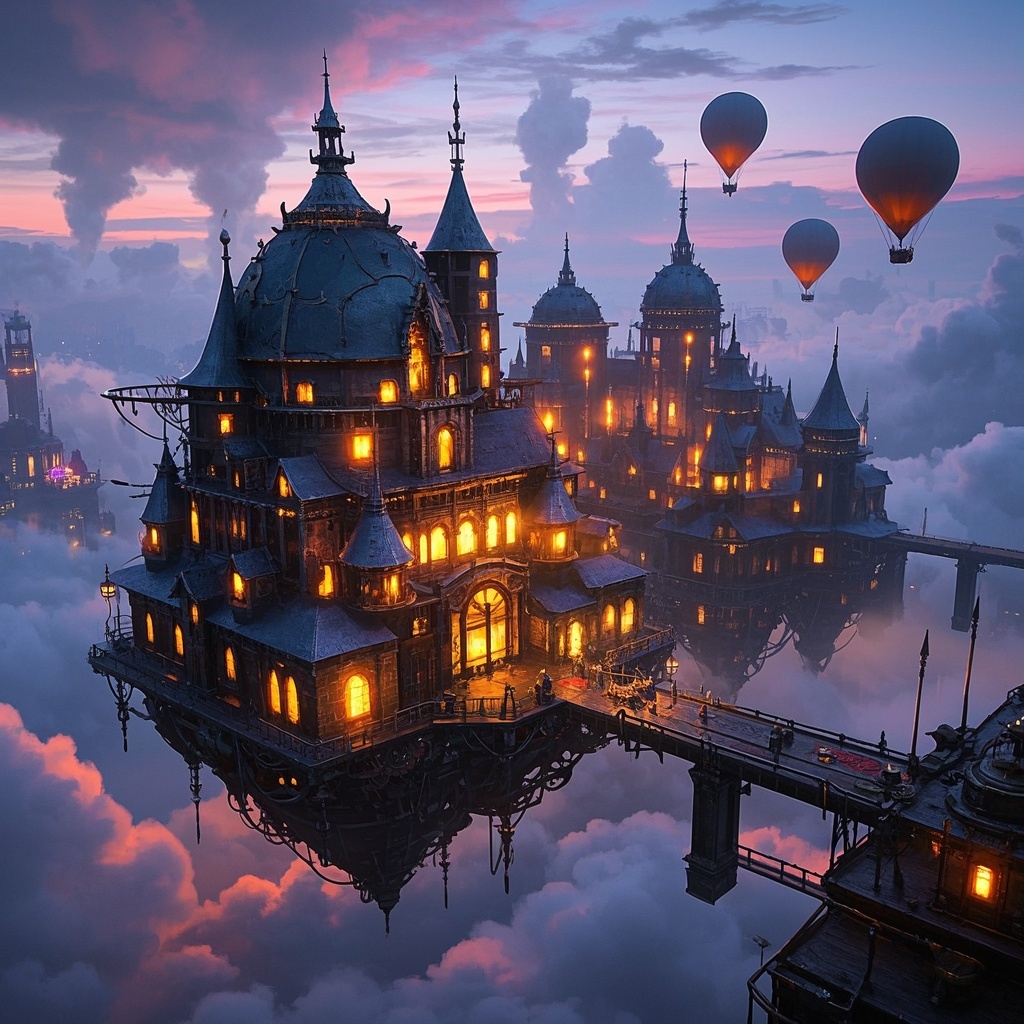
🎨Example Effect
![Image [1]-Novel core illustration-VyPrompt](https://apihub-public.oss-cn-beijing.aliyuncs.com/uploads/3aabb5b1-bd00-4002-8f34-d91ceadff385.png)
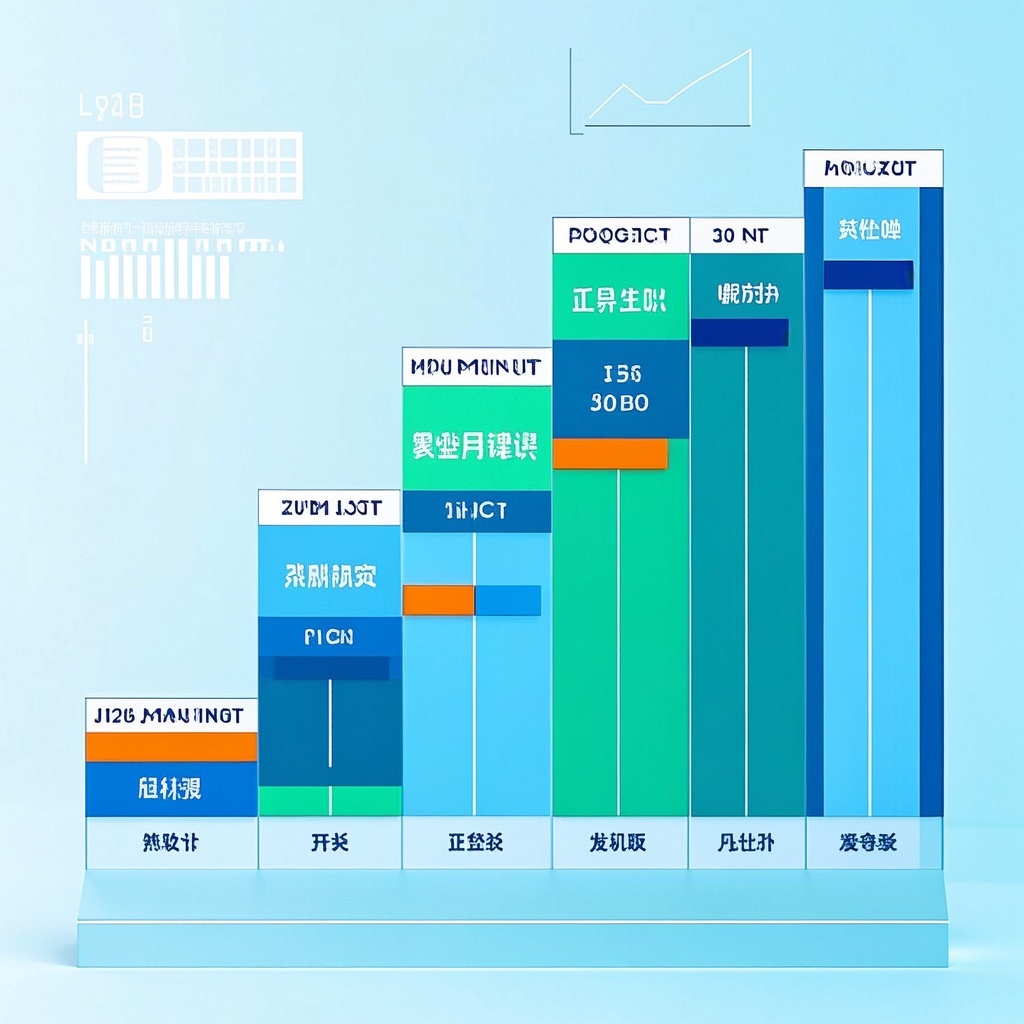
![Image [2]-Novel core illustration-VyPrompt](https://apihub-public.oss-cn-beijing.aliyuncs.com/uploads/935712d4-0236-4053-a922-d6b2877ab0e2.png)
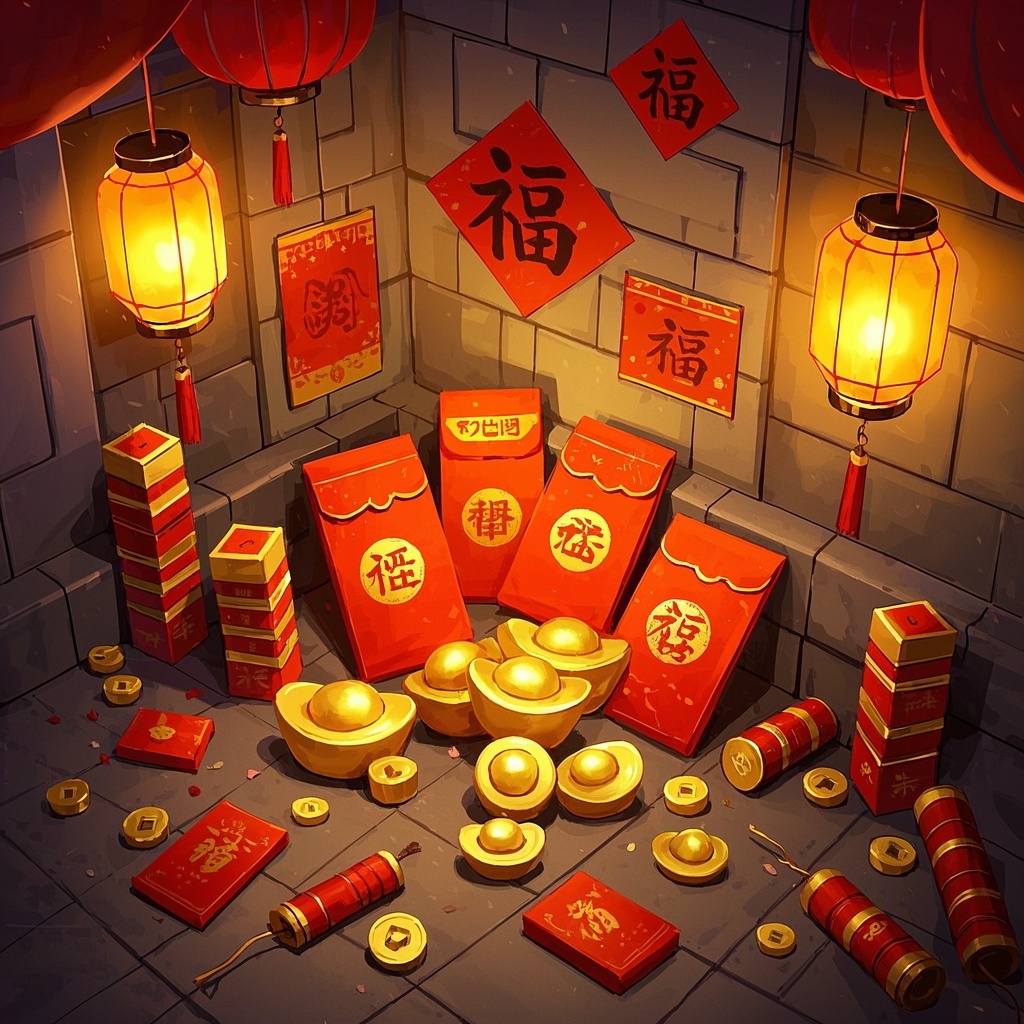
![Image [3]-Novel core illustration-VyPrompt](https://apihub-public.oss-cn-beijing.aliyuncs.com/uploads/d5b42642-31e7-40ff-a7a3-41de94e1ceff.png)
✅Feature Summary
- One-click convert chapter text into immersive scene illustrations, quickly capturing plot peaks and enhancing reading immersion.
- Auto-optimize composition, lighting, and color layers—rich detail without clutter, meeting publication and promotional standards.
- Customizable scene, character traits, and background style to align with world-building and maintain visual consistency.
- Quickly switch themes (fantasy, sci-fi, urban, ancient) with one template covering multiple narrative scenarios.
- Batch generate multiple versions for one-click comparison, significantly shortening selection and iteration time.
- Maintain consistent character appearance across chapters—attire and demeanor carry over, avoiding reader disconnect.
- Auto-extract key shots and emotion tags from text, accurately reproducing atmosphere and boosting narrative impact.
- Seamlessly integrate with writing workflow—visualize scenes instantly as you write, aiding inspiration and pacing.
- Generate ready-to-use covers, posters, and interior illustrations, adapted for multi-platform display to increase clicks and saves.
🎯Problems Solved
For novelists, screenwriters, content ops, and indie creators: turn story text into immersive, emotionally charged core scene illustrations in minutes. With three controllable inputs—scene, character, background—achieve consistent style, rich detail, clear lighting, and balanced composition. Compatible with major image generation models, suitable for chapter art, covers, social teasers, and pitch decks, significantly boosting appeal and reader conversion.
This content is Paid Resources. Please pay to view
$1.8 Today Only
$60
$60
VIPFreeSVIPFree
Buy now
You are not logged in currently!
Paid Resources
© Copyright Notice
THE END








No comments yet