


Core value: One-click generate literary mood illustrations—fine details, rich emotion—effortlessly create an immersive visual experience.
📖Prompt Template
🎯Customizable Parameters (3)
Character Description:
Describe the main character’s appearance, expression, attire, etc. E.g., a melancholy young girl holding a yellowed book in a vintage long dress.
Describe the main character’s appearance, expression, attire, etc. E.g., a melancholy young girl holding a yellowed book in a vintage long dress.
Scene Description:
Describe the setting and atmosphere. E.g., a quiet forest with sunlight filtering through leaves casting dappled light.
Describe the setting and atmosphere. E.g., a quiet forest with sunlight filtering through leaves casting dappled light.
Background Style:
Describe color tone and lighting effects. E.g., soft warm tones with a gentle breeze dynamic.
Describe color tone and lighting effects. E.g., soft warm tones with a gentle breeze dynamic.
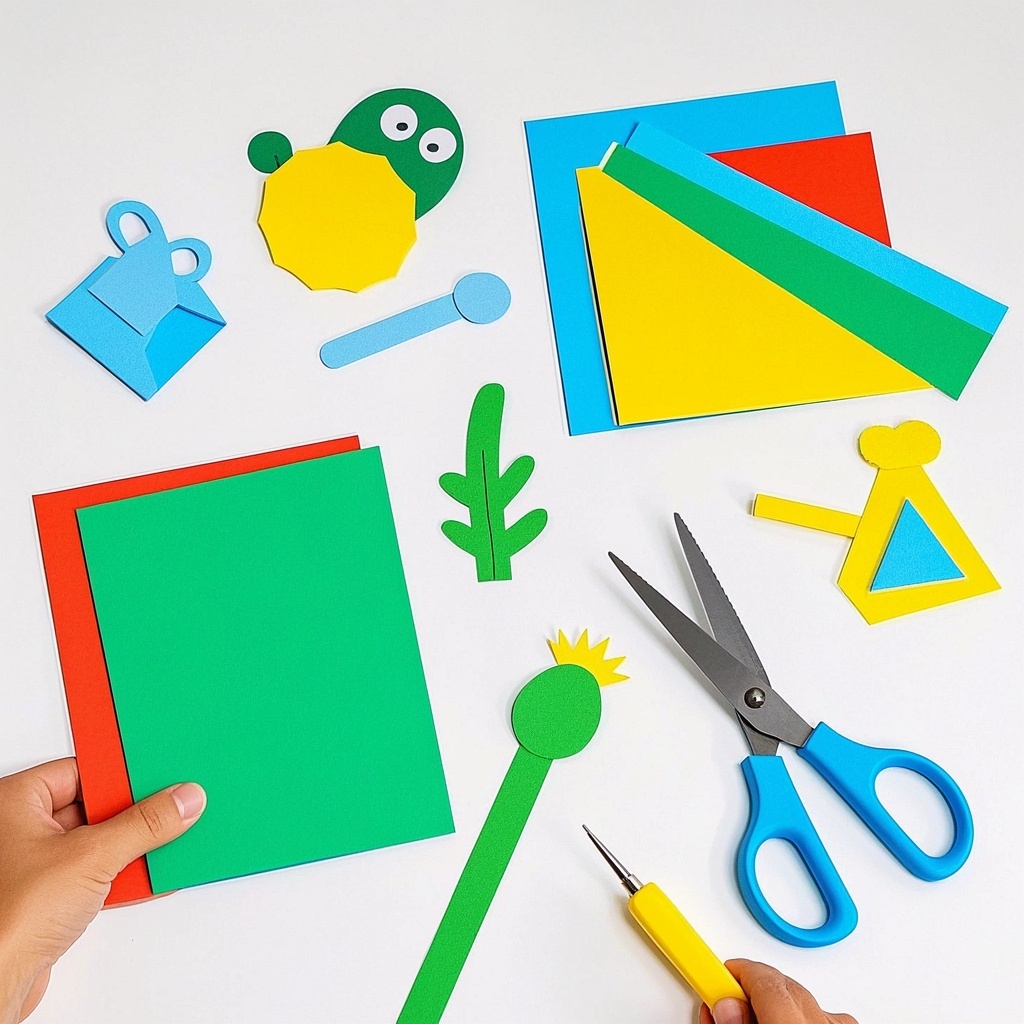
🎨Example Effect
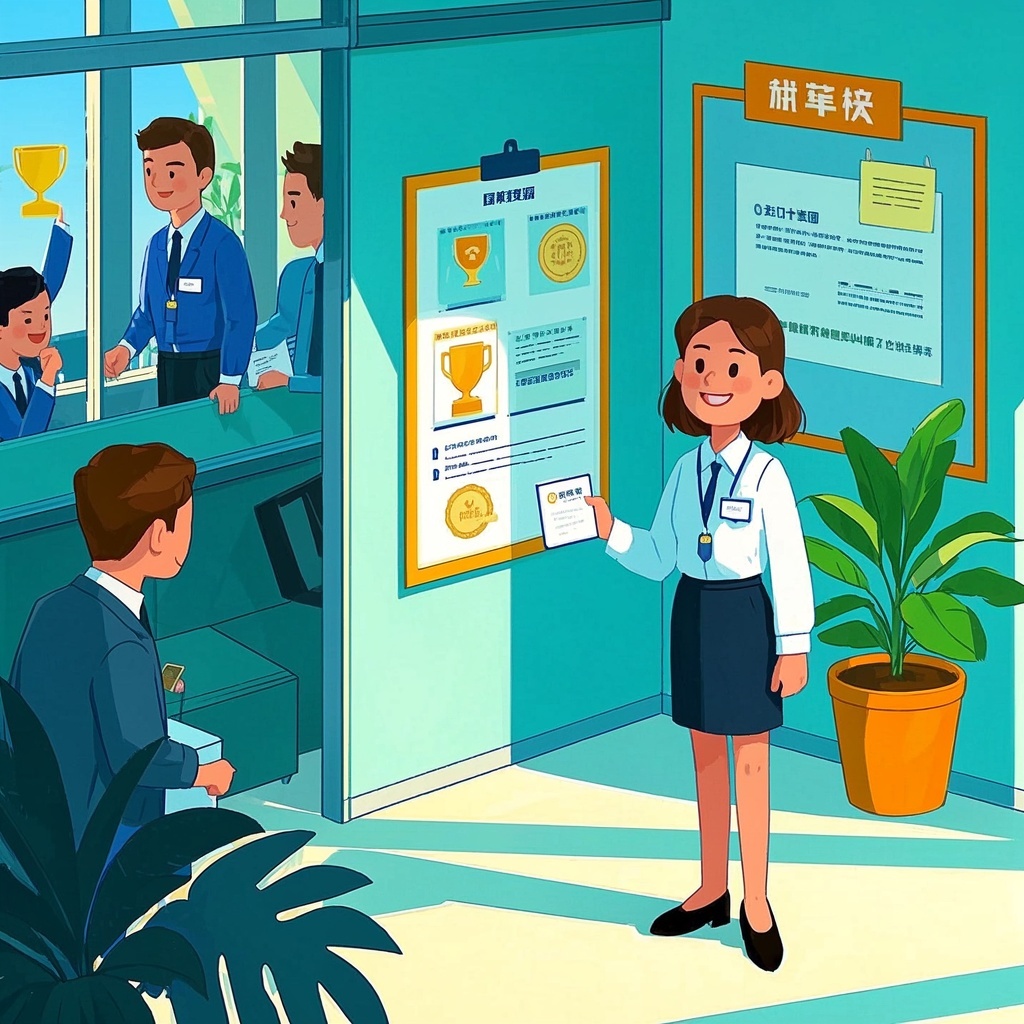
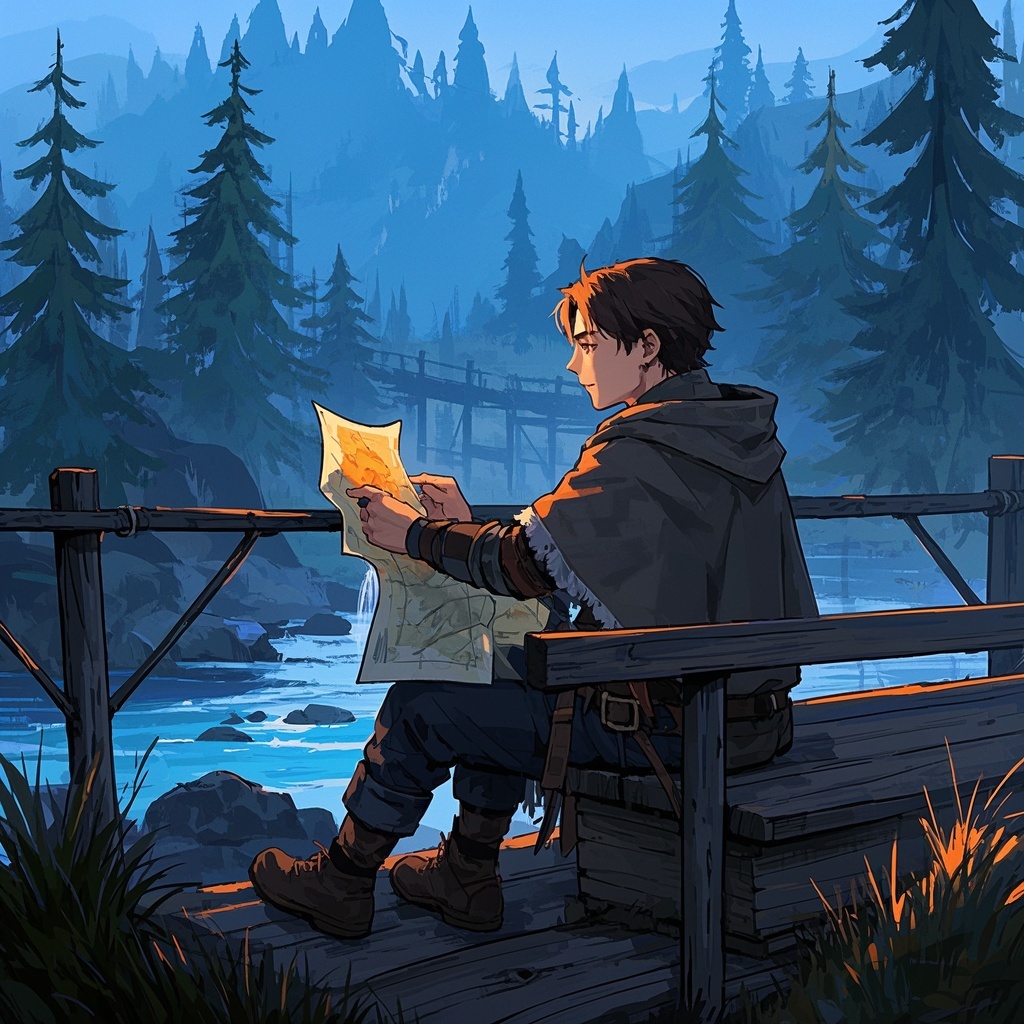
![Image [1]-Literary mood illustration creation-VyPrompt](https://apihub-public.oss-cn-beijing.aliyuncs.com/uploads/35bd20b8-dc1e-4c3a-87b6-32692e1c7ea2.png)
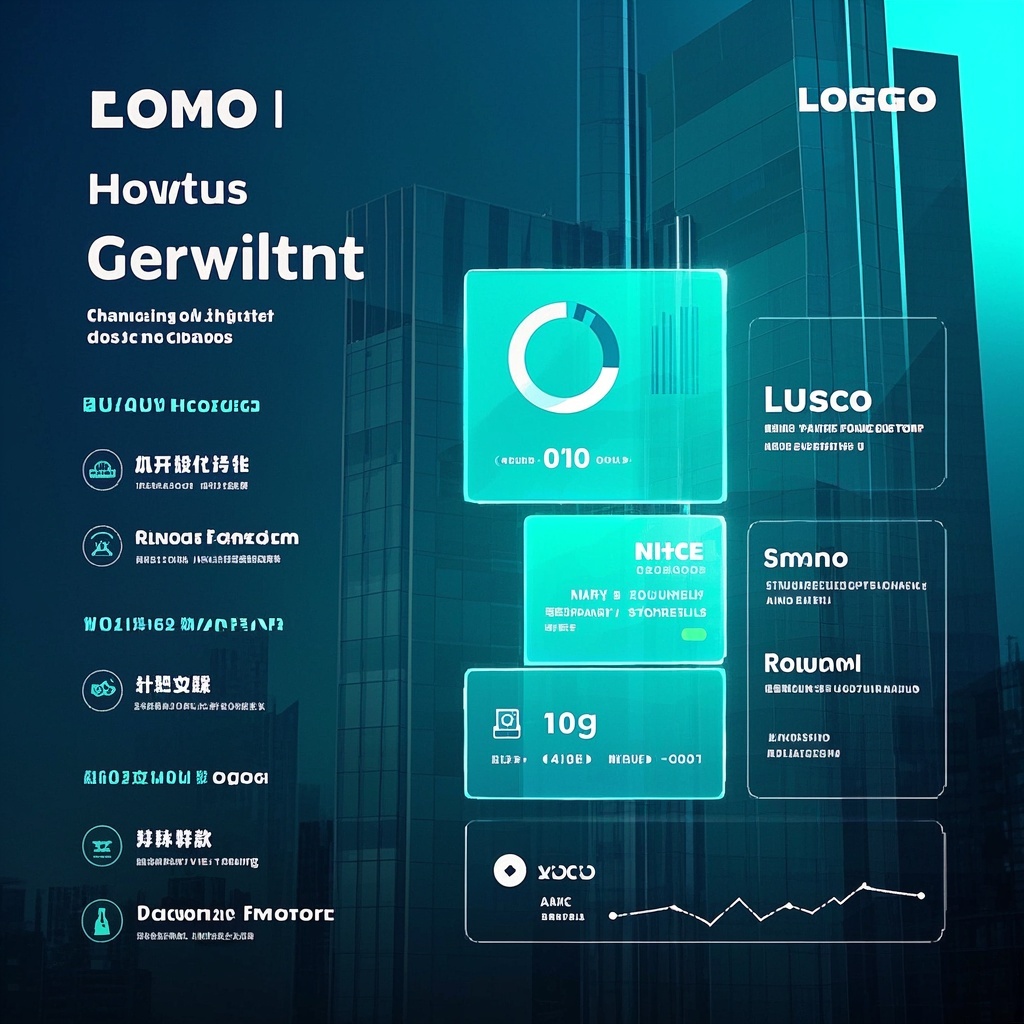
![Image [2]-Literary mood illustration creation-VyPrompt](https://apihub-public.oss-cn-beijing.aliyuncs.com/uploads/ddf5c5a9-8fb2-4f28-9eef-6b59b6860a3a.png)
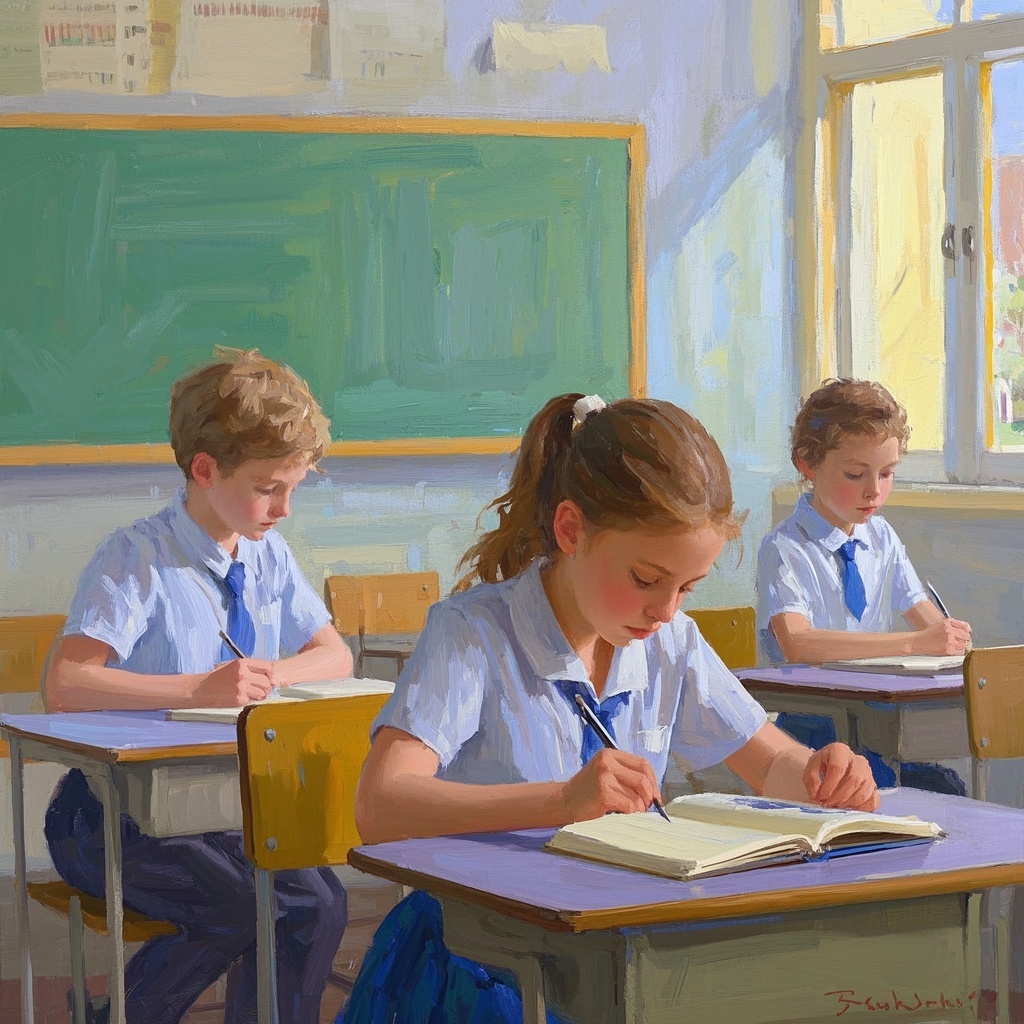
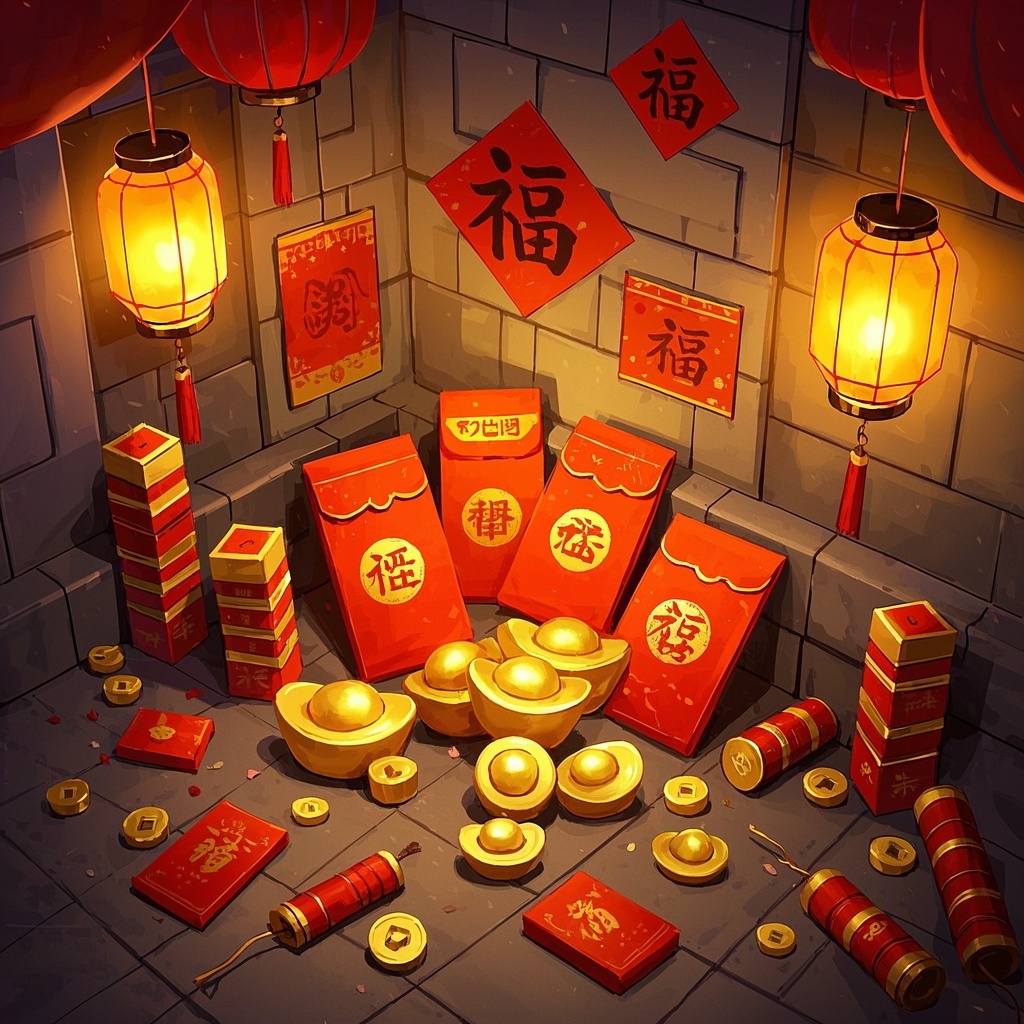
![Image [3]-Literary mood illustration creation-VyPrompt](https://apihub-public.oss-cn-beijing.aliyuncs.com/uploads/65d97ced-6e0c-4b9c-976a-95d2c5f76885.png)
✅Feature Summary
- One-click convert text narrative into sketches and final illustrations, effortlessly conveying emotions, atmosphere, and mood.
- Freely define characters, scenes, and background elements; auto-match style for unified, harmonious visuals.
- Built-in mood control (melancholy, romantic, epic, serene, etc.) shapes different narrative textures with one click.
- Auto-optimize composition and lighting to reduce rework, quickly producing final art for covers and courseware.
- Support multiple aspect ratios for covers, banners, inserts—easily adapt to print and digital.
- Batch generation and fine-tuning allow multi-angle interpretation for selection and A/B testing.
- Smartly capture symbolic and imagistic details, auto-highlight themes for more literary and distinctive visuals.
- Compatible with major text-to-image tools; simple template calls and low learning curve ensure smooth creation.
- Can be integrated into lectures or reading events; one image highlights key plot points, boosting narrative tension and engagement.
🎯Problems Solved
Enable authors, editors, teachers, publishers, and new media teams to quickly generate literary mood illustrations that match textual emotion, with minimal time and communication cost. Via controllable character–scene–background elements, consistently produce unified style, soft lighting, rich color layers, and refined composition—for covers, courseware, social media, and reading promotion—boosting immersion and conversion. Support batch reuse and series creation, significantly reducing outsourcing costs and revision cycles.
This content is Paid Resources. Please pay to view
$1.8 Today Only
$60
$60
VIPFreeSVIPFree
Buy now
You are not logged in currently!
Paid Resources
© Copyright Notice
THE END








No comments yet