


📖Prompt Template
💡 Core Value: Minimalist House Elevation Illustration🎯 Customizable Parameters:
House Style: Modern, Minimalist, etc.
Composition Type: Dynamic, Static, etc.
Architecture Detail Style: Blueprint, Hand-drawn, etc.
🎨 Example Effect
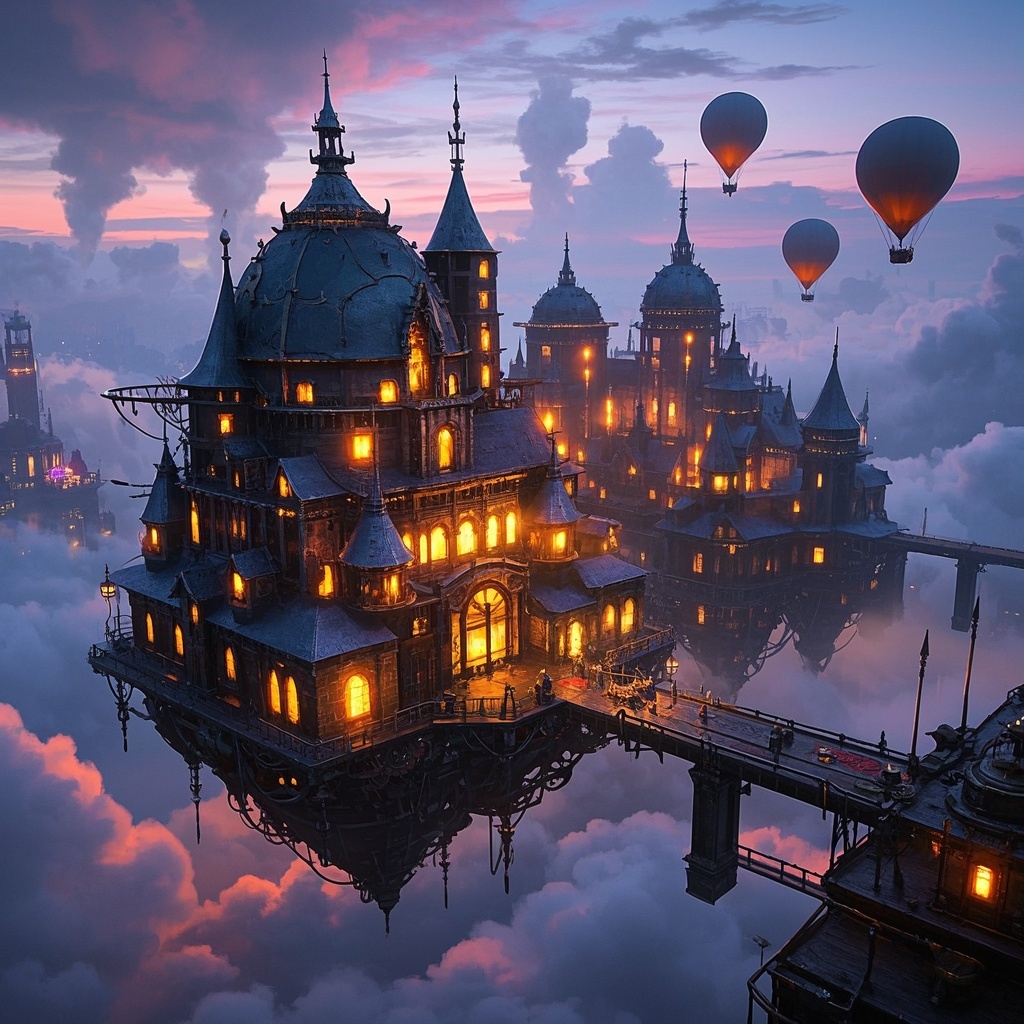
![Image [1]-House Section Illustration-VyPrompt](https://apihub-public.oss-cn-beijing.aliyuncs.com/uploads/86a0b204-d2c5-4141-a64d-2453e2bc354d.png)
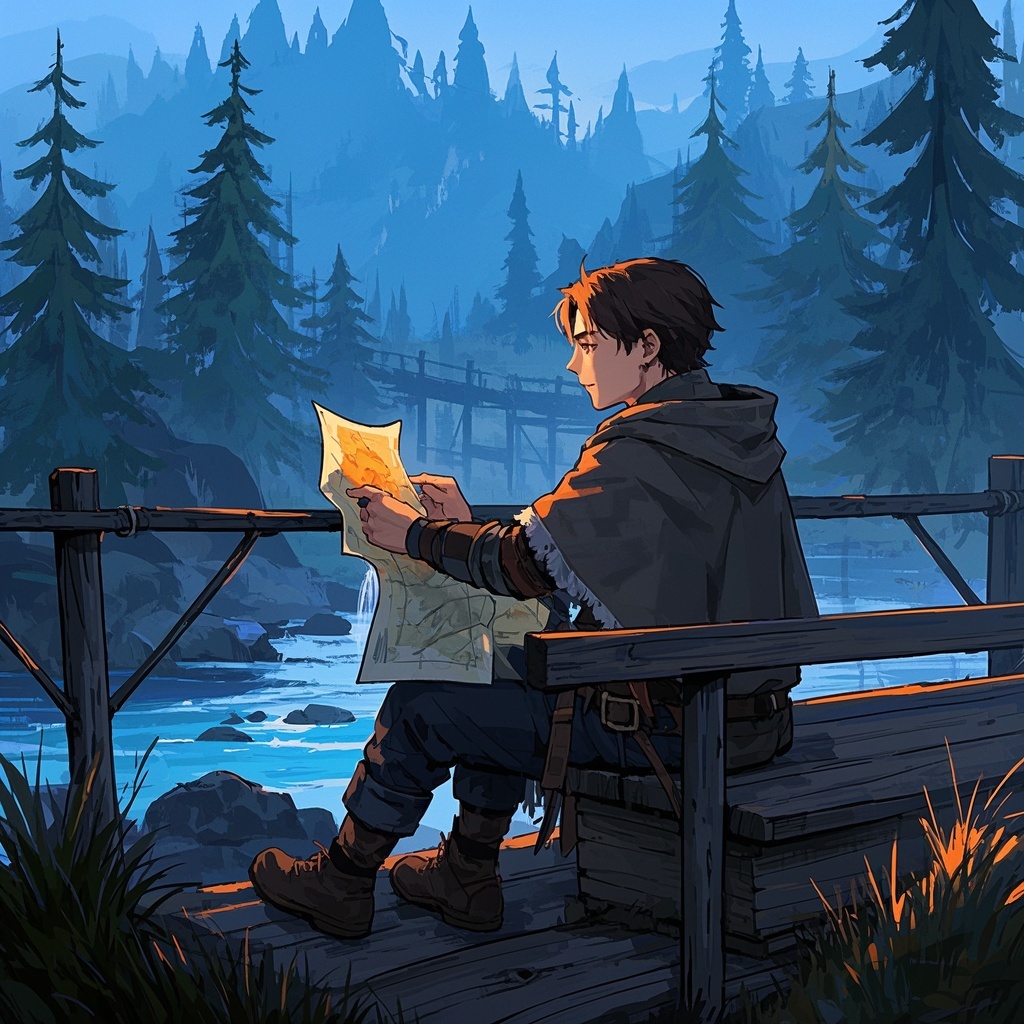
![Image [2]-House Section Illustration-VyPrompt](https://apihub-public.oss-cn-beijing.aliyuncs.com/uploads/1818ac5d-d7eb-416f-8ddc-fe1719e8ba06.png)
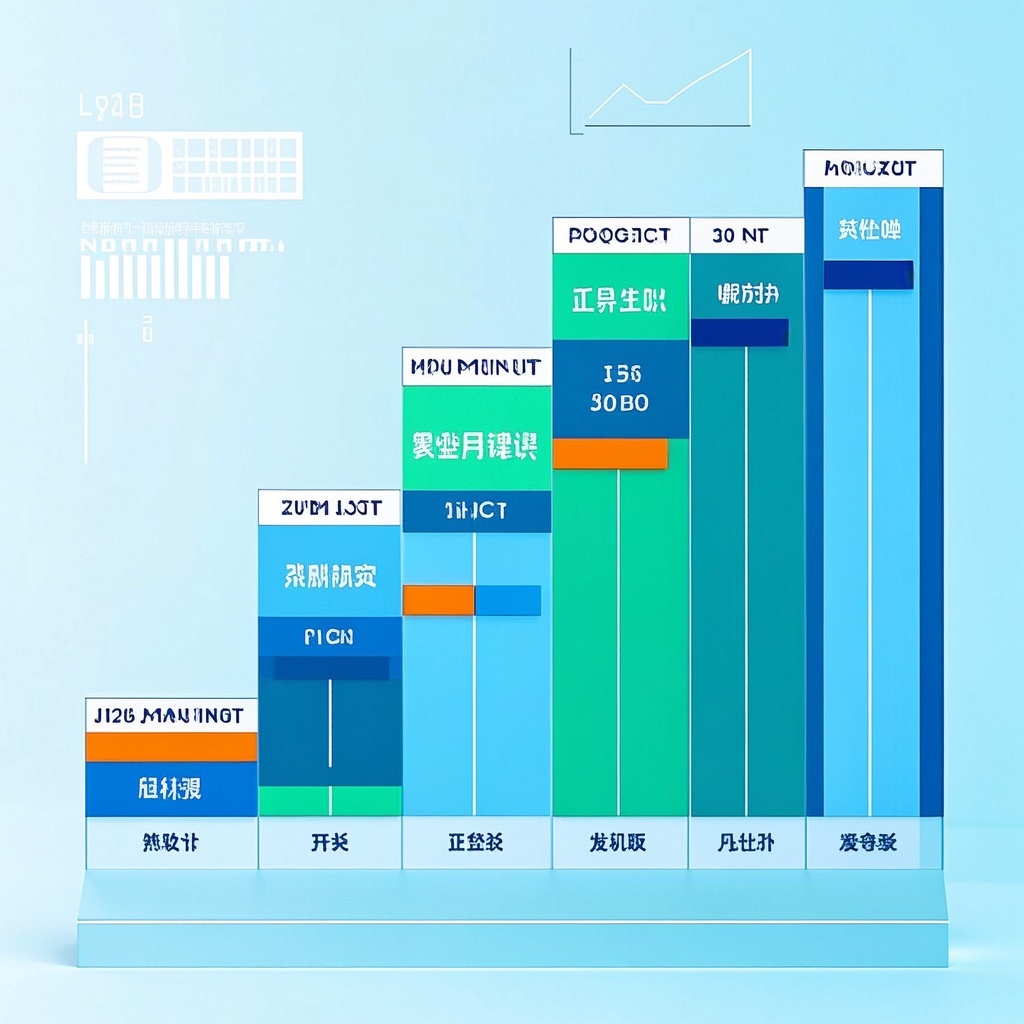
![Image [3]-House Section Illustration-VyPrompt](https://apihub-public.oss-cn-beijing.aliyuncs.com/uploads/e0509d6f-c2e3-42b5-932d-71df29dd1876.png)
✅ Feature Summary
- Generate minimalist house elevation illustrations instantly with clear side views, making your portfolio stand out and look professional.
- Customize style, composition, and detail level to match brand aesthetics, reducing rework and trial-and-error.
- Optimize layout and white space automatically for clear information hierarchy, ensuring eye-catching thumbnails.
- Smartly add architectural and furniture details with consistent line and surface treatment, enhancing professional quality.
- Generate multiple versions at once to compare colors and structures, quickly identifying the best creative direction.
- Preset platform dimensions and safe margins for seamless export to Dribbble and other communities, ensuring top-notch display.
- Automatically generate titles and descriptions, saving time and improving click-through and rates.
- Support continuous iteration from sketch to finished product, streamlining team collaboration and reducing communication costs.
- Apply brand colors and material textures effortlessly, maintaining consistent style across projects and saving time on retouching.
🎯 Problems Solved
Aid designers and teams in quickly generating high-quality minimalist house elevation illustrations. With customizable style, composition, and detail options, produce visually appealing works for platforms like Dribbble and proposal scenarios; balancing architectural logic and professional details while enabling rapid comparisons, branded series, and social media content creation. This significantly reduces the time from creation to review to release, improving efficiency and conversion rates.
This content is Paid Reading. Please pay to view
$1.8Today Only
$68
$68
VIPFreeSVIPFree
Buy now
You are not logged in currently!
Paid Reading
© Copyright Notice
THE END














No comments yet