


Core value: One-click generate high-conversion detail pages, beautifully laid out, prominent selling points, easily capture user attention and drive orders.
📖Prompt Template
🎯Customizable Parameters (3)
Layout Structure:
Description of overall page layout, e.g., modular layout with main visual area and info display zone.
Description of overall page layout, e.g., modular layout with main visual area and info display zone.
Product Features:
Description of product functions and usage scenarios, e.g., smartwatch health monitoring and sports scenarios.
Description of product functions and usage scenarios, e.g., smartwatch health monitoring and sports scenarios.
Visual Style:
Description of page visual style, e.g., modern minimalist, fresh colors, strong business vibe.
Description of page visual style, e.g., modern minimalist, fresh colors, strong business vibe.
🎨Example Effect
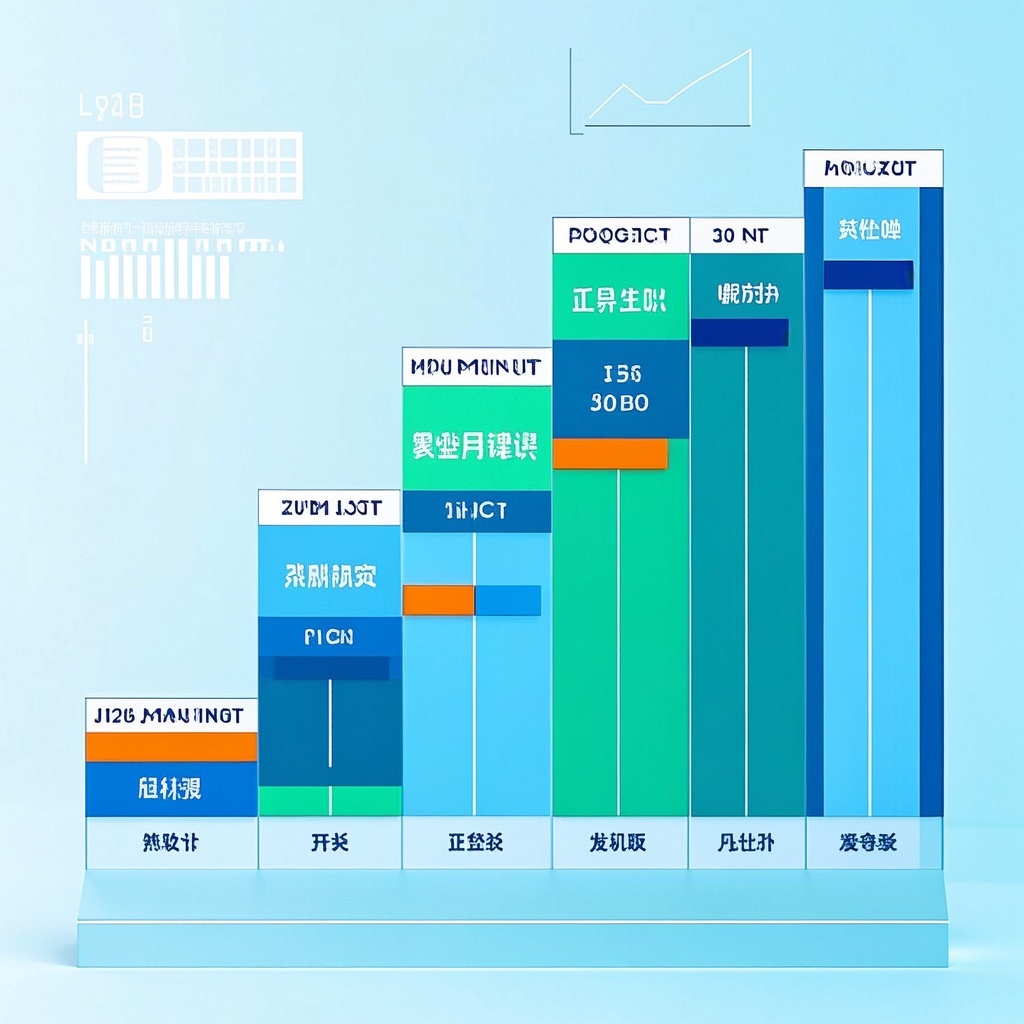
![Image [1]-High-quality Product Detail Page Design-VyPrompt](https://apihub-public.oss-cn-beijing.aliyuncs.com/uploads/3d7fe1c9-1c17-4ba7-9043-acdf49c2f49a.png)
![Image [2]-High-quality Product Detail Page Design-VyPrompt](https://apihub-public.oss-cn-beijing.aliyuncs.com/uploads/b163a64d-fec4-437c-9e3f-52088751c40f.png)
![Image [3]-High-quality Product Detail Page Design-VyPrompt](https://apihub-public.oss-cn-beijing.aliyuncs.com/uploads/d32074d3-6511-44f4-89dd-f47717d25c7d.png)
✅Feature Summary
- One-click generate main images and detail pages with clear structure, quickly highlight features and scenarios, boost clicks and conversions.
- Auto-optimize layout and info hierarchy for instant focus, reduce rework, shorten time-to-live.
- Smart color and lighting for modern commercial quality, enhance brand trust and purchase confidence.
- Support adaptable sizing per category and platform specs to avoid cropping distortion and repeated review.
- Multi-style one-click switching for A/B testing to find higher-converting visual expression.
- Parametric settings for selling points, scenarios, and audience, batch-generate versions for multi-channel needs.
- Auto-generate title areas, image-text modules, and label styles to improve communication efficiency and readability.
- High-res refined details, balanced and impactful composition, suitable for both mobile and desktop display.
🎯Problems Solved
Enable e-commerce merchants, brand ops, and growth teams to quickly produce sales-driving main images and detail pages: precisely present product selling points and usage scenarios, unify brand style, boost CTR and conversion. Use standardized prompts to rapidly generate high-res, commercially polished page assets, supporting new launches, campaign updates, and multi-channel distribution—significantly cutting design cycles, communication and rework costs, while facilitating A/B testing and bulk multi-SKU iteration.
This content is Paid Resources. Please pay to view
$1.8 Today Only
$60
$60
VIPFreeSVIPFree
Buy now
You are not logged in currently!
Paid Resources
© Copyright Notice
THE END















No comments yet