


Core value: One-click high-impact cover: vivid colors, clear product, boost livestream clicks and conversions.
📖Prompt Template
🎯Customizable Parameters (3)
Product Highlights:
Core selling points, e.g., high-quality smartwatch with 24/7 health monitoring.
Core selling points, e.g., high-quality smartwatch with 24/7 health monitoring.
Background Style:
Cover background design, e.g., gradient neon with starry sparkles.
Cover background design, e.g., gradient neon with starry sparkles.
Text Style:
Title design, e.g., bold large font with metallic effect.
Title design, e.g., bold large font with metallic effect.
🎨Example Effect
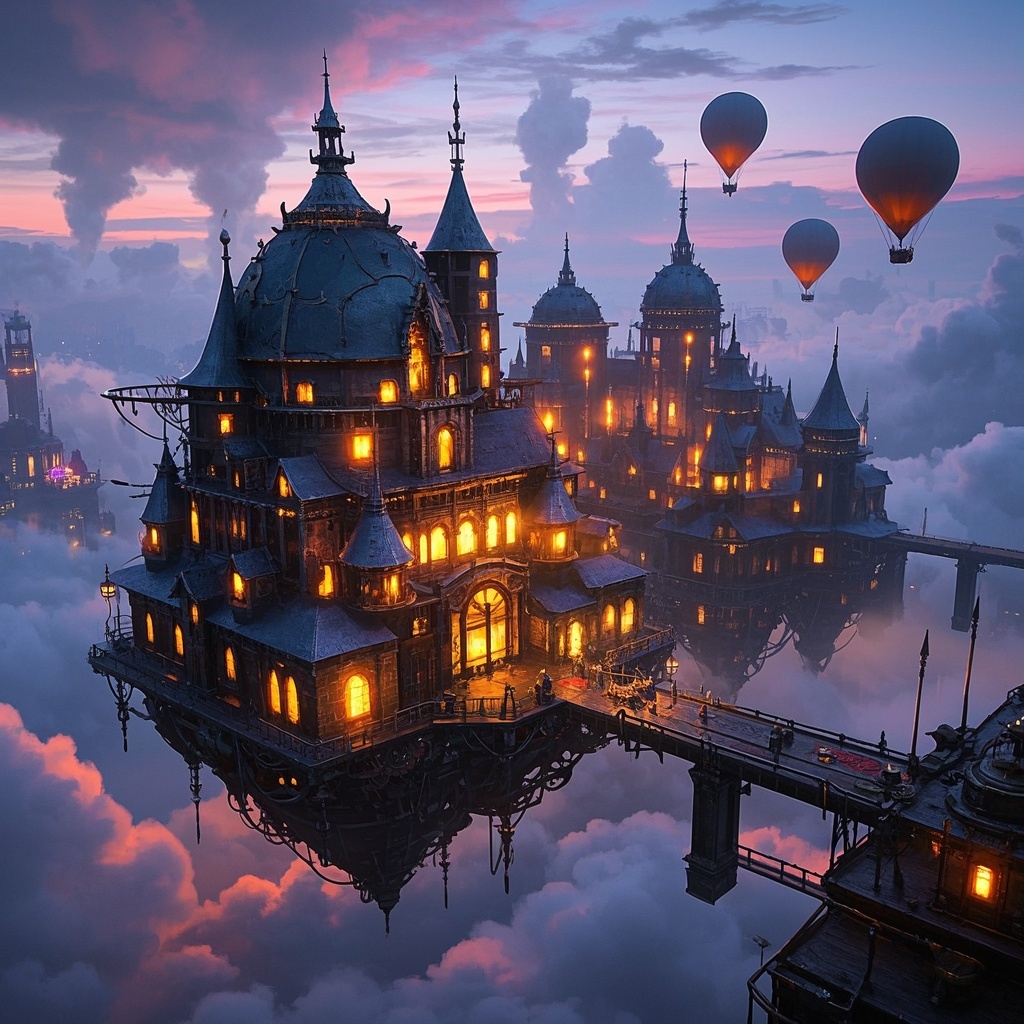
![Image [1]-Eye-catching Livestream Cover Image-VyPrompt](https://apihub-public.oss-cn-beijing.aliyuncs.com/uploads/62940849-01f3-4761-b240-7fcebf3bb986.png)
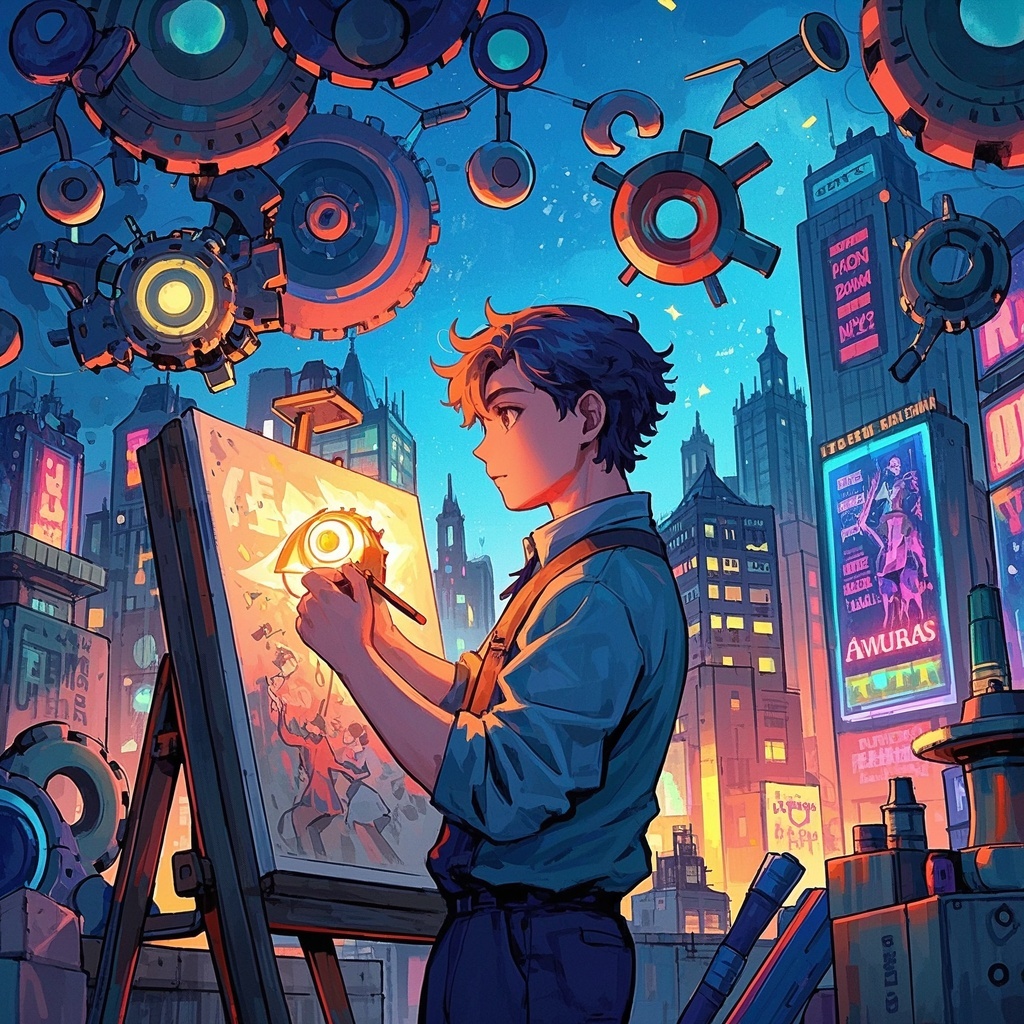
![Image [2]-Eye-catching Livestream Cover Image-VyPrompt](https://apihub-public.oss-cn-beijing.aliyuncs.com/uploads/9d026abd-62ca-4c6e-a026-149de40d9b52.png)
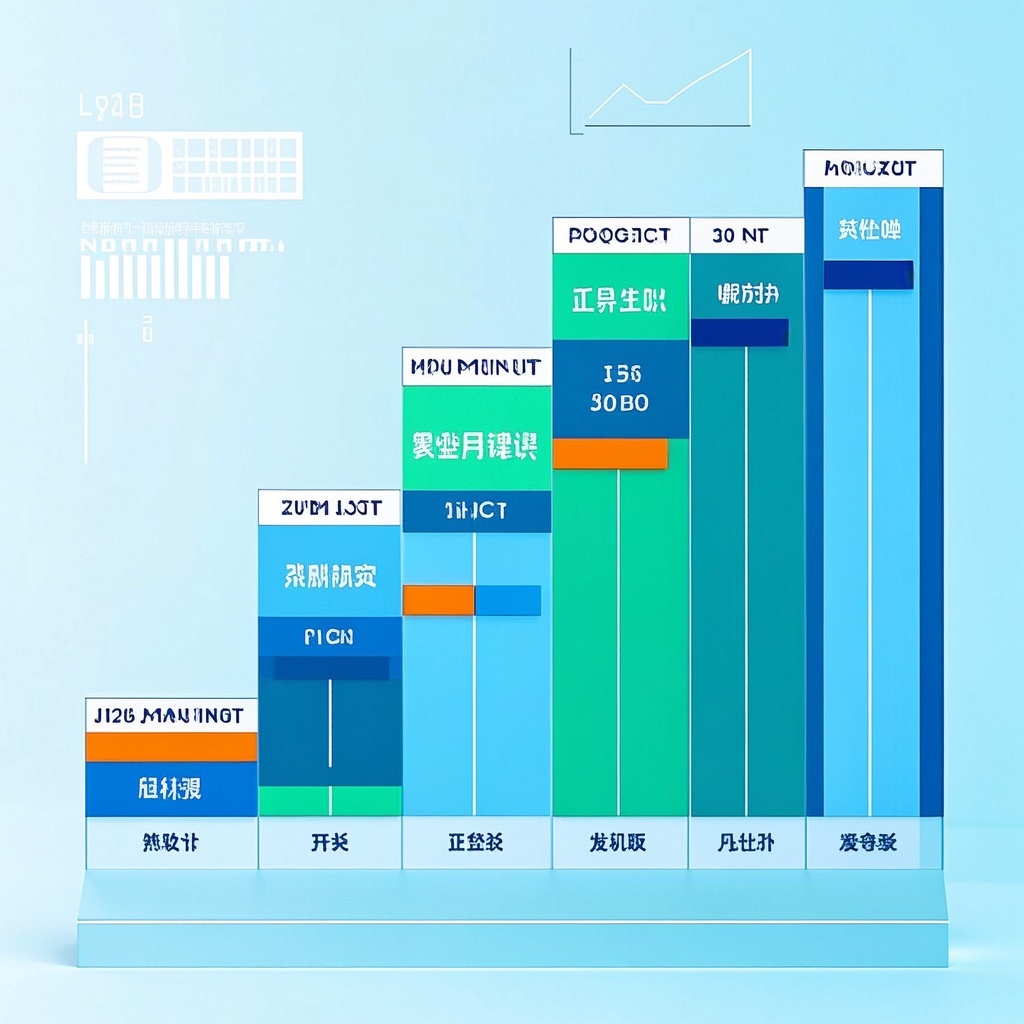
![Image [3]-Eye-catching Livestream Cover Image-VyPrompt](https://apihub-public.oss-cn-beijing.aliyuncs.com/uploads/c1c9ce68-b41f-4085-9296-ec12a2ca263b.png)
✅Feature Summary
- One-click generate HD livestream covers, highlight product selling points, address user pain points, boost clicks and entry rates.
- Customize product highlights, background style, and text to match brand tone and campaign themes.
- Auto-optimize composition and hierarchy—titles more prominent, product more focused, clear visual path without overwhelming the selling point.
- Multiple style presets for quick switching between main images and livestream detail pages, reducing repetitive design work.
- Support fast adaptation to campaign nodes and holiday vibes, creating “new arrival” and “flash sale” atmospheres.
- Built-in title copy suggestions with high-saturation palettes to strengthen recall, attract dwell time, and prompt interaction.
- Batch generate multiple cover versions for A/B testing, quickly identify top-performing designs, speed up launch decisions.
- Output high-res, crisp details suitable for multi-platform display, avoiding compression distortion and brand image loss.
🎯Problems Solved
Enable non-design ops teams to create clickable livestream covers. With three controllable elements (product highlights, background style, text style), generate professional, HD, color-impact covers in minutes. For main images and livestream detail pages—boost first-screen appeal, entry rate, and purchase conversion. Support A/B testing and brand consistency, cutting prep time, design costs, and improving ROI.
This content is Paid Resources. Please pay to view
$1.8 Today Only
$60
$60
VIPFreeSVIPFree
Buy now
You are not logged in currently!
Paid Resources
© Copyright Notice
THE END














No comments yet