


Core value: This prompt sparks creative IP character design, covering diverse roles from traditional to modern, realistic to fictional. Define character type, background, and key traits to quickly generate distinctive IP visuals. Supports various art styles and compositions, compatible with multiple generation models, suitable for animation, gaming, branding. From ancient warriors to futuristic racers, virtual idols to fantasy guardians, precise parameters enable visualization to meet diverse character design needs.
📖Prompt Template
🎯Customizable Parameters (4)
Character type:
role or identity, e.g., cartoon cat, sci-fi robot, magical elf, etc.
role or identity, e.g., cartoon cat, sci-fi robot, magical elf, etc.
Character traits:
key features, e.g., big eyes, fluffy tail, lively and cute; equipped with advanced sci-fi weapons, futuristic design, etc.
key features, e.g., big eyes, fluffy tail, lively and cute; equipped with advanced sci-fi weapons, futuristic design, etc.
Character background:
setting, e.g., deep forest in a magical world, tech lab in a futuristic city, etc.
setting, e.g., deep forest in a magical world, tech lab in a futuristic city, etc.
Environment style:
overall atmosphere, e.g., mysterious and dreamy, full of futuristic tech vibes, etc.
overall atmosphere, e.g., mysterious and dreamy, full of futuristic tech vibes, etc.
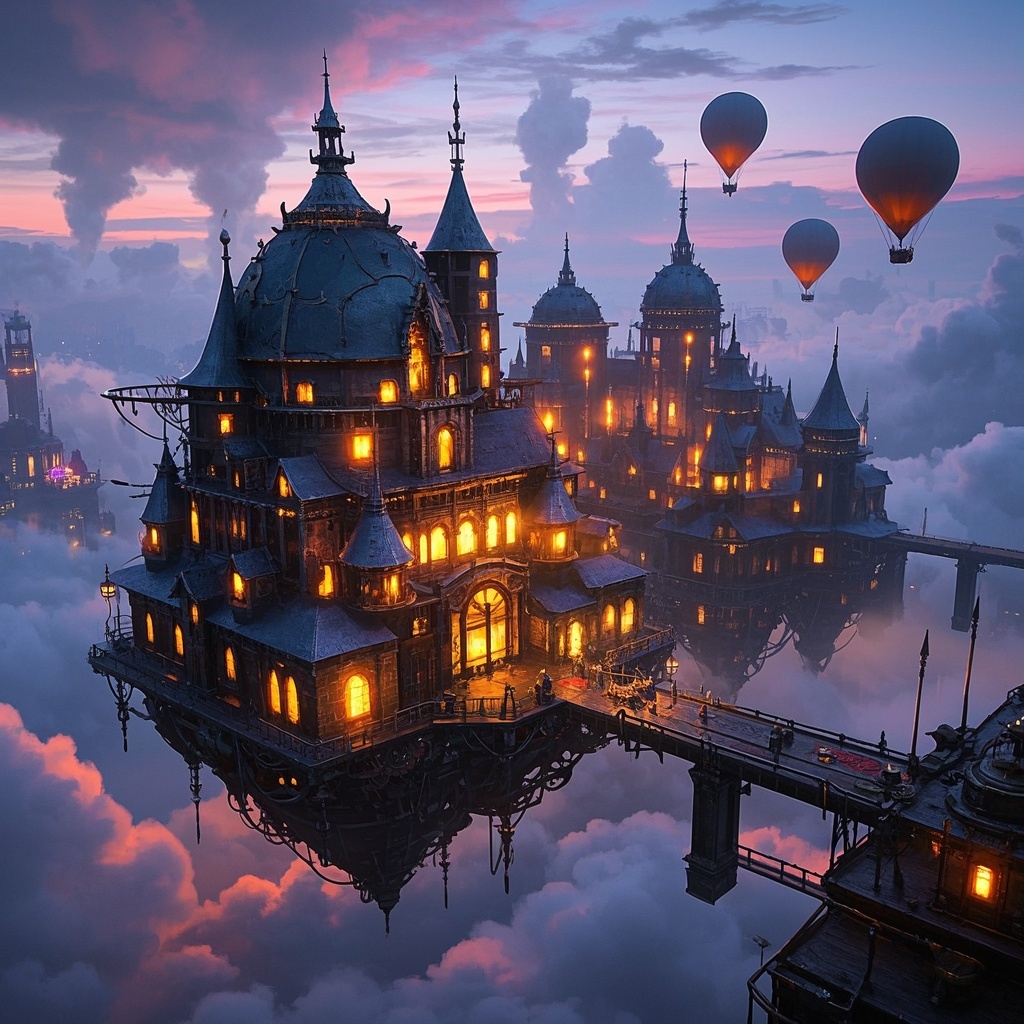
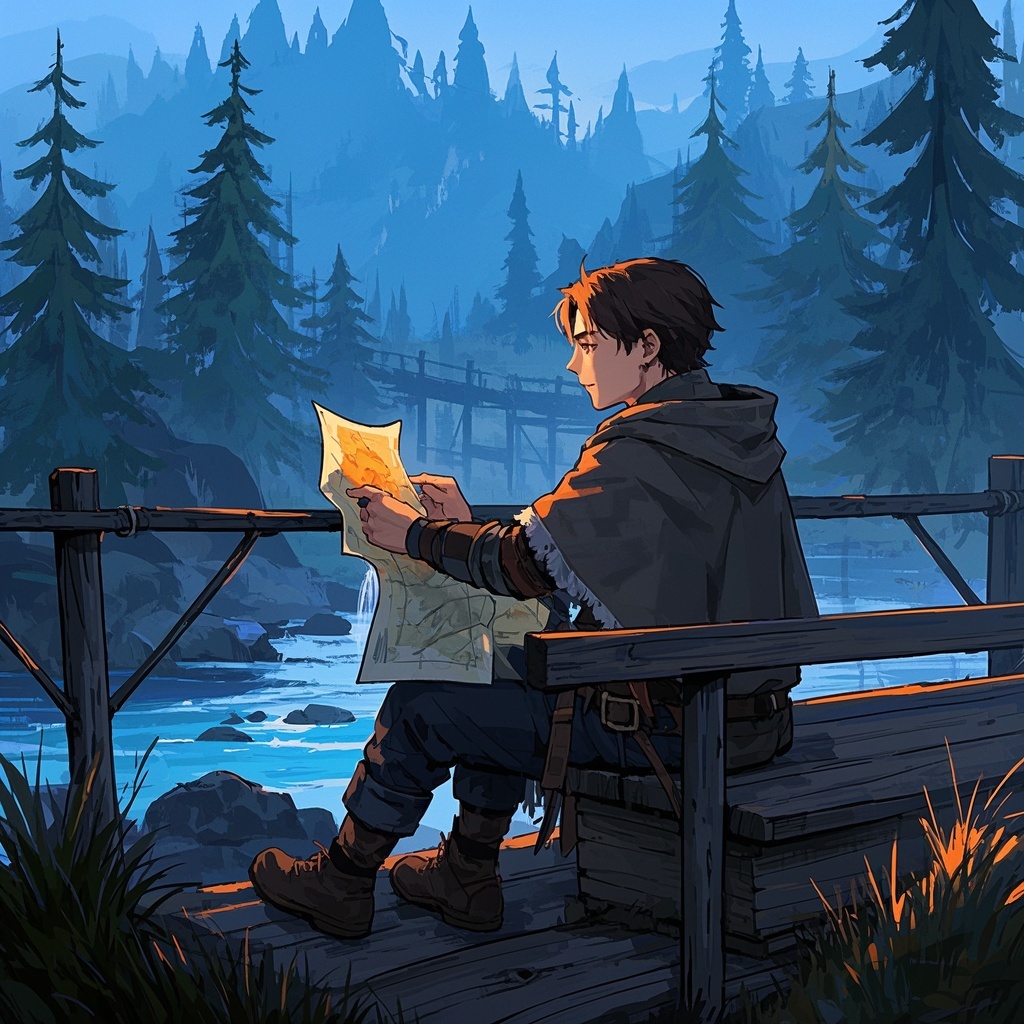
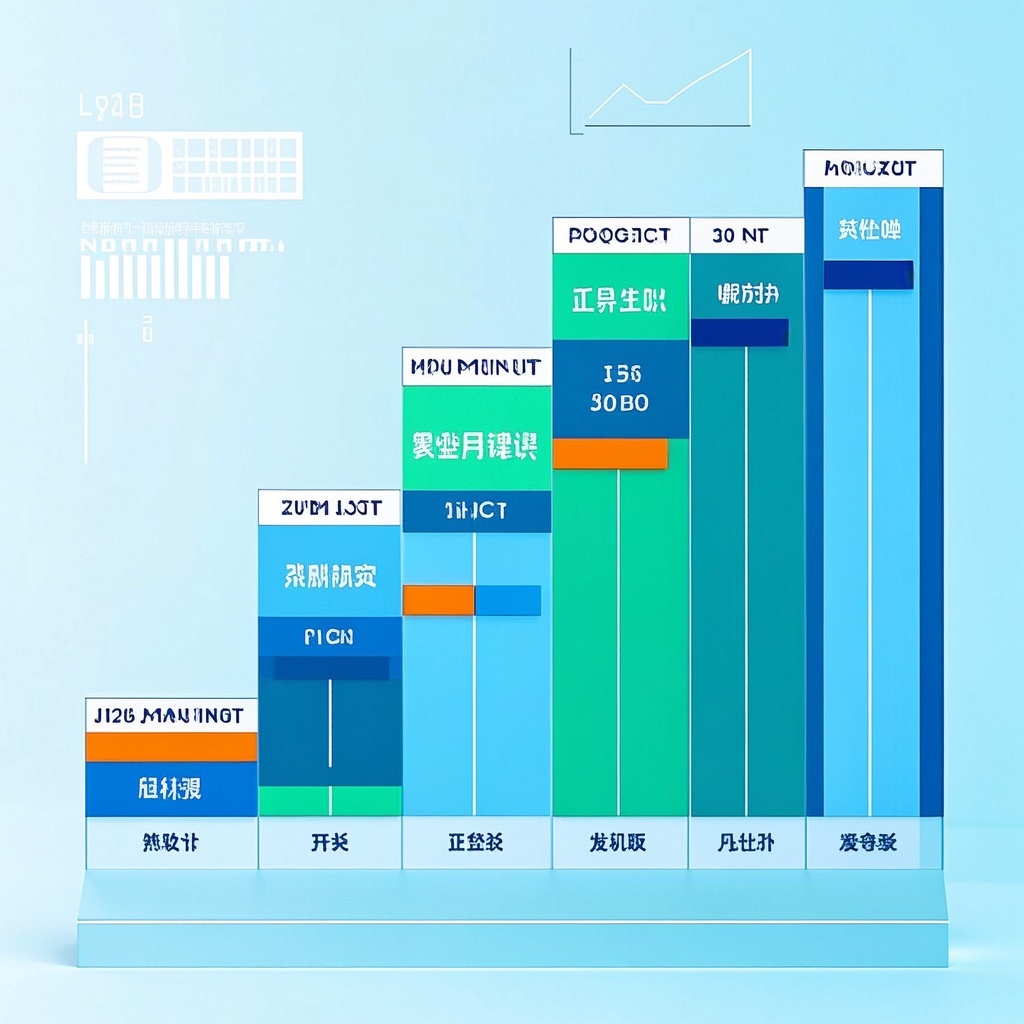
🎨Example Effect
![Image [1]-Diverse IP Character Creation-VyPrompt](https://apihub-public.oss-cn-beijing.aliyuncs.com/uploads/9ba4f628-2a6b-46ca-af31-257a42721904.png)
![Image [2]-Diverse IP Character Creation-VyPrompt](https://apihub-public.oss-cn-beijing.aliyuncs.com/uploads/89a64e58-24fb-4cfc-becb-f78744c19011.png)
![Image [3]-Diverse IP Character Creation-VyPrompt](https://apihub-public.oss-cn-beijing.aliyuncs.com/uploads/923d36d0-2d42-4aa3-a5fb-72edda04bf41.png)
✅Feature Summary
- Easily generate diverse IP characters – from ancient to future settings, for various creative needs.
- Precise parametric customization – define type, background, traits for free expression.
- Supports multiple art styles and compositions – quickly output realistic or fantasy designs.
- Compatible with various AI models – blends inspiration and tech, boosts efficiency.
- Designed for animation, game dev – helps build impactful visuals fast.
- Deep brand support – from virtual idols to unique IP, create exclusive brand assets.
- Auto-optimization and high-quality rendering – shows detail and atmosphere, enhances appeal.
- Rich inspiration input – complete character creation without complex steps.
- Cross-field use – entertainment, ads, PR – one-click concept visualization.
- User-friendly and flexible – suitable for beginners and experts, turn ideas into reality.
🎯Problems Solved
Help users quickly achieve diverse IP character creation, supporting character design from inspiration to precise visualization, to meet the needs of animation, game development, and brand creative scenarios.
This content is Paid Resources. Please pay to view
$1.8 Today Only
$60
$60
VIPFreeSVIPFree
Buy now
You are not logged in currently!
Paid Resources
© Copyright Notice
THE END














No comments yet