


Core value: One-click generate high-quality product scene images, natural lighting, full detail, effortlessly create eye-catching ad visuals.
📖Prompt Template
🎯Customizable Parameters (2)
Product Description:
Detailed description, e.g., a stylish smartwatch with metal case and leather strap.
Detailed description, e.g., a stylish smartwatch with metal case and leather strap.
Scene Description:
Detailed description, e.g., modern office with sunlight streaming through floor-to-ceiling windows onto the desk.
Detailed description, e.g., modern office with sunlight streaming through floor-to-ceiling windows onto the desk.
🎨Example Effect
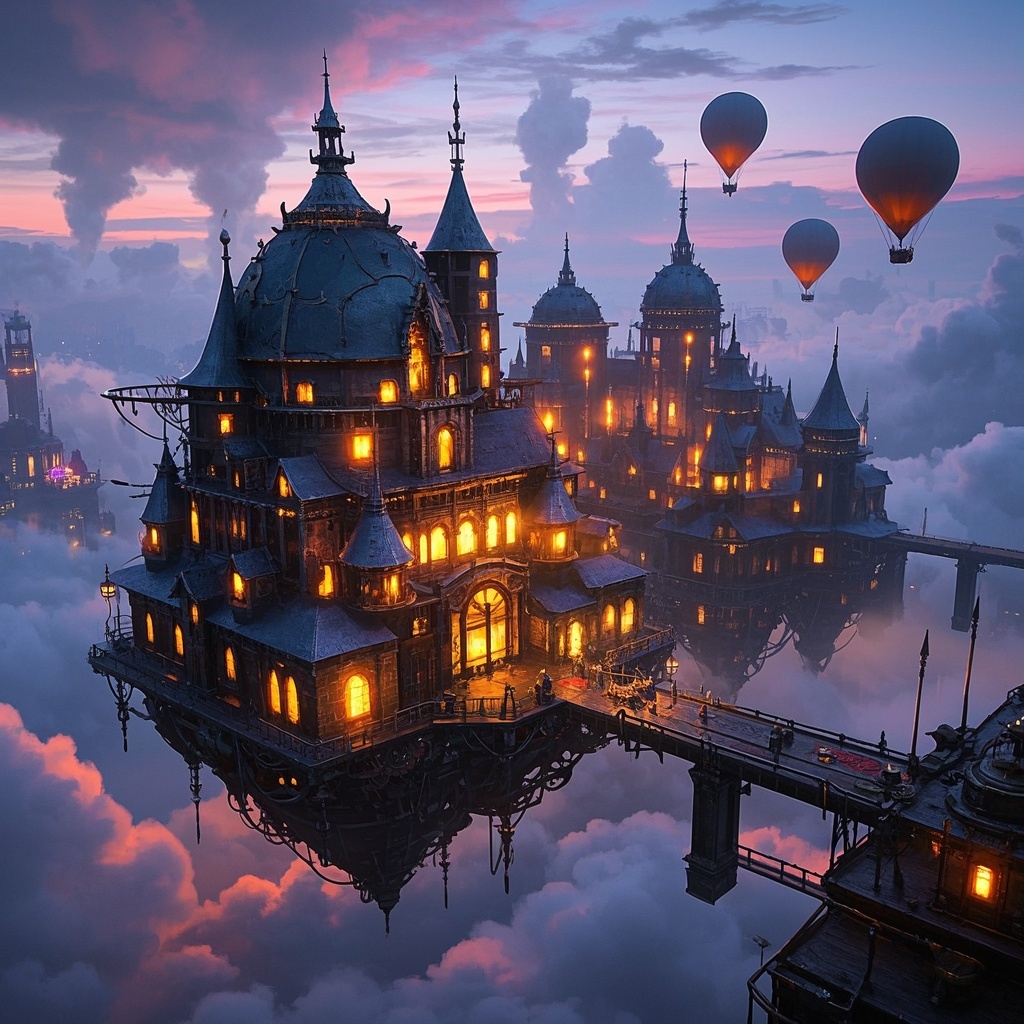
![Image [1]-Creative Product Scene Composition-VyPrompt](https://apihub-public.oss-cn-beijing.aliyuncs.com/uploads/4a9ca71c-f76c-49d7-8312-6010eff26508.png)
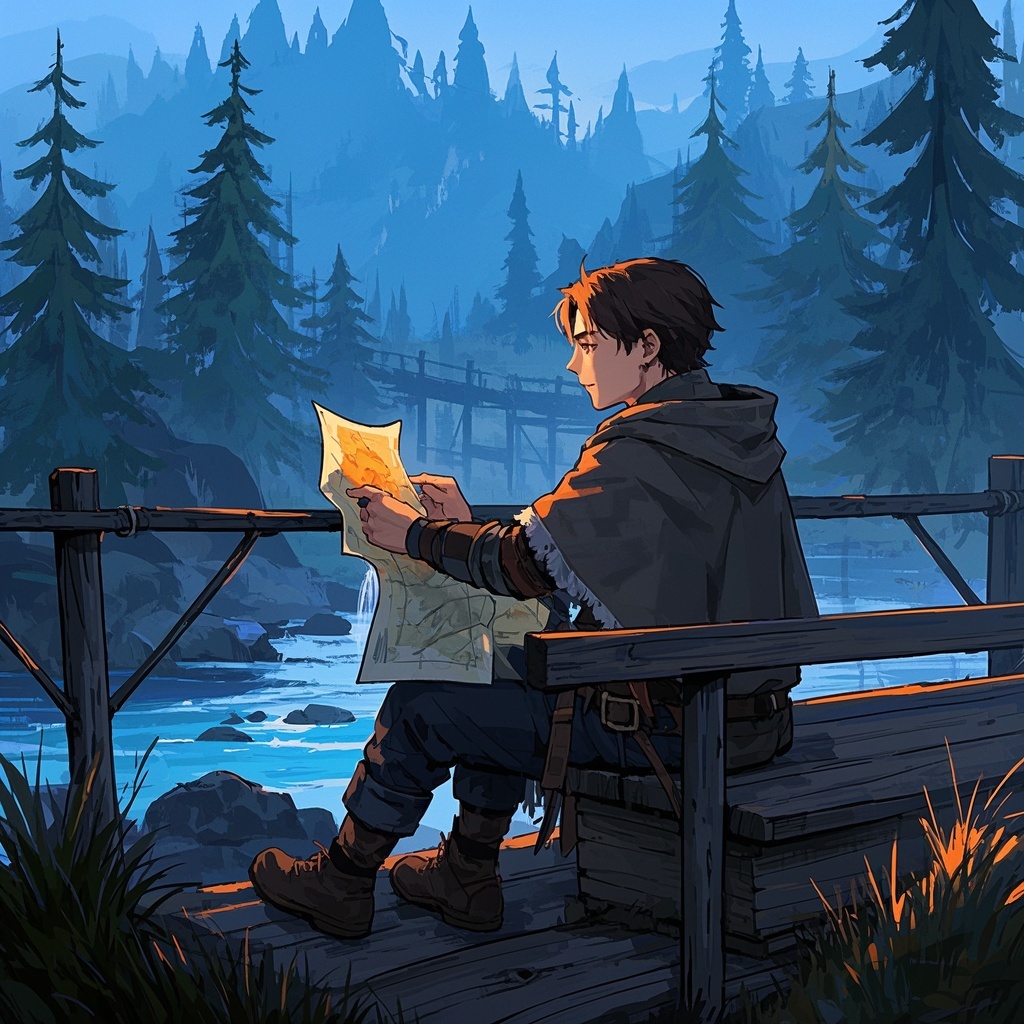
![Image [2]-Creative Product Scene Composition-VyPrompt](https://apihub-public.oss-cn-beijing.aliyuncs.com/uploads/38e8da4f-fa82-481c-83ca-0fcdd64aaaff.png)
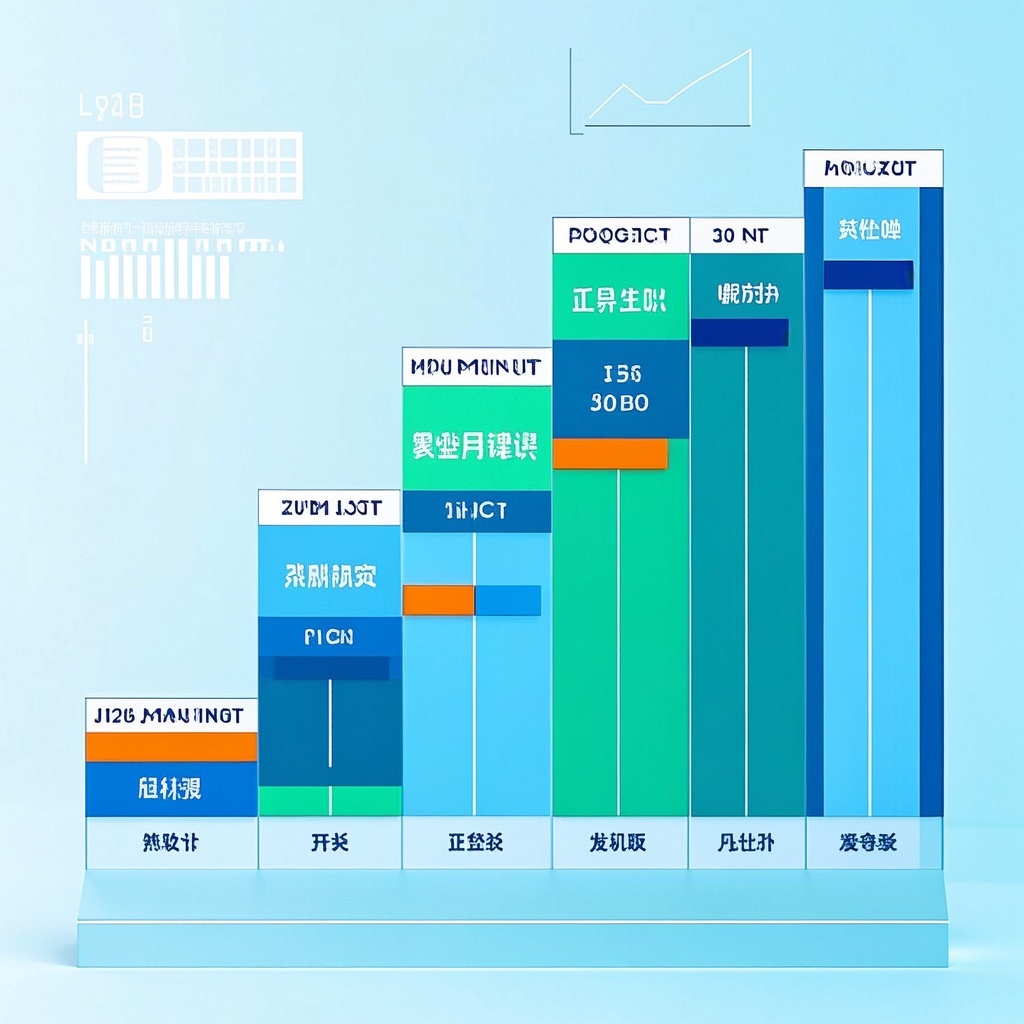
![Image [3]-Creative Product Scene Composition-VyPrompt](https://apihub-public.oss-cn-beijing.aliyuncs.com/uploads/dcb7573e-8c00-4259-b0fa-8f1afddd237a.png)
✅Feature Summary
- One-click place product into real or creative scenes, generate ad-quality composites, cut shooting and cutout costs.
- Auto-understand product selling points and scene mood, smartly match lighting and composition for natural, seamless results.
- Batch generate multiple versions for A/B testing, boost CTR and conversion.
- Built-in brand style and color constraints unify visual language across channels.
- Customize output sizes and ratios, one-click adapt to website banners, main images, social covers.
- Auto-refine details and control noise for sharp, clear quality even when zoomed in.
- Provide industry scene templates—select category and apply, enabling beginners to produce commercial assets quickly.
- Support copy-guided composition and focus settings to highlight key selling points, reduce visual clutter.
- Save and reuse generation records to refine best practices and continuously optimize ad performance.
- Output high-res and transparent-background versions for easy post-editing, streamlining workflow.
🎯Problems Solved
Let AI act as a senior commercial visual director and lighting specialist, quickly place any product into real or creative scenes, producing high-quality composites ready for ads, websites, and social media. With minimal input (product description + scene concept), batch-generate multiple style versions for A/B testing and fast campaign asset delivery. While ensuring texture, lighting, composition, and professional quality, unify brand tone and adapt to multiple sizes and channels. Achieve concept-to-launch with lower cost and shorter cycles, boosting CTR, dwell time, and conversion.
This content is Paid Resources. Please pay to view
$1.8 Today Only
$60
$60
VIPFreeSVIPFree
Buy now
You are not logged in currently!
Paid Resources
© Copyright Notice
THE END













No comments yet