


Core value: One-click generate high-res novel covers—vivid scenes, rich details—easily boost chapter appeal and artistry.
📖Prompt Template
🎯Customizable Parameters (3)
Chapter Theme:
Description of the chapter theme, used to define the main content and emotional tone of the cover illustration, e.g., an intense interstellar war, a warm rural life.
Description of the chapter theme, used to define the main content and emotional tone of the cover illustration, e.g., an intense interstellar war, a warm rural life.
Art Style:
Illustration art style, e.g., fantasy, realistic, sci-fi.
Illustration art style, e.g., fantasy, realistic, sci-fi.
Background Description:
Description of the background, used to define the environment and atmosphere, e.g., ruined city under a vast starry sky, forest path bathed in sunlight.
Description of the background, used to define the environment and atmosphere, e.g., ruined city under a vast starry sky, forest path bathed in sunlight.
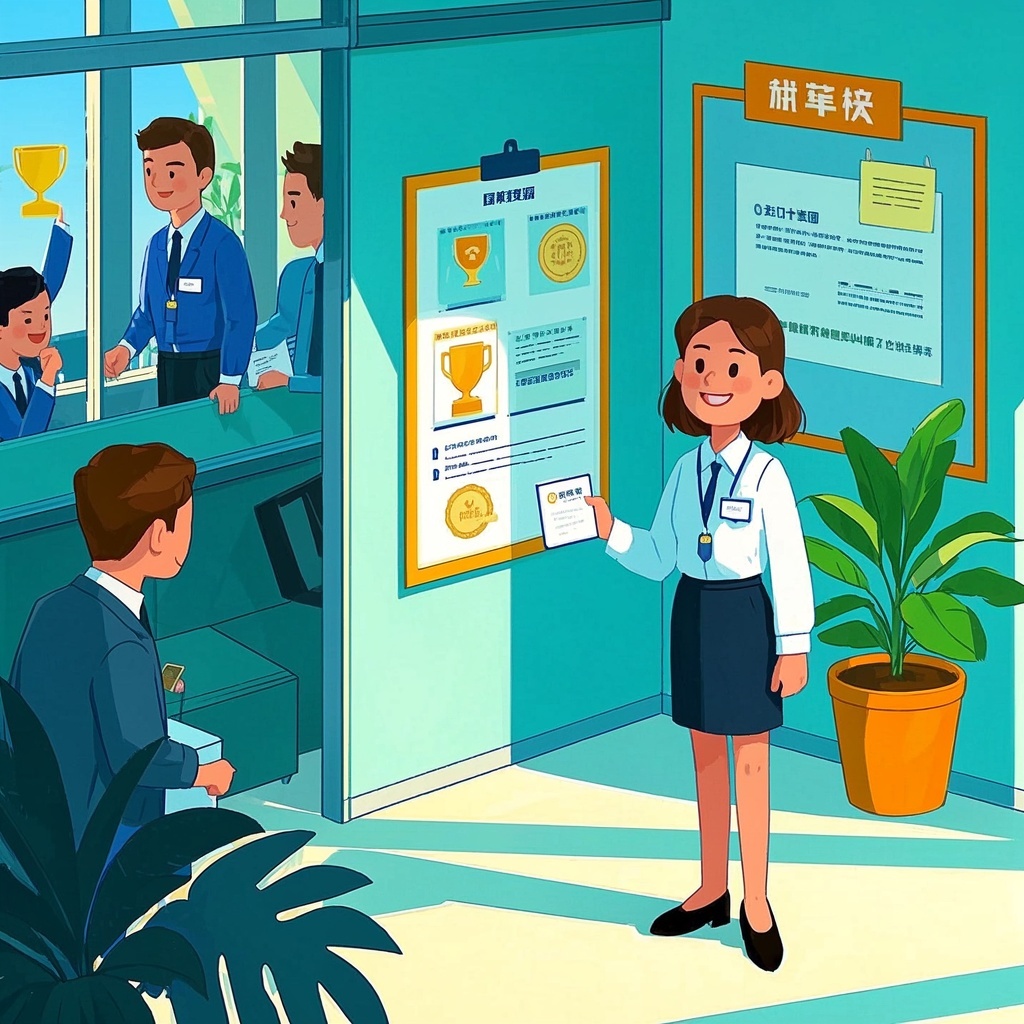
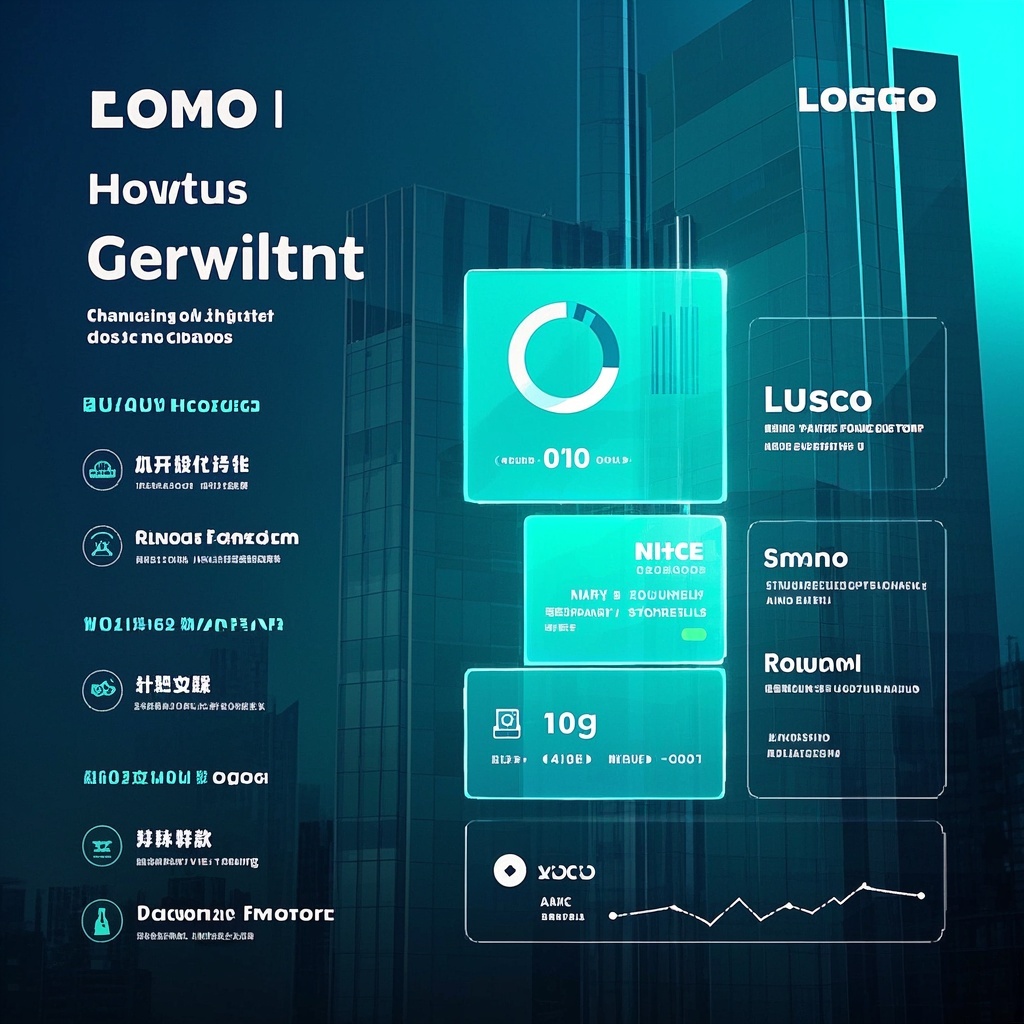
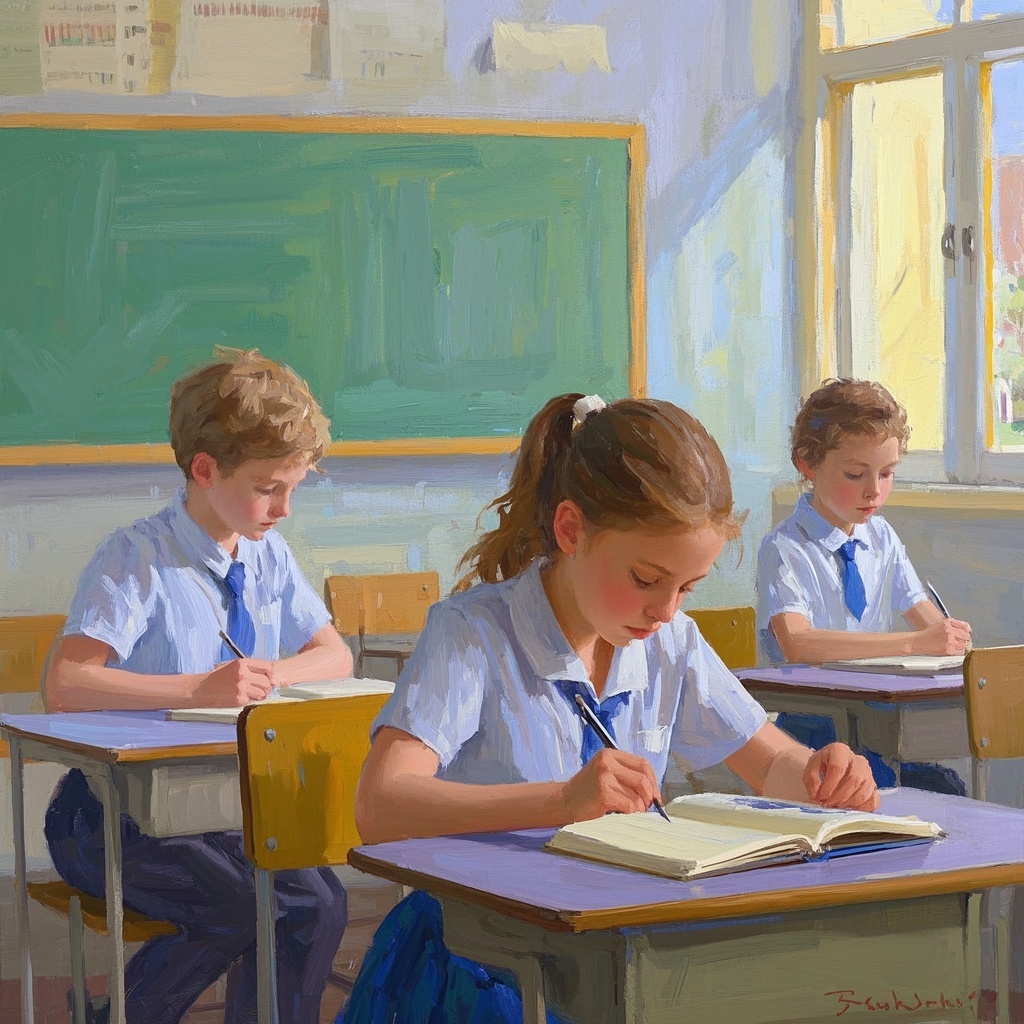
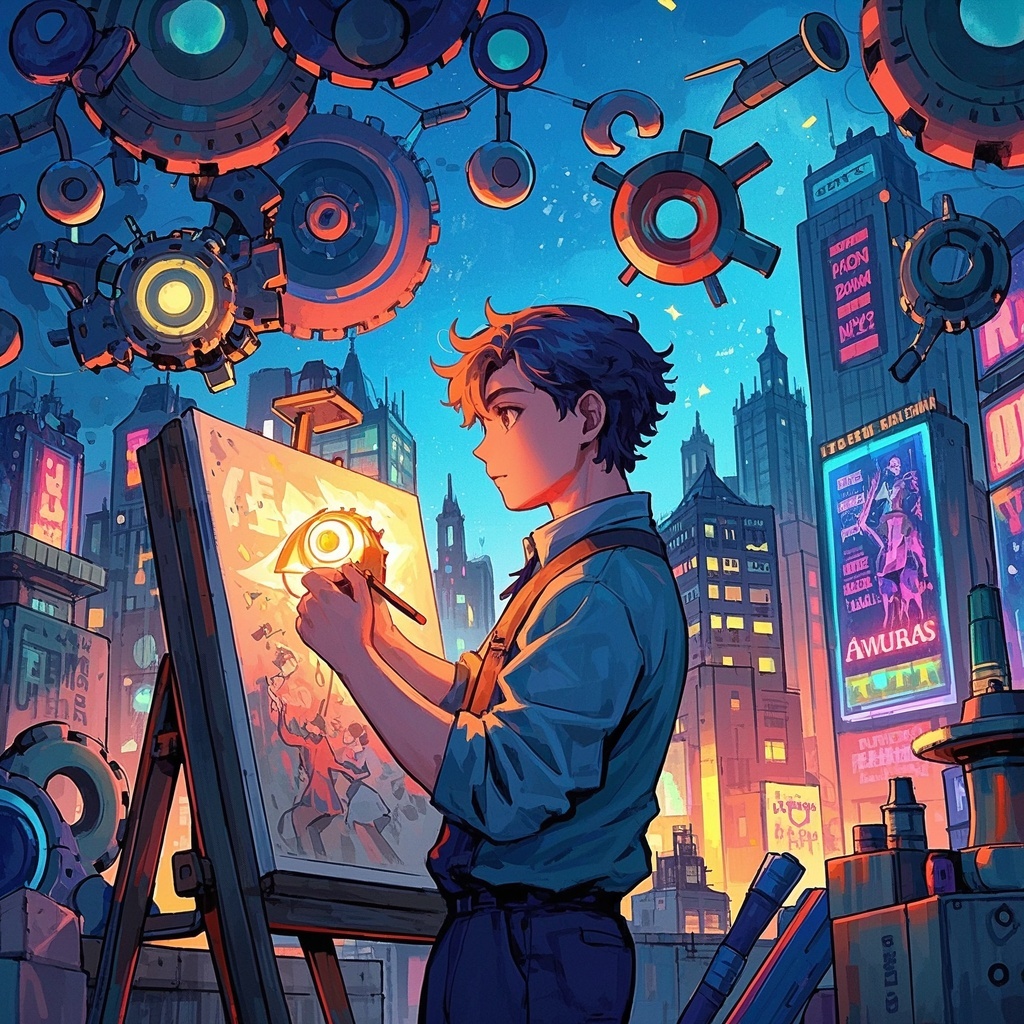
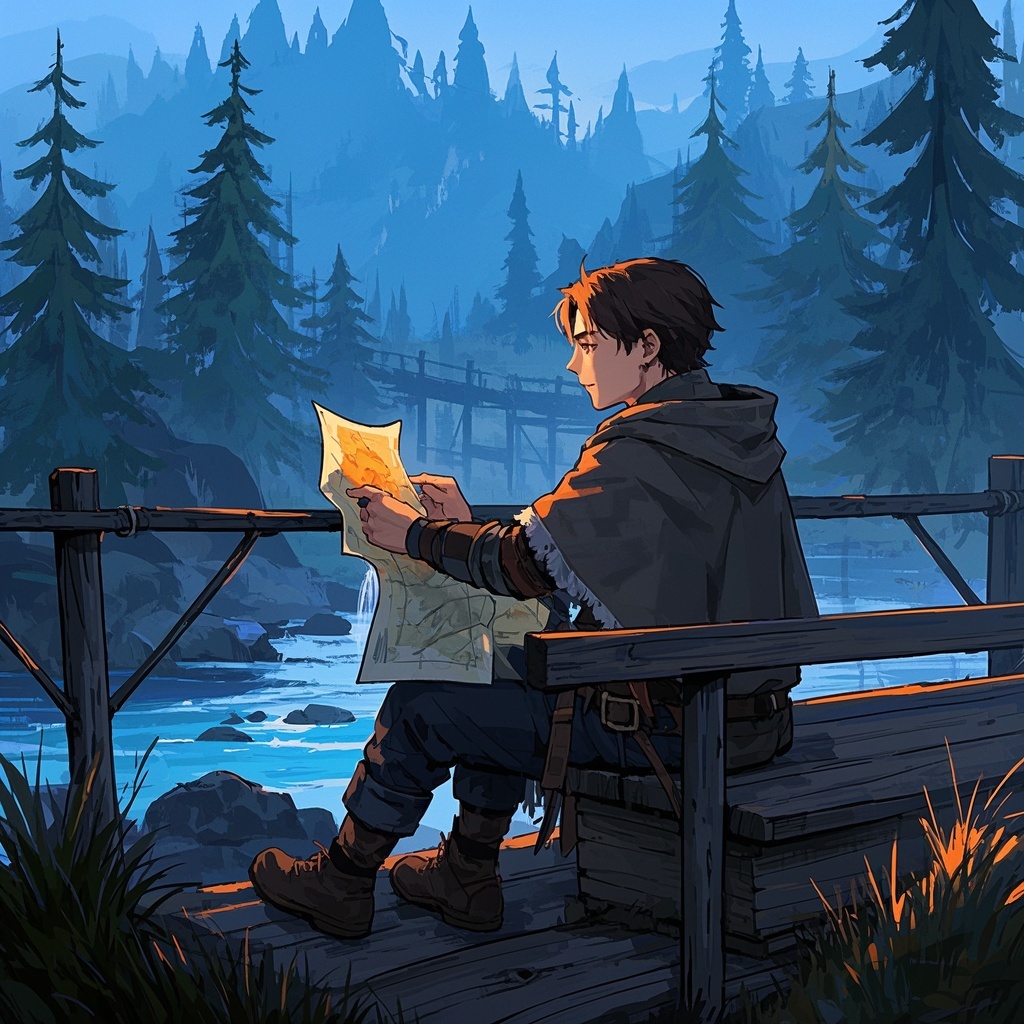
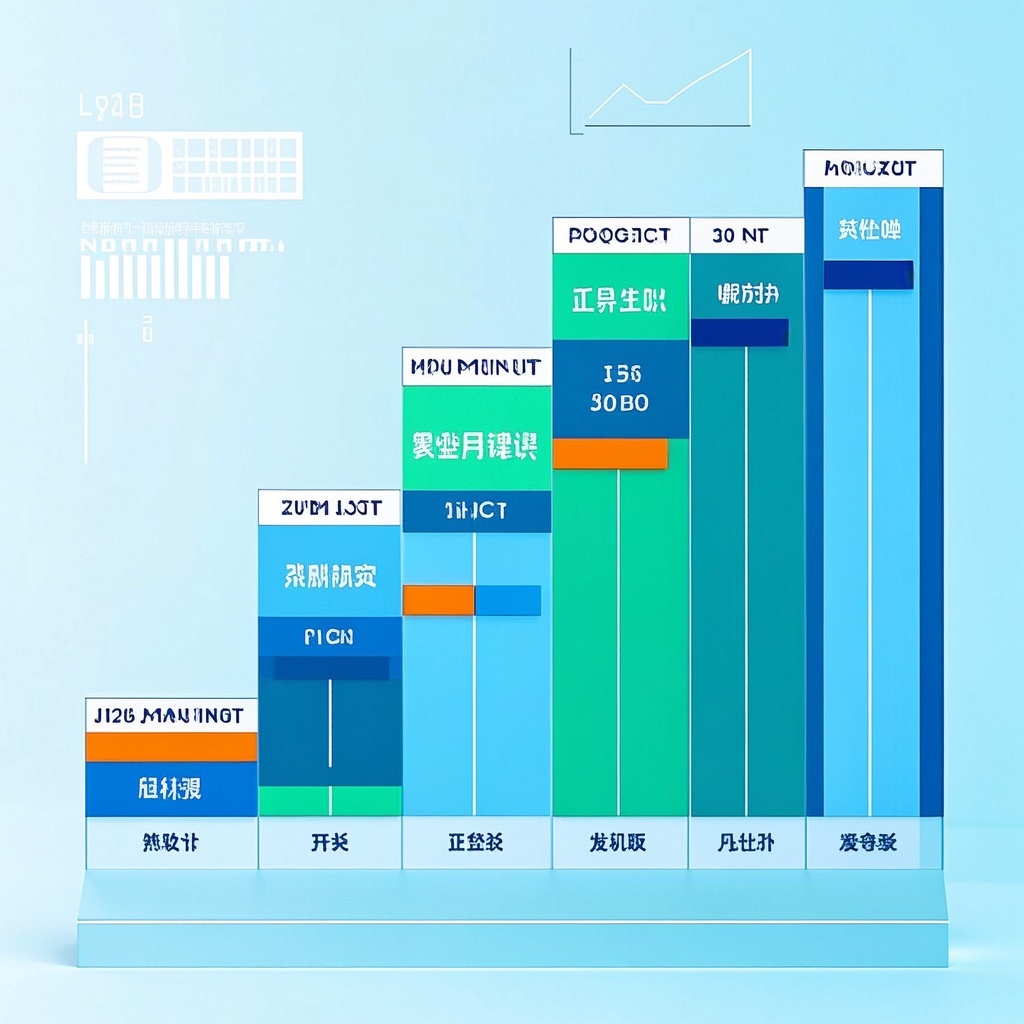
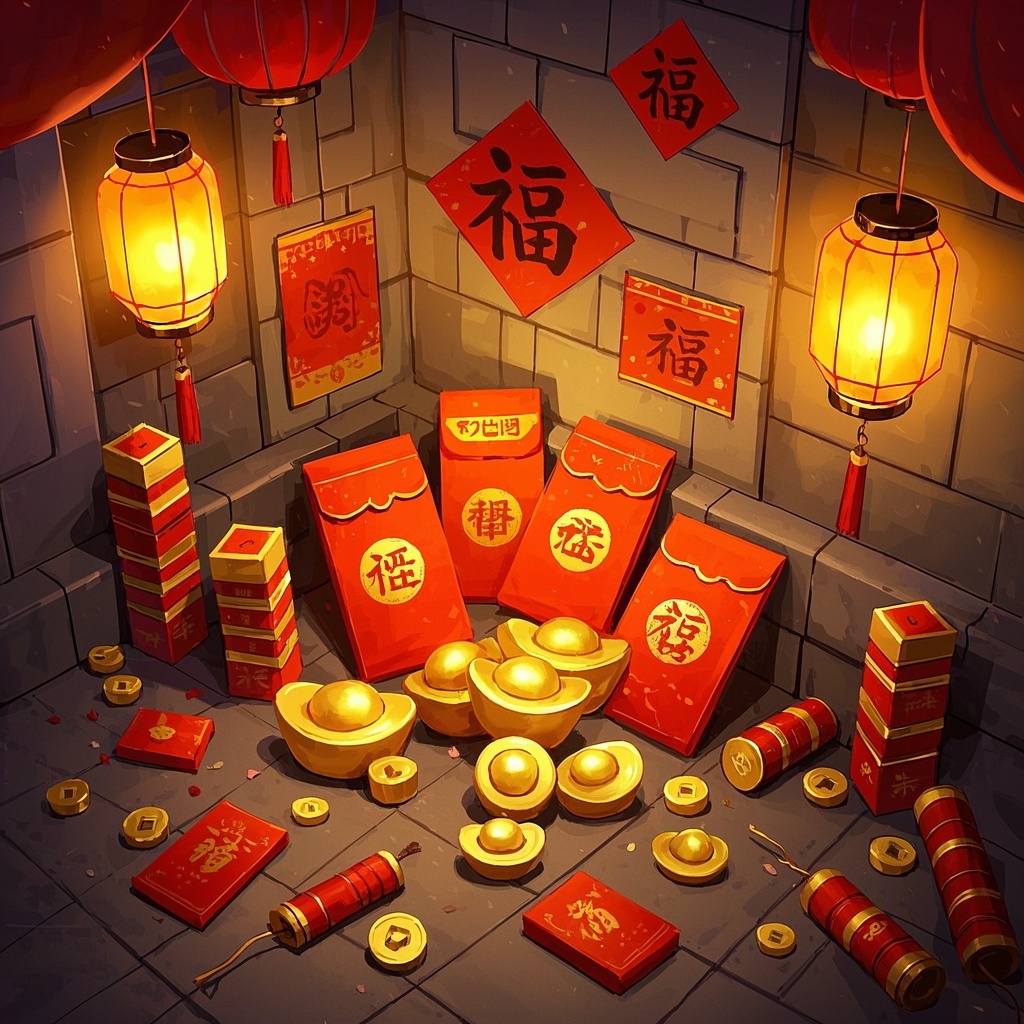
🎨Example Effect
![Image [1]-Chapter theme cover illustration-VyPrompt](https://apihub-public.oss-cn-beijing.aliyuncs.com/uploads/f498a9e6-a963-4da0-8411-582eda8d21bc.png)
![Image [2]-Chapter theme cover illustration-VyPrompt](https://apihub-public.oss-cn-beijing.aliyuncs.com/uploads/883090bb-d2bb-4160-93cc-7bbe6c570eea.png)
![Image [3]-Chapter theme cover illustration-VyPrompt](https://apihub-public.oss-cn-beijing.aliyuncs.com/uploads/ebd60baf-09a8-490a-abdb-229fe3bbdf54.png)
✅Feature Summary
- One-click generate cover art matching chapter mood, elements tightly aligned with theme, boosting clicks and read time.
- Support multiple styles (realistic, fantasy, sci-fi) for easy visual direction testing, quickly lock the best version.
- Auto-provide composition and lighting refinement, ensuring prominent subject and clear layers for more impactful, memorable covers.
- Provide harmonious background-subject descriptions, reduce visual noise, ensure clear readability on both mobile and PC.
- Offer HD resolution and detail optimization, cutting rework costs, directly fitting serial platforms and promo materials.
- Allow custom chapter themes and scene elements, forming templated parameters to maintain series visual consistency.
- One-click generate title whitespace and safe crop guides, adapting to multi-platform specs to avoid key info obstruction.
- Optimize color and atmosphere based on plot tension, strengthen emotional expression, building reader anticipation at first glance.
🎯Problems Solved
Quickly generate “hit-level” chapter cover illustrations for serial novels, light novels, web novels, and IP adaptation projects—giving every chapter an emotionally resonant, theme-focused, style-distinctive visual. Simply fill in chapter theme, style preference, and background clues to one-click produce high-res, richly detailed, well-composed covers. This boosts click-through rates and reader retention, shortens production cycles, cuts outsourcing costs, ensures series visual consistency, and supports rapid iteration and A/B testing to drive growth and commercial conversion.
This content is Paid Resources. Please pay to view
$1.8 Today Only
$60
$60
VIPFreeSVIPFree
Buy now
You are not logged in currently!
Paid Resources
© Copyright Notice
THE END









No comments yet