


Core value: One-click generate professional flowcharts—clear logic, eye-catching visuals, more efficient and hassle-free for PPT presentations.
📖Prompt Template
🎯Customizable Parameters (3)
Process Steps:
Key steps of business process, e.g., requirements analysis, design, development, testing, launch.
Key steps of business process, e.g., requirements analysis, design, development, testing, launch.
Visual Style:
Description of visual style, e.g., modern minimalist, tech-inspired.
Description of visual style, e.g., modern minimalist, tech-inspired.
Background Style:
Background style and color, e.g., light gradient, solid white.
Background style and color, e.g., light gradient, solid white.
🎨Example Effect
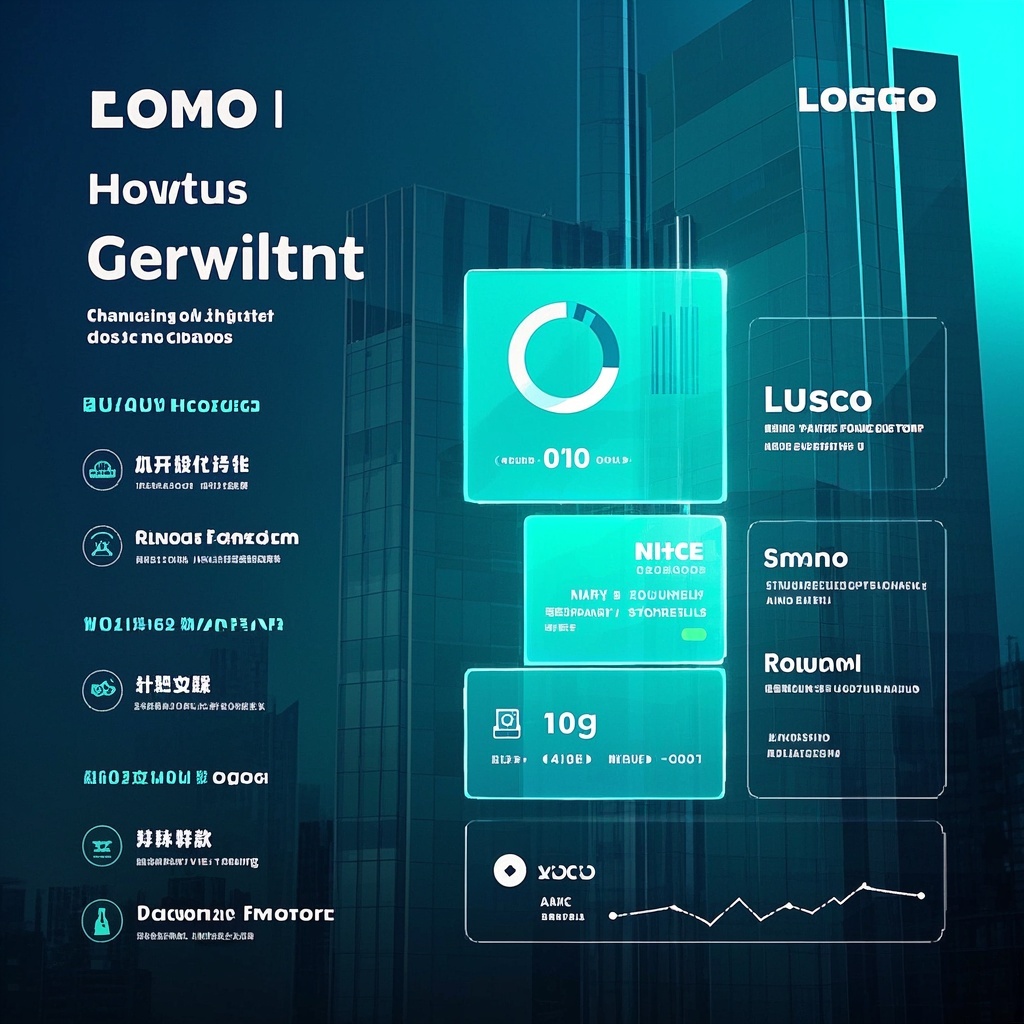
![Image [1]-Business Process Visualization Diagram-VyPrompt](https://apihub-public.oss-cn-beijing.aliyuncs.com/uploads/b1f10b3e-0cd2-47d9-b901-7647a9d02526.png)
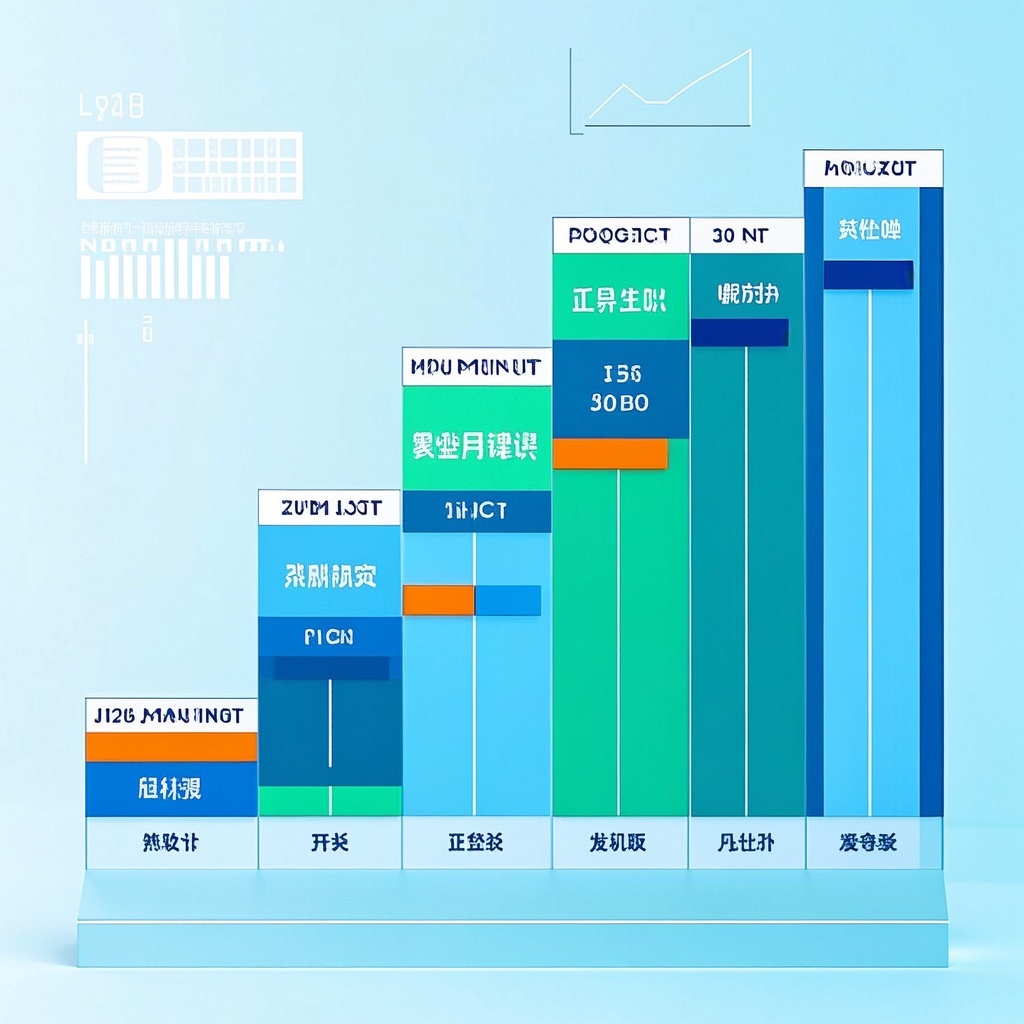
![Image [2]-Business Process Visualization Diagram-VyPrompt](https://apihub-public.oss-cn-beijing.aliyuncs.com/uploads/b87fd50e-b650-420b-b68b-948db152e629.png)
✅Feature Summary
- One-click generate presentation-ready business flowcharts, auto-arrange step sequence, easier for PPT.
- Template-based parameter input: set steps, style, background, quickly adapt to scenarios.
- Auto-optimize node and connector layout, avoid clutter and breaks, clean and clear logic.
- Highlight and layer key steps, helping teams align priorities and delivery pace.
- Support multi-industry use: sales, service, production, R&D, reducing setup time from scratch.
- One-click switch brand colors and graphic styles, unify visual standards, boost professional presentation.
- Export high-res for screens and print, ready for meetings, training, proposals, no rework.
- Complex processes can be split into layers and swimlane views, clarifying cross-dept collaboration.
- Provide sample structures and copy guides, beginners get started fast, reduce learning and layout time.
🎯Problems Solved
Quickly generate one-page process illustrations from any business steps and key nodes using natural language, ready for PPT/proposals/training. Support on-demand style and layout switching, unify brand look. Significantly cut diagramming and communication time, boost review pass rates and client approval, help managers explain processes clearly, spot bottlenecks, and drive decisions.
This content is Paid Resources. Please pay to view
$1.8 Today Only
$60
$60
VIPFreeSVIPFree
Buy now
You are not logged in currently!
Paid Resources
© Copyright Notice
THE END















No comments yet